Host
Printing to the Connecting Device
A user connected to a Windows workstation can print from any program on the workstation to a printer attached to the Windows PC or Mac they are connecting from. This page is for the IT administrator who looks after the host.
It needs host version 2026-11-09-2245 or later and the Remotle app for Windows or Mac at the same version or later.
What the user sees
Section titled “What the user sees”-
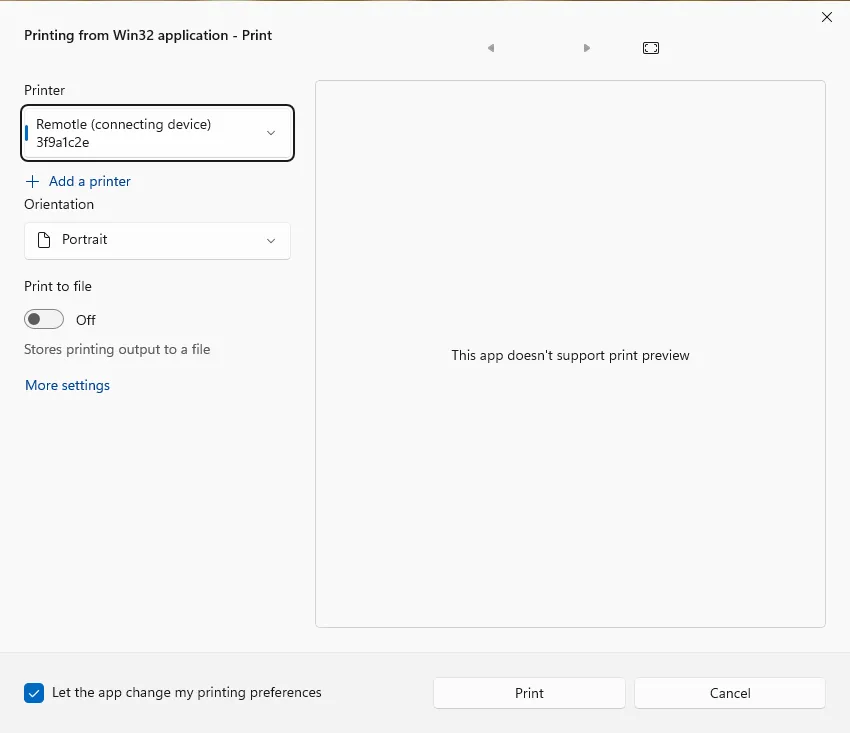
The user prints from a program on the workstation and chooses the Remotle printer.
While they are connected, the workstation has a printer named Remotle (connecting device), followed by a short code for the session.
-
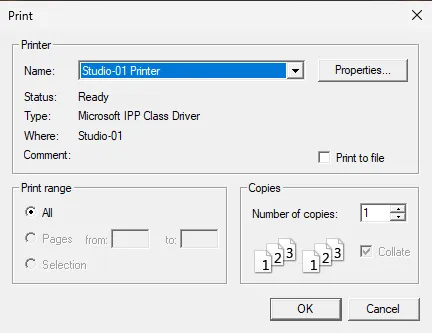
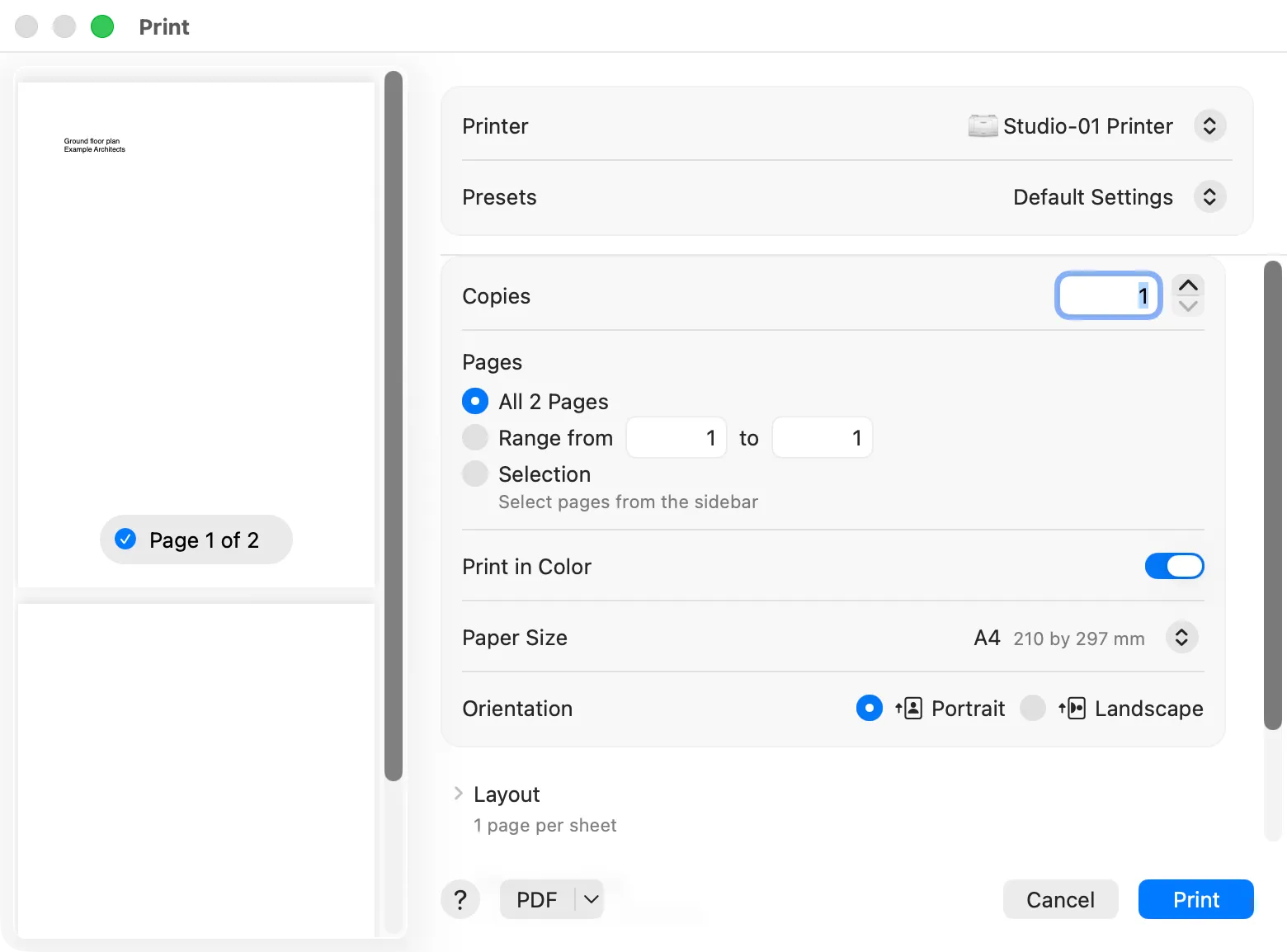
The print dialog of their own device opens.
The user chooses a printer on their device, the number of copies and any other options there, and prints.
-
The document prints on the printer they chose.
Every page of the document is printed. Cancelling the dialog cancels the job.
A second document printed while the first dialog is still open waits, then opens its own dialog once the first is printed or cancelled.
How it works
Section titled “How it works”- The host adds the Remotle printer when a user is connected and signed in to the workstation’s desktop. It removes the printer when the user disconnects, when another device takes over the session, and when the desktop locks.
- The printer uses the Microsoft Print to PDF component built into Windows. The host installer turns that component on if it is off. No printer driver is installed for each printer the user has.
- Only the signed-in user, the system and the workstation’s administrators can print to the Remotle printer.
- The document travels as a PDF inside the encrypted Remotle session, to the device that is connected at the time. No other network connection is used.
- A job that is interrupted, for example by a disconnect or by another device taking over, is discarded. It is never printed later or on a different device.
- Remotle reports that the job was handed to the device’s printer. Whether paper came out depends on that printer.
Turning it on or off
Section titled “Turning it on or off”Printing is allowed by default. An administrator controls it in the portal.
-
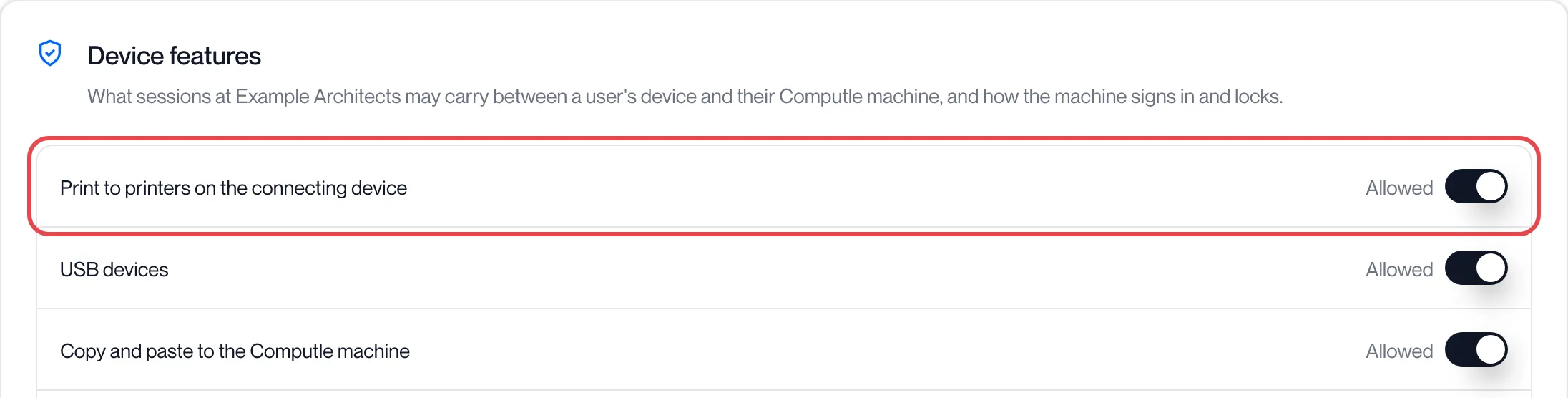
Open Client settings, then Device features.
-
Set Print to printers on the connecting device for the whole organisation.
The word next to the switch reads Allowed or Blocked.
-
To give one user a different setting, add them under Per-user exceptions and choose Allow or Block in the Printing column.
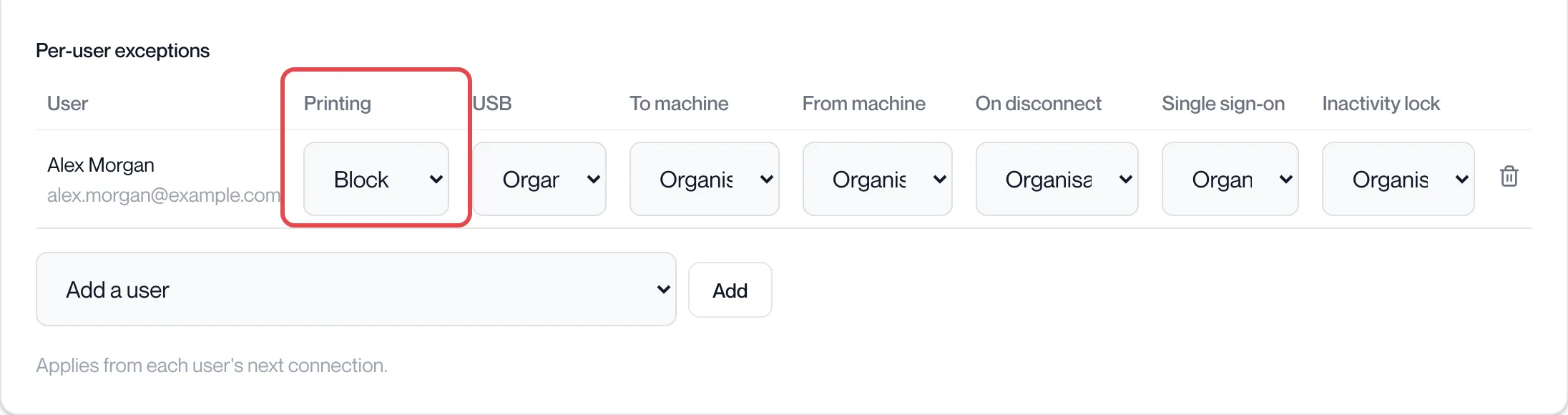
See Device Features.
A change applies from each user’s next connection. When printing is blocked, the workstation shows no Remotle printer. This setting is separate from USB devices and from copy and paste.
Limits
Section titled “Limits”| Item | Limit |
|---|---|
| Workstation | Windows host |
| User’s device | Remotle app for Windows or Mac |
| Size of one document | 64 MB |
| Pages in one document | 2,000 |
| Documents at a time | One per connected device. The next waits for the first to finish. |
The Remotle app for Linux, iPad and iPhone, and older versions of the app, do not offer the Remotle printer.
Questions
Section titled “Questions”The Remotle printer is not on the workstation. Why?
Section titled “The Remotle printer is not on the workstation. Why?”Check, in this order:
- The user is connected and signed in to the workstation’s desktop, and it is not locked.
- Printing is allowed for that user under Device features. A change applies from the next connection.
- The user is connecting from the Remotle app for Windows or Mac, at version 2026-11-09-2245 or later.
Is anything kept on the workstation or on the user’s device?
Section titled “Is anything kept on the workstation or on the user’s device?”No copy of the document is kept by Remotle. The host and app logs record that a job was sent and whether it printed or was cancelled. They never record the document’s name or contents. See Host Logs.
Does the user need to install their printer on the workstation?
Section titled “Does the user need to install their printer on the workstation?”No. The user prints to the single Remotle printer and chooses their own printer in their device’s dialog.