Sign In and Connect
Sign In
This page is for end users signing in to Remotle for the first time. Remotle signs you in with Microsoft Entra ID, or with Apple on iPad and iPhone.
Sign in with Microsoft
Section titled “Sign in with Microsoft”-
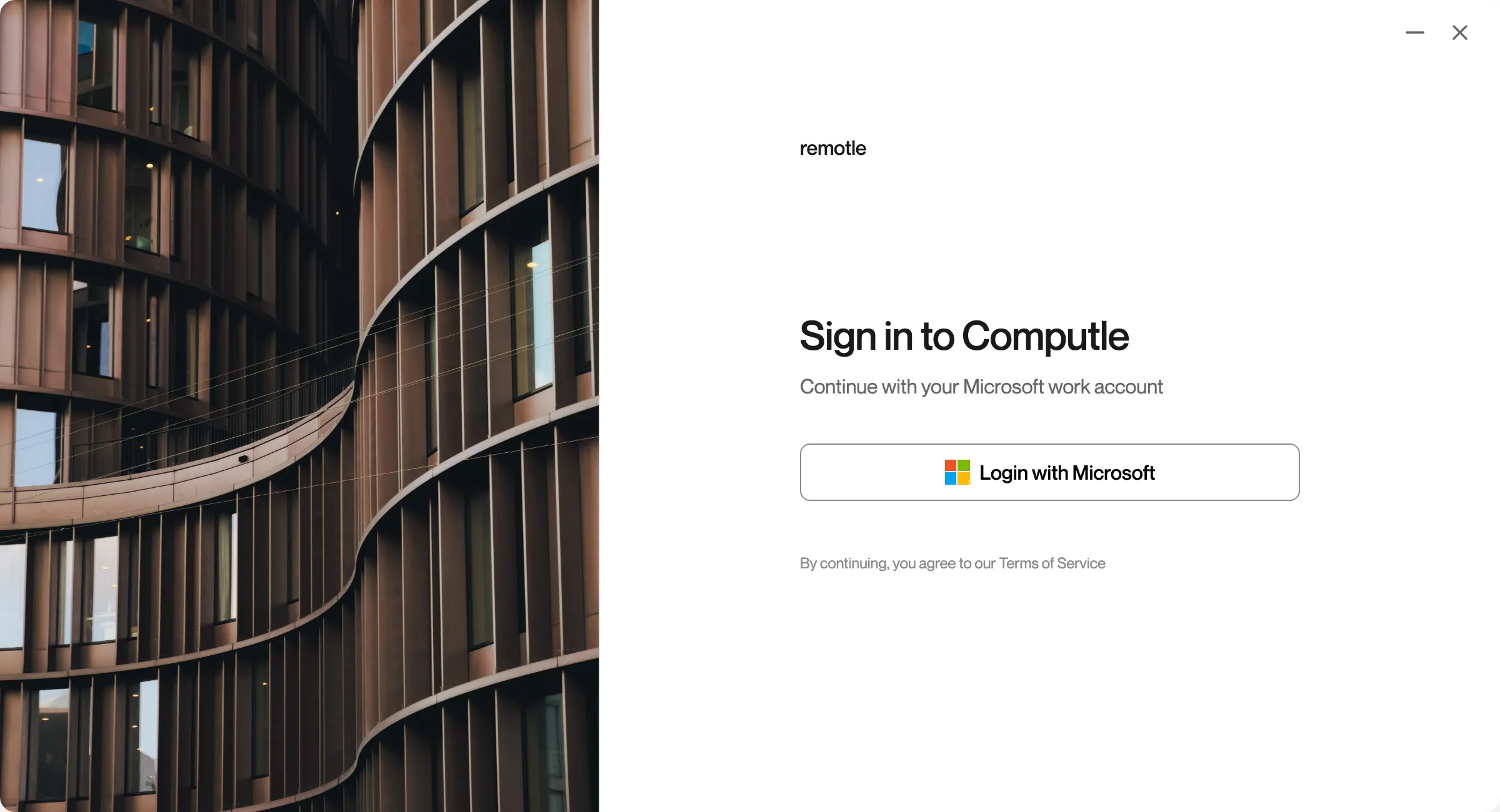
Open Computle (Remotle).
On Windows it is in the Start menu and on the desktop. On a Mac it is in Applications. On Linux it is in your applications menu. On iPad and iPhone the app is called Computle.
-
Click Login with Microsoft.
A Microsoft sign-in window opens.
The Microsoft sign-in opens in your browser, so security keys, passkeys and sign-in tools you already use there work as normal. Remotle waits until you finish.
A Microsoft sign-in window opens.
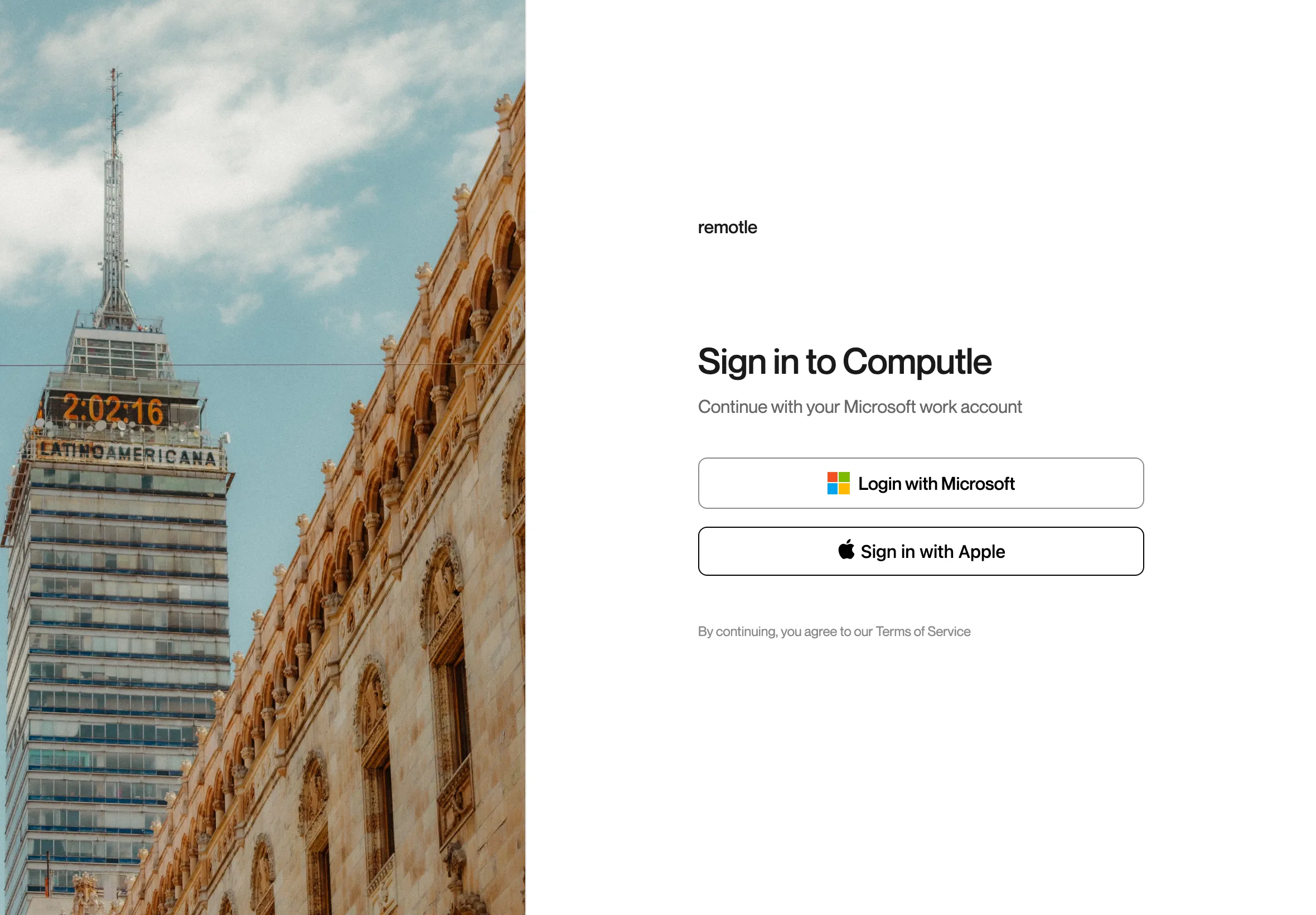
The Microsoft sign-in page opens over the app. Complete it there to carry on. The iPad and iPhone sign-in screen also offers Sign in with Apple.
-
Sign in with your work account.
Use your password, security key (such as a YubiKey) or passkey, as your organisation requires.
-
If requested, approve the sign-in on your mobile device.
-
Wait for Remotle to sign you in.
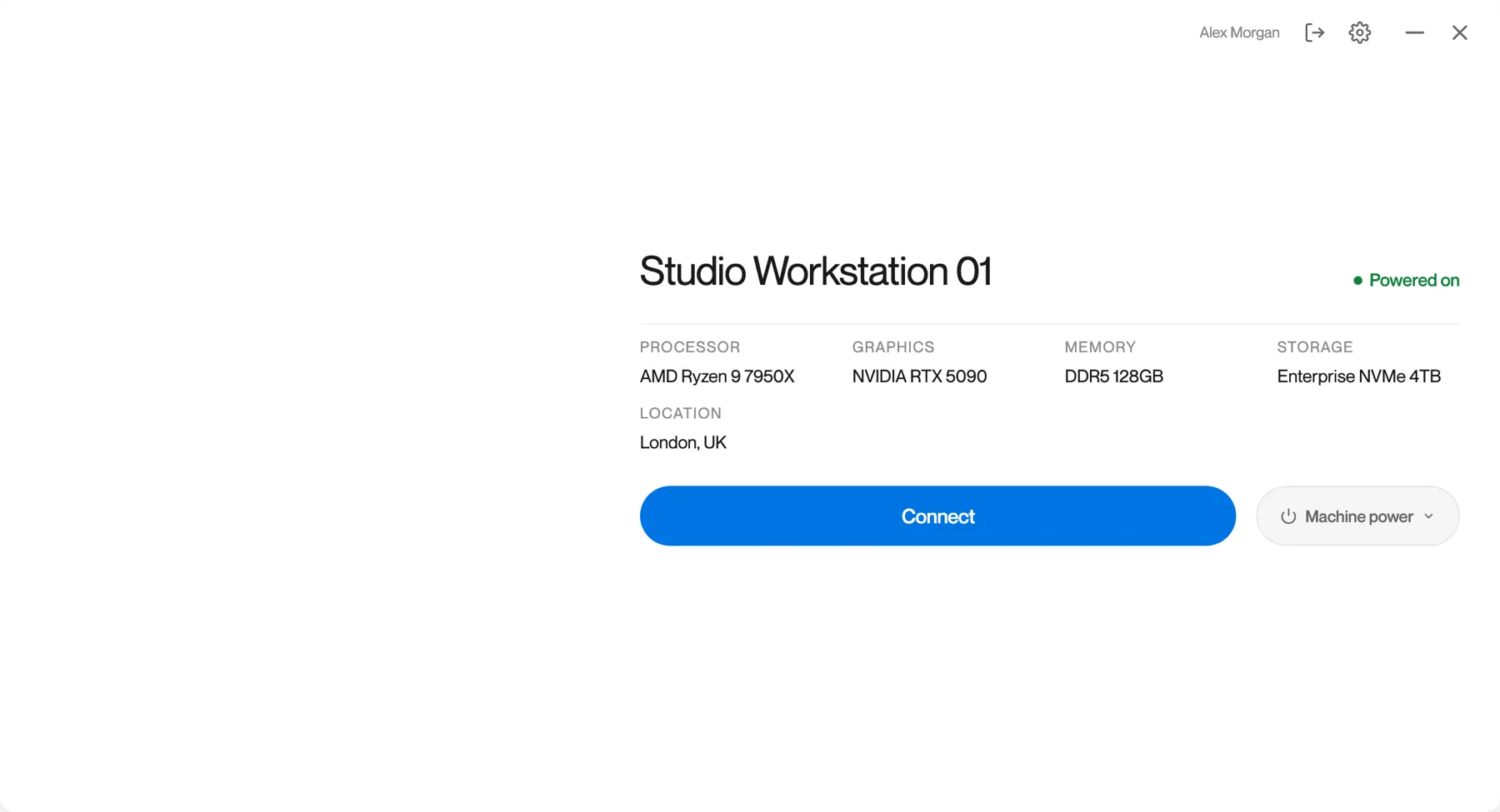
Your assigned workstations are listed. See The Machine List.
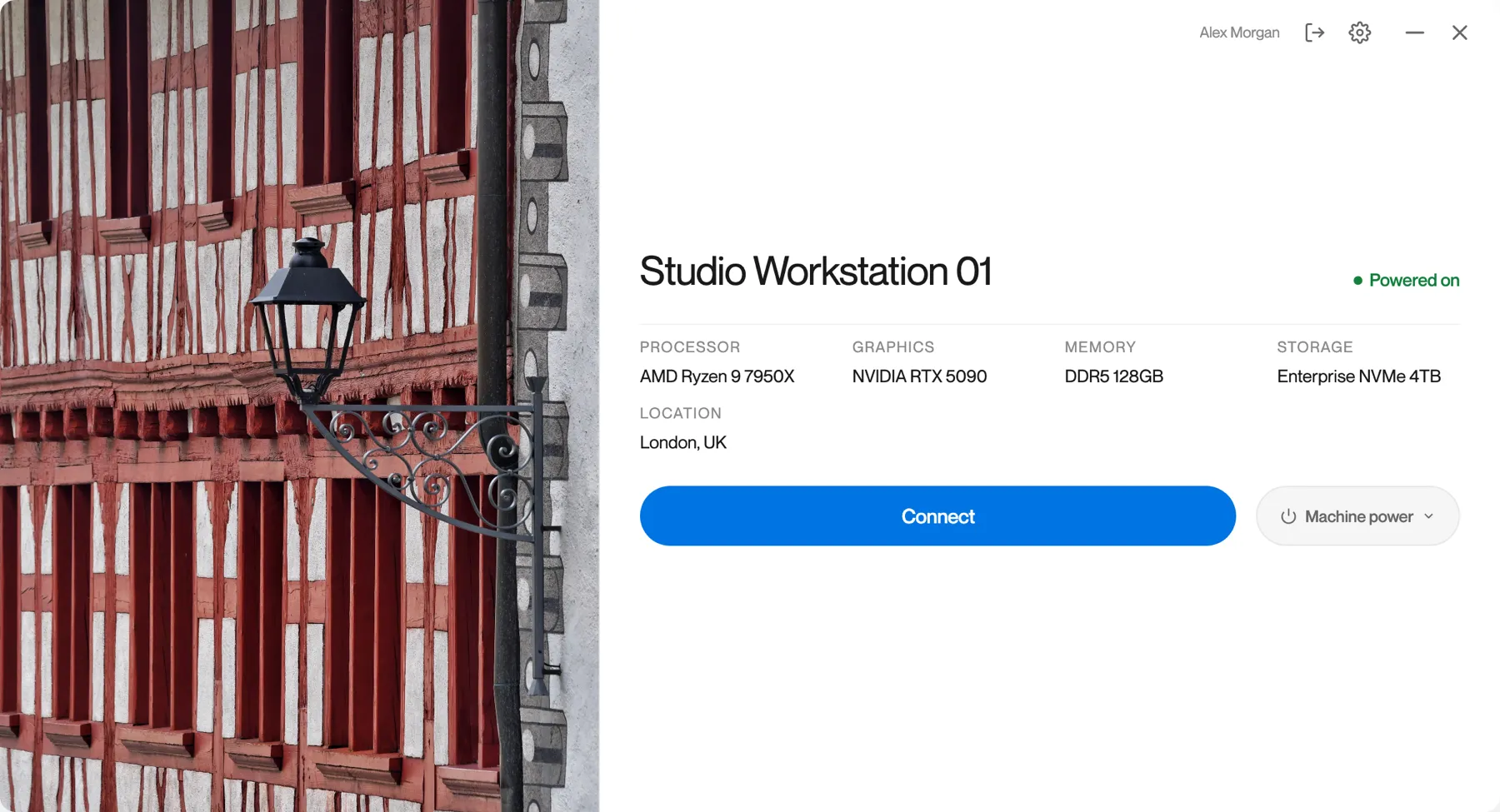
Remotle remembers your sign-in. The next time you open it, your machines appear straight away.
Sign in with Apple
Section titled “Sign in with Apple”On iPad and iPhone only.
-
Tap Sign in with Apple.
-
Confirm with Face ID, Touch ID or your passcode.
-
Wait for Remotle to sign you in.
Your assigned workstations are listed.
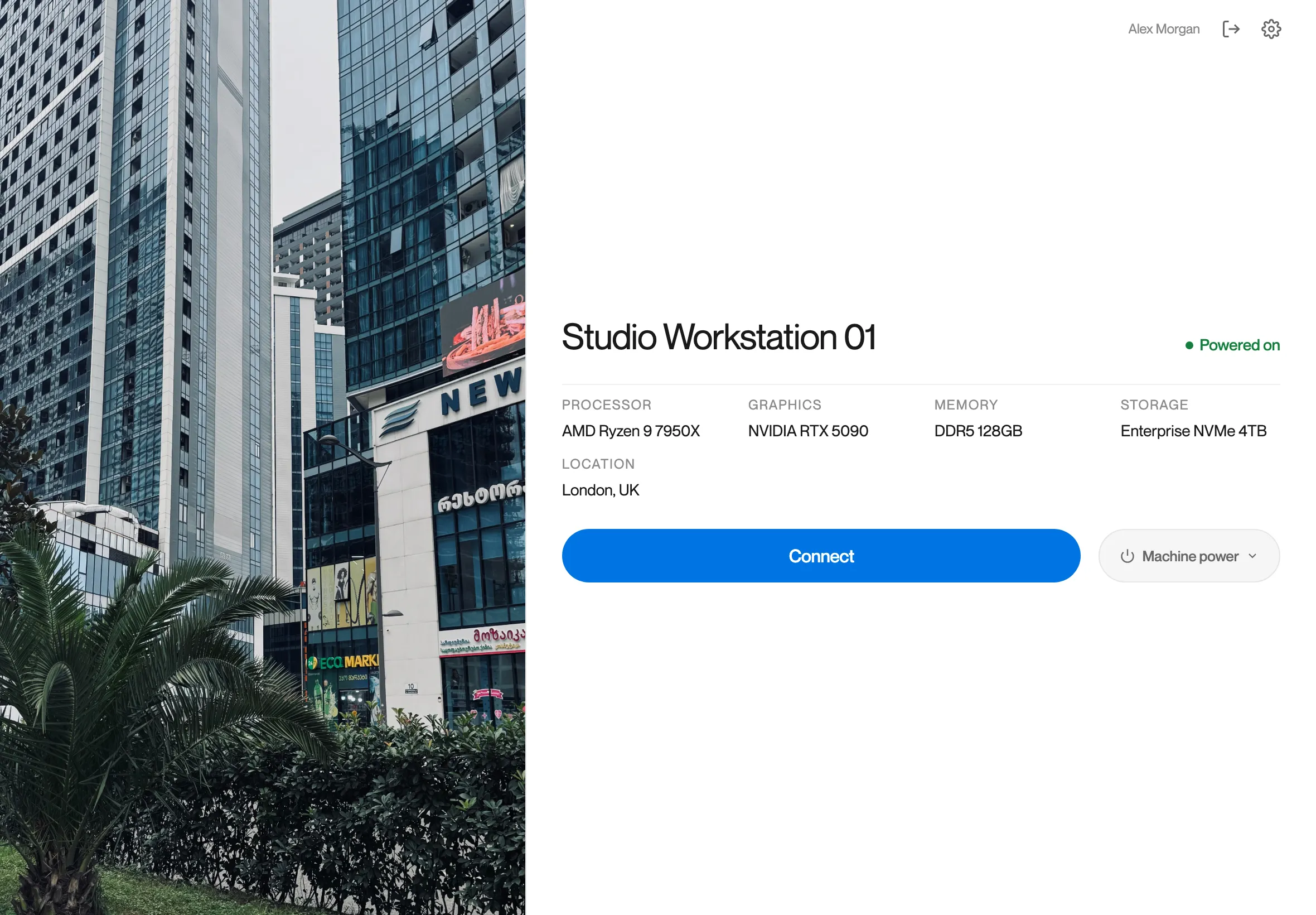
What you may see
Section titled “What you may see”If your organisation has its own sign-in page
Section titled “If your organisation has its own sign-in page”Some organisations brand the sign-in screen with their own name, heading and photos. The buttons and steps are the same. The first time you open Remotle on a new device it shows the standard screen, because it does not yet know which organisation you belong to.
Every sign-in message is listed in Sign-In and Machine List Messages.
Questions
Section titled “Questions”Do I have to sign in every time?
Section titled “Do I have to sign in every time?”No. Remotle remembers your sign-in on this device and opens on your machines. Sign out when you want a different account to use this device.
Why does Remotle open my browser to sign in on a Mac?
Section titled “Why does Remotle open my browser to sign in on a Mac?”So that the security keys, passkeys and other sign-in tools you already use in your browser work for Remotle too. Finish the sign-in in the browser and Remotle carries on by itself.
Which account do I sign in with?
Section titled “Which account do I sign in with?”Your Microsoft Entra ID work account, the one your organisation gave you. On iPad and iPhone you can also sign in with Apple.