Host Status Window
Health
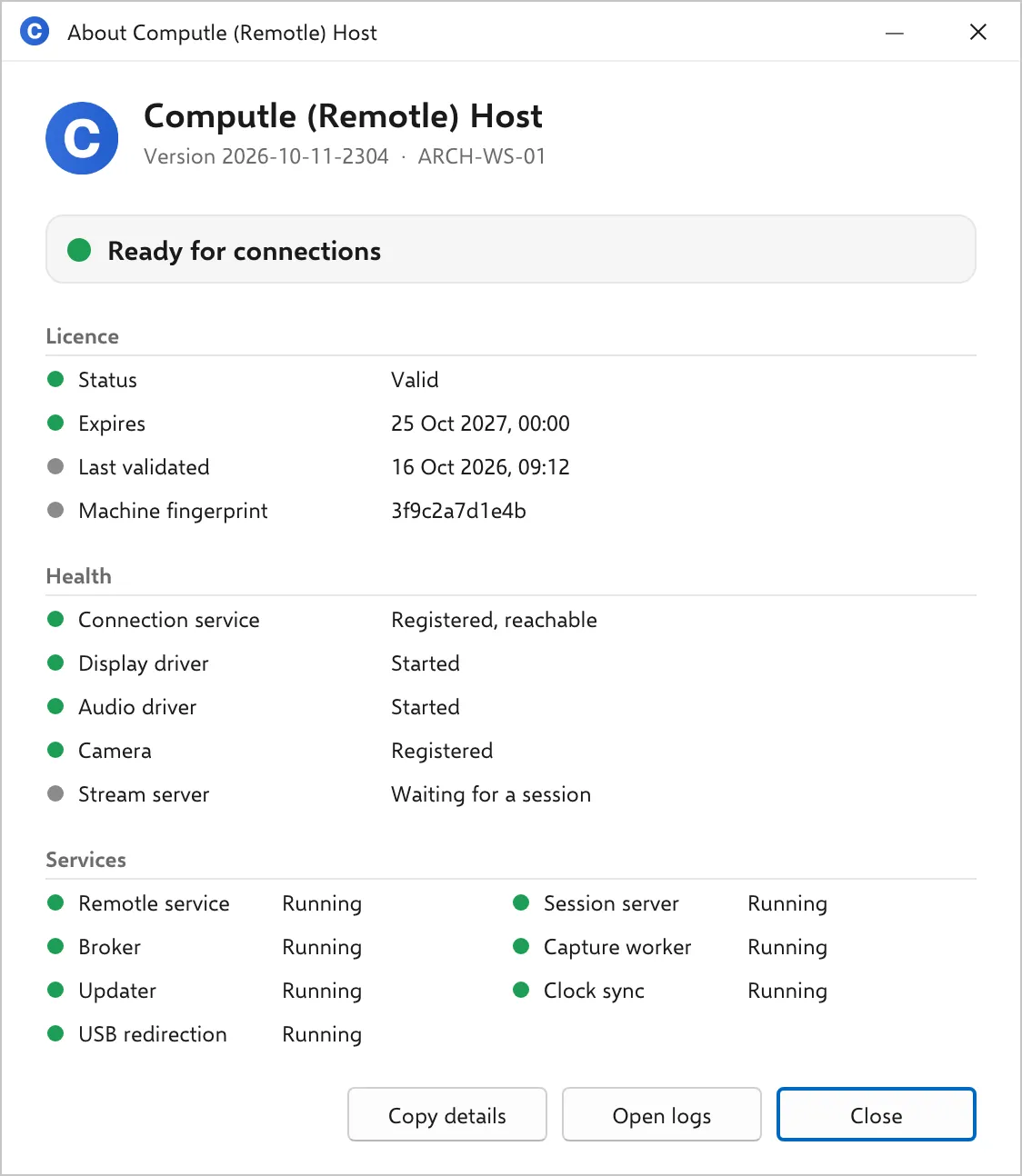
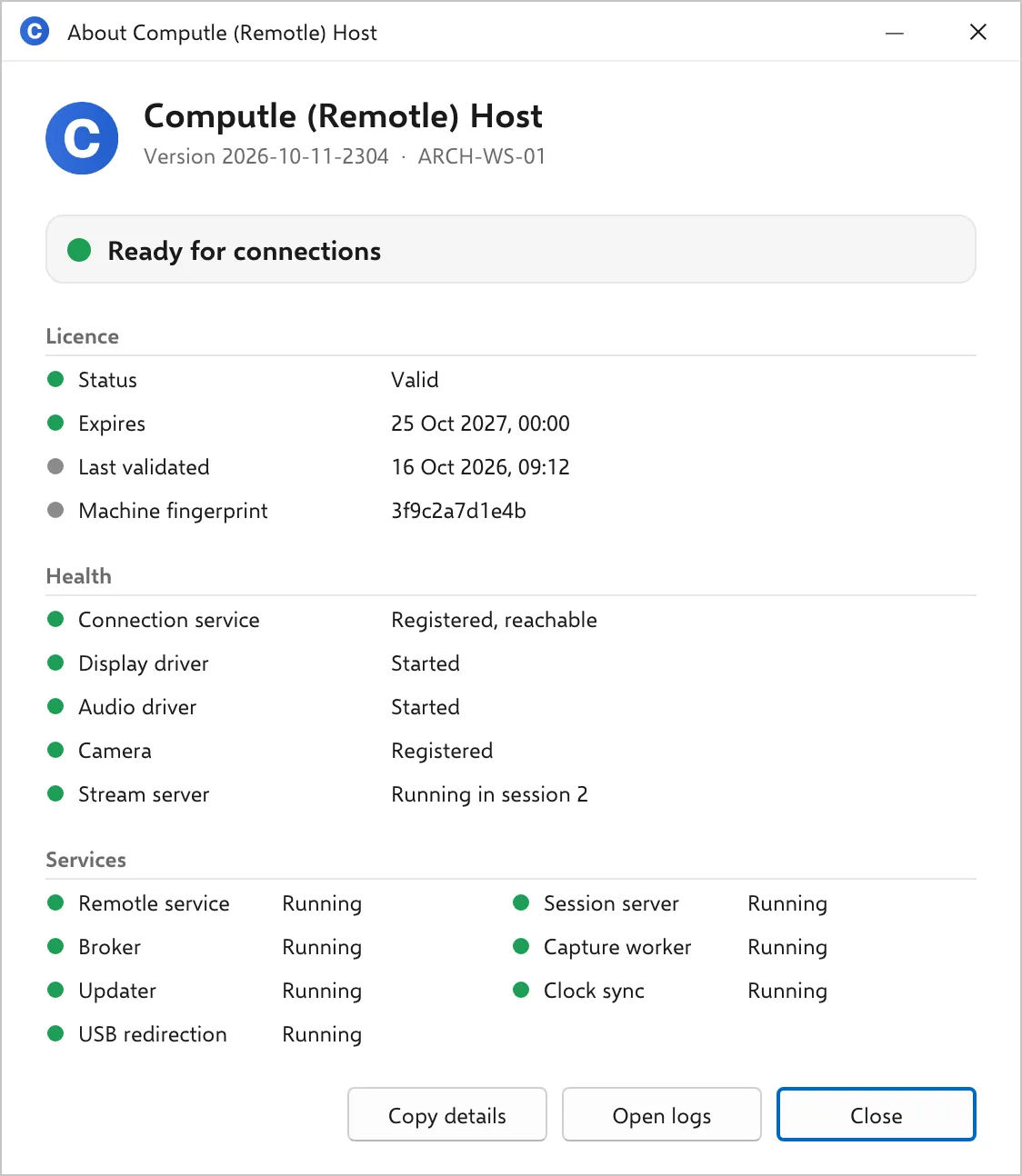
The Health section shows whether the host is registered with Computle and whether each component a session needs has started.
Health
Section titled “Health”| Line | Good | Fault | What the fault means |
|---|---|---|---|
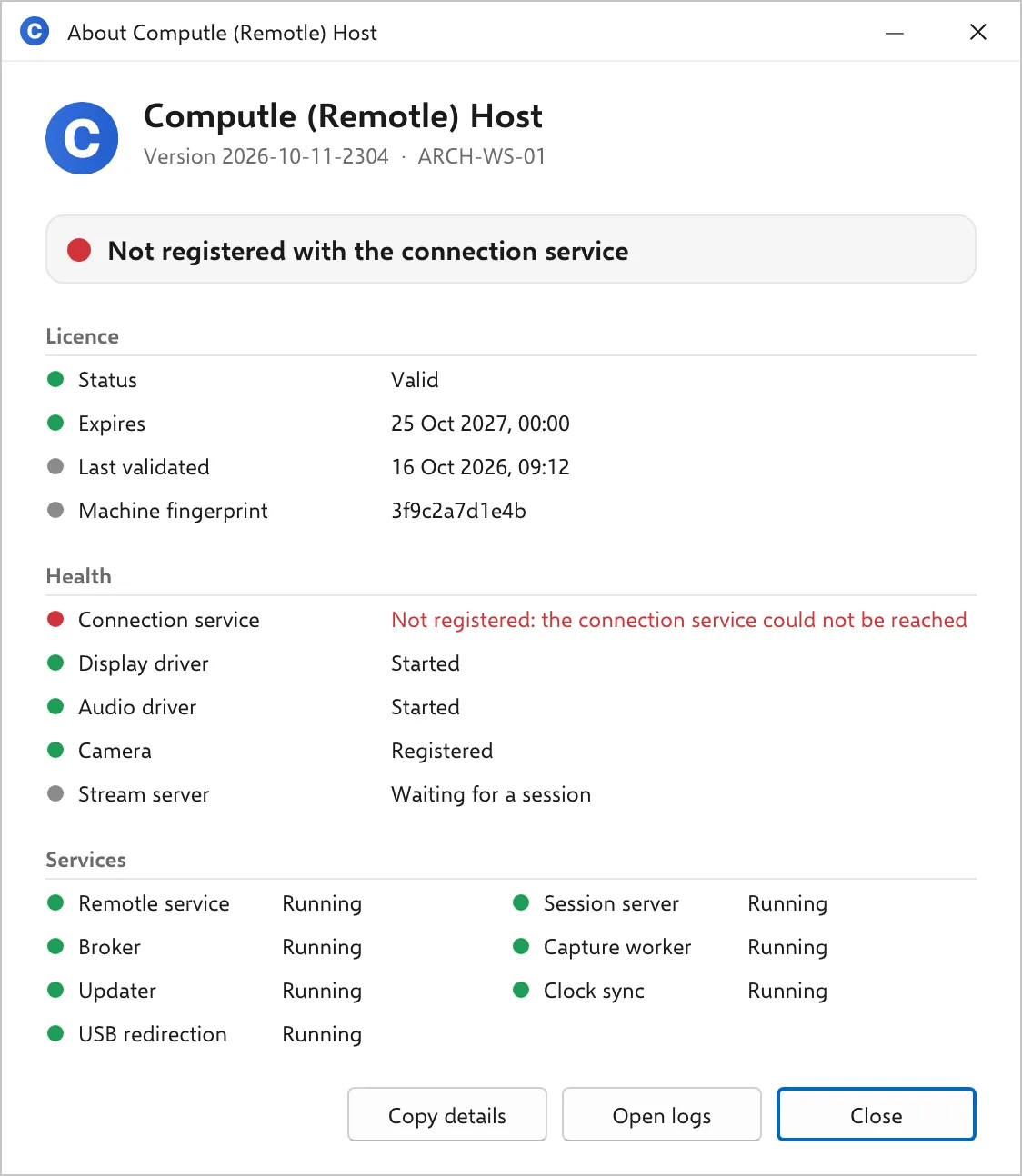
| Connection service | Registered, reachable | Not registered, or the reason the host gives | The host has no open connection to Computle. Common reasons: the workstation has no internet access, outbound TCP 443 is blocked, TLS inspection is replacing Computle’s certificates, or the host is not enrolled yet. |
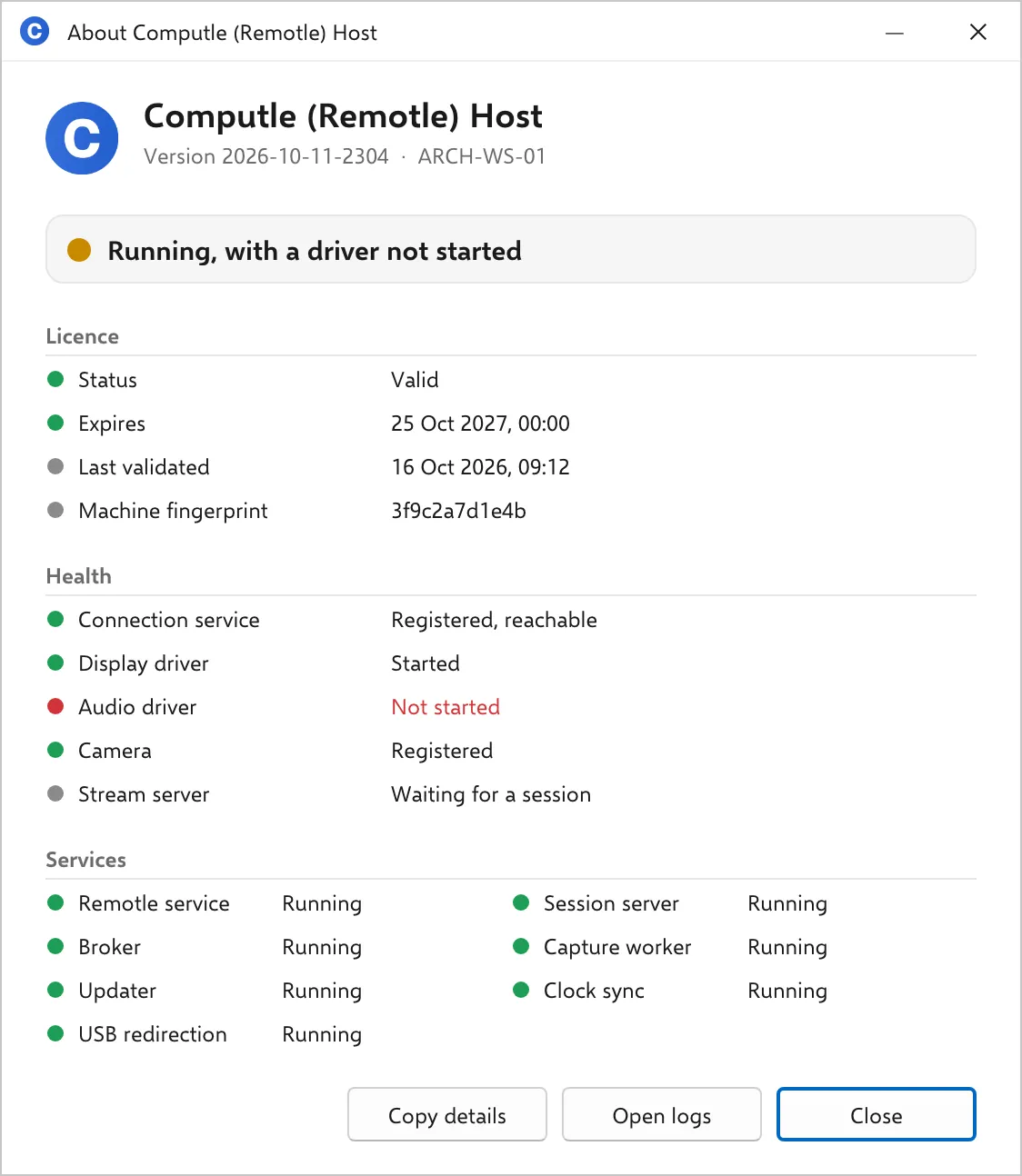
| Display driver | Started | Not started | The Computle Virtual Display Adapter did not start. No virtual monitor can be created, so a session has no picture. Repair the install. |
| Audio driver | Started | Not started | The Computle Virtual Audio driver did not start. A session has no sound. Repair the install. |
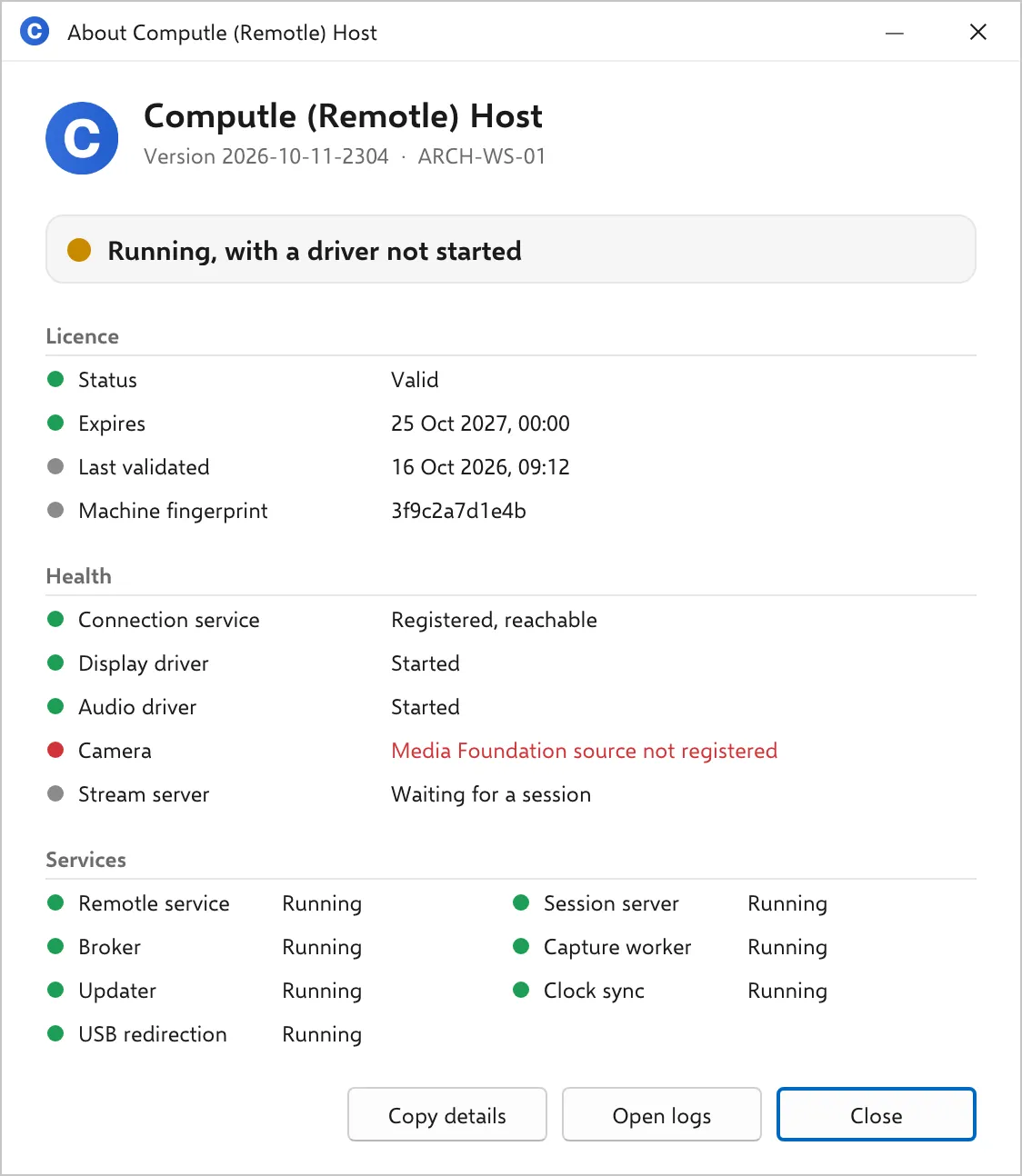
| Camera | Registered | Not registered, DirectShow source not registered, or Media Foundation source not registered | One or both of the camera components that present the client’s camera to Windows are missing. Everything else works. Repair the install; a restart may be needed to finish. |
| Stream server | Running in session N | Waiting for a session | Grey “Waiting for a session” is normal between sessions. “Running in session N” means a client is connected and the stream is running in Windows session N. |
Not registered
Section titled “Not registered”The banner is red. The Connection service line carries the reason the host reports.
A driver not started
Section titled “A driver not started”The banner is amber. The red line names the component. Repair the install; see Upgrade, repair and uninstall.
A camera component not registered
Section titled “A camera component not registered”The banner is amber. The Camera line names which of the two components is missing. The session works without a camera.
During a session
Section titled “During a session”The Stream server line turns green and names the Windows session the stream runs in.
Related
Section titled “Related”Questions
Section titled “Questions”Connection service reads Registered and nobody can connect
Section titled “Connection service reads Registered and nobody can connect”The host is reachable from Computle. Read the Licence section, then the Services section. If both are green, the fault is on the user’s side; see Diagnostics.