Host Status Window
Opening the Host Status Window
This page is for anyone at a workstation, or in a remote session on it, who needs to see the state of the Remotle host. No administrator rights are needed.
Open it
Section titled “Open it”-
Open the Start menu.
-
Open Computle, Computle (Remotle) Host.
Typing Computle in Start menu search also finds it.
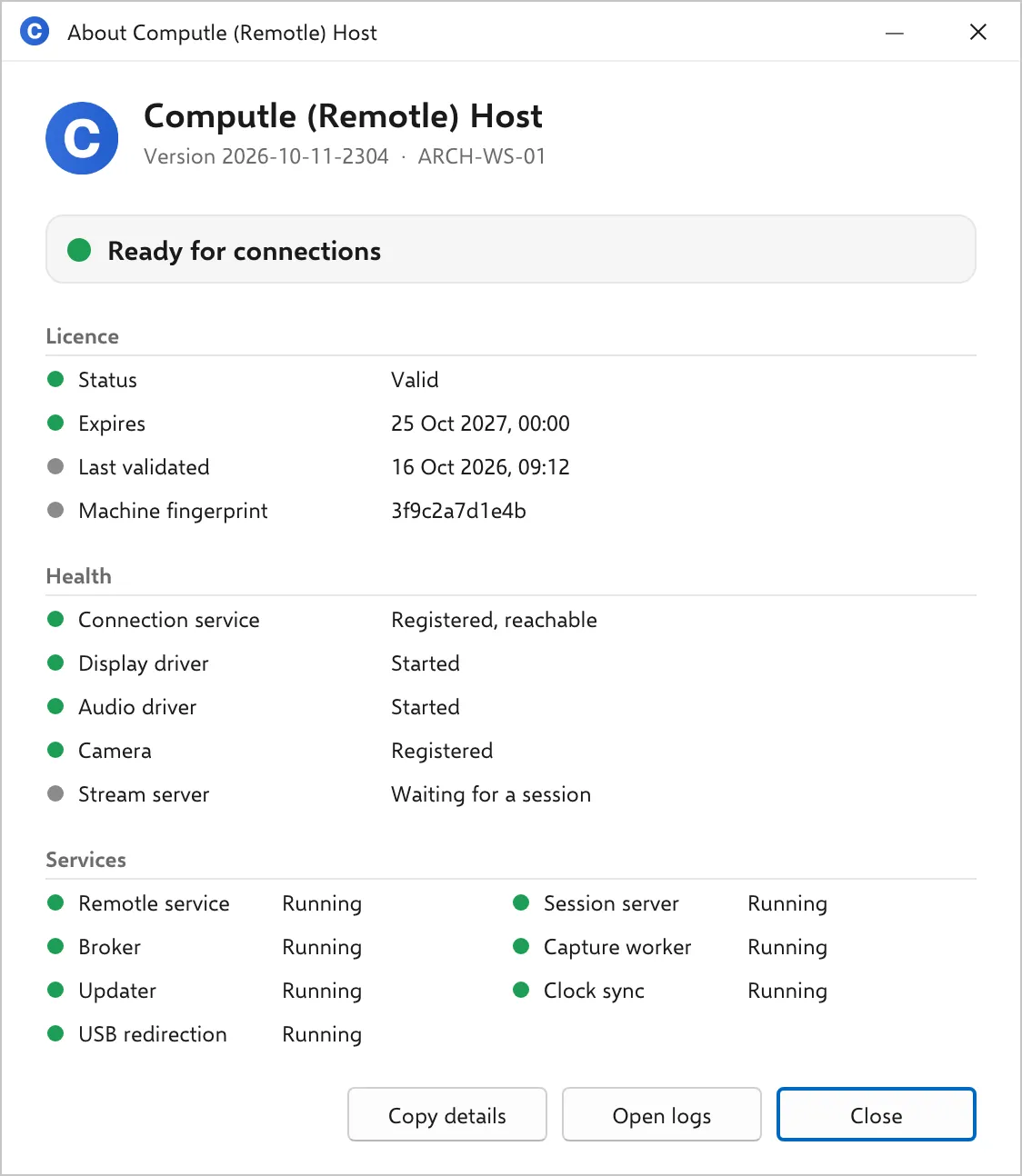
The window refreshes every 2 seconds while it is open, so a service that starts or a licence that is re-checked shows without reopening it.
Only one copy opens at a time. Opening it again brings the open window to the front.
There is no status window on Linux. The same facts are in two status files and the service manager:
systemctl status computle-hostd computle-host-updated computle-enrolmentcat /var/lib/computle/broker.statuscat /var/lib/computle/license.statuscat /usr/lib/computle-host/VERSION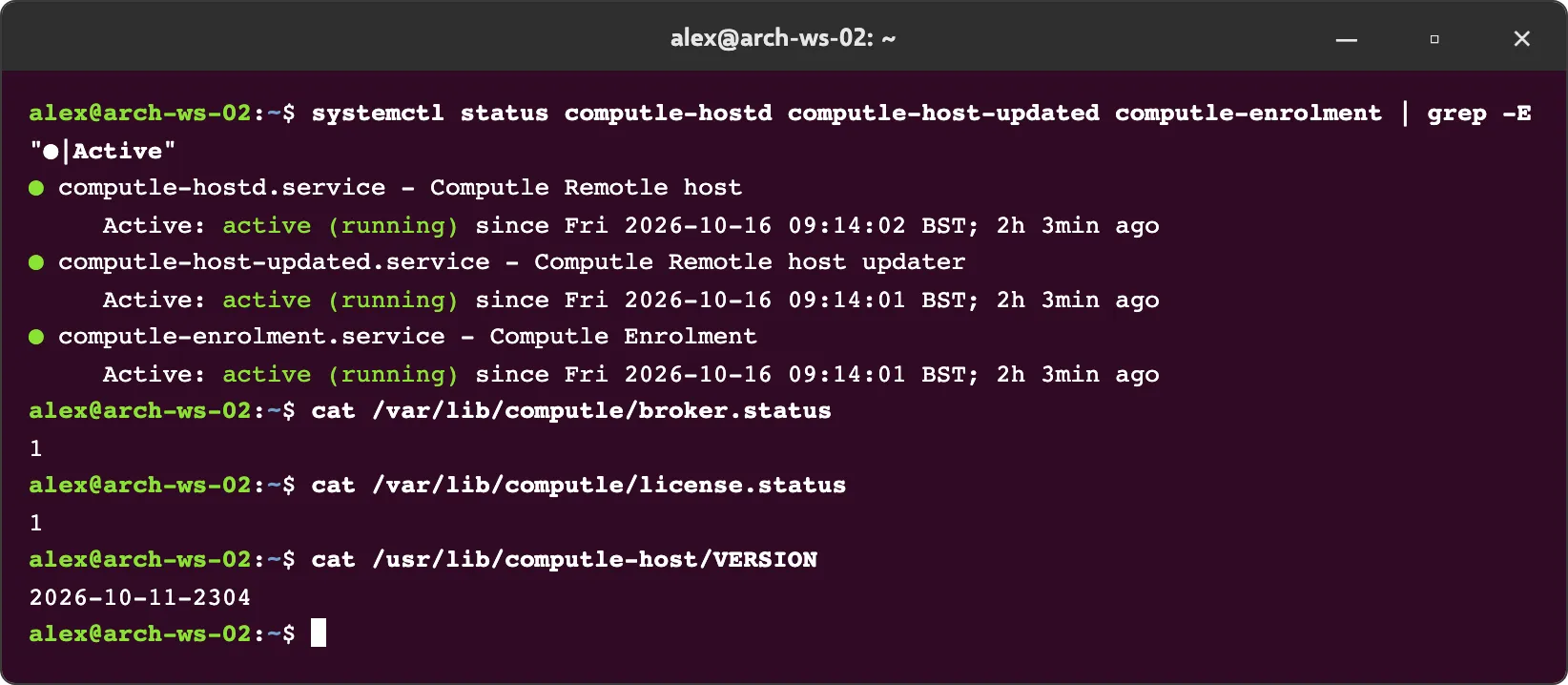
| File | First character | Meaning |
|---|---|---|
broker.status | 1 | Registered with the connection service |
| anything else | Not registered. The rest of the line says why. | |
license.status | 1 | Licence valid |
2 | Licence valid offline, within the 24-hour grace period | |
3 | Licence not valid. Connections are refused. |
Buttons
Section titled “Buttons”| Button | Action |
|---|---|
| Copy details | Copies the whole window as text to the clipboard: computer, version, the banner, and every line of every section. Paste it into a support ticket. |
| Open logs | Opens C:\ProgramData\Computle\Remotle\Logs in File Explorer. The folder is empty unless local logging is on; see Host Logs. |
| Close | Closes the window. |
Copied details look like this:
Computle (Remotle) HostComputer: ARCH-WS-01Version: 2026-10-11-2304Status: Ready for connections
Licence  Status: Valid  Expires: 25 Oct 2027, 00:00  Last validated: 16 Oct 2026, 09:12  Machine fingerprint: 3f9c2a7d1e4b
Health  Connection service: Registered, reachable  Display driver: Started  Audio driver: Started  Camera: Registered  Stream server: Waiting for a session
Services  Remotle service: Running  Session server: Running  Broker: Running  Capture worker: Running  Updater: Running  Clock sync: Running  USB redirection: Running
Where the information comes from
Section titled “Where the information comes from”The Remotle service writes C:\ProgramData\Computle\Remotle\Status\host.json every 5 seconds with the licence result, the registration state, the driver checks and the stream server state. The window reads that file and the Windows service manager. A file older than 30 seconds is treated as not reporting, and the banner reads “Waiting for the Remotle service to report”.
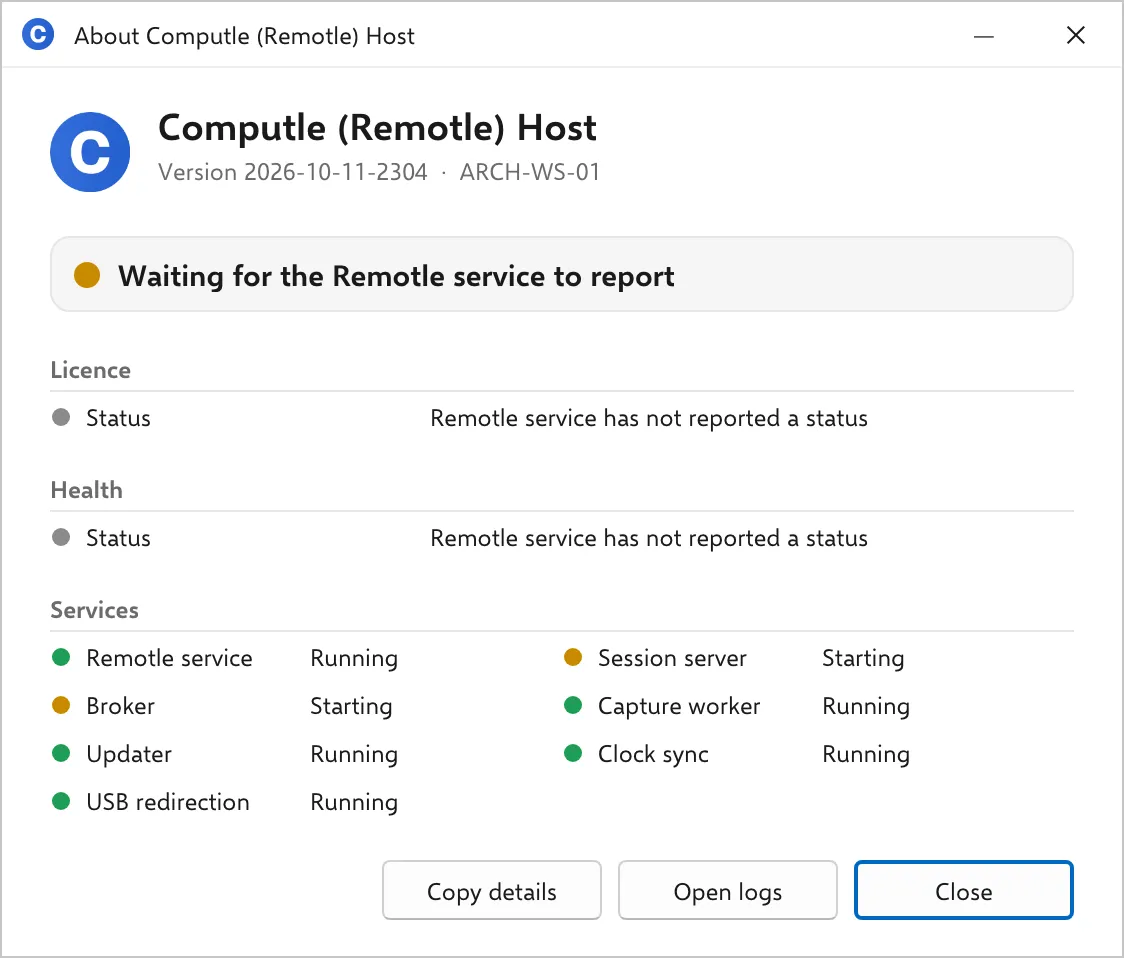
The folder is readable by every user and writable by SYSTEM and administrators only, so a signed-in user can see the state of the host without seeing anything else under C:\ProgramData\Computle\Remotle.
Check a workstation remotely
Section titled “Check a workstation remotely”The window is for someone at the workstation or in a remote session on it. For a remote check, read the status files over an administrative share, or query the services with PowerShell.
Get-Content C:\ProgramData\Computle\Remotle\broker.status, C:\ProgramData\Computle\Remotle\license.statusGet-Content "C:\Program Files\Computle\Remotle\bin\VERSION.txt"Get-Service Computle*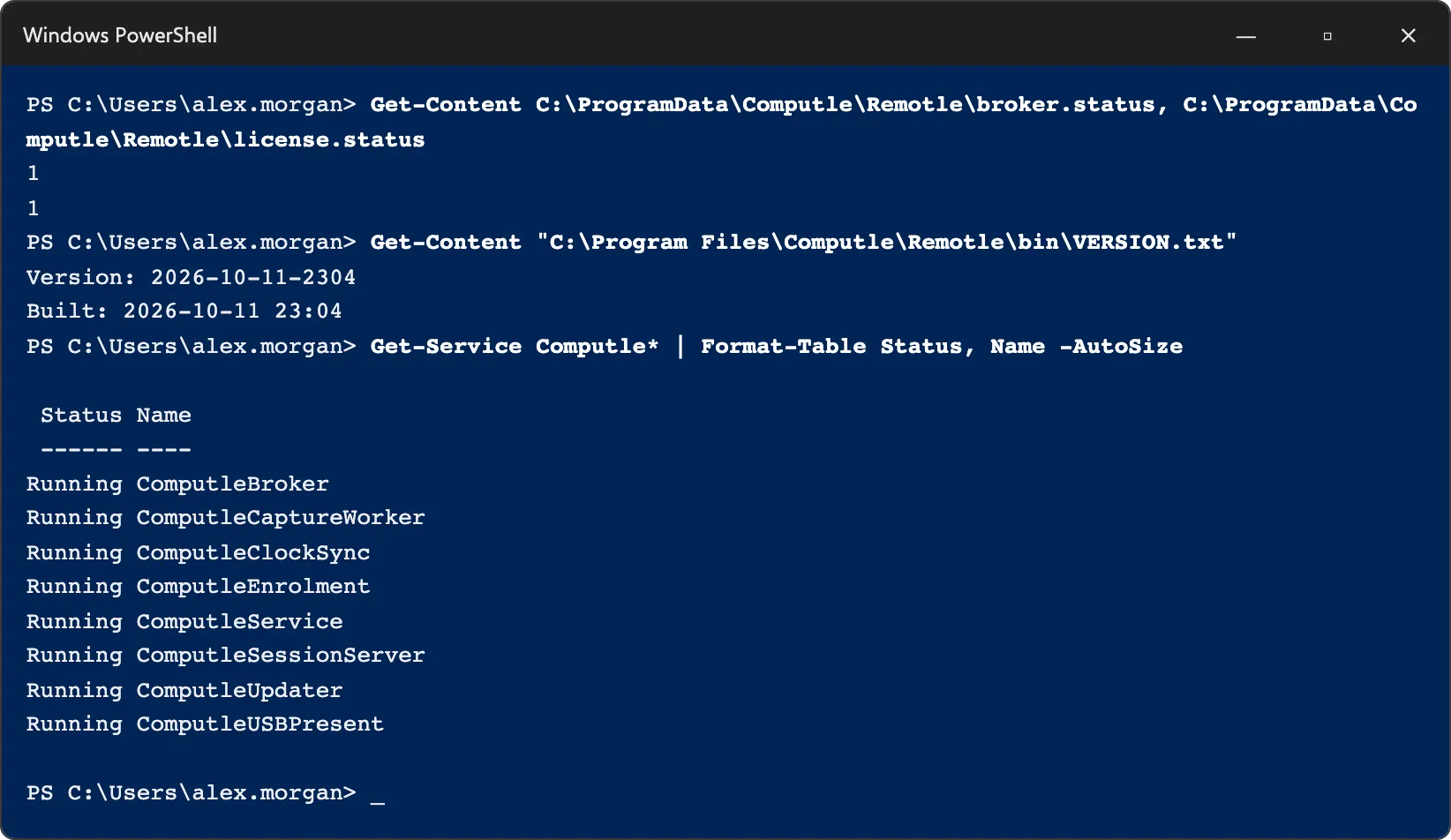
Related
Section titled “Related”Questions
Section titled “Questions”Does the window need administrator rights?
Section titled “Does the window need administrator rights?”No. It reads a status file that every user may read, and queries services the way the Services console does. One line, “Status not available to this account”, appears if the signed-in account may not query a service.
Why does the version in the window differ from the one in the Remotle app?
Section titled “Why does the version in the window differ from the one in the Remotle app?”The window shows the host’s version. The app on the user’s device shows its own. Host and client share one version number, so they match only when both were updated to the same release.