Installing the Host
Upgrade, repair and uninstall
This page is for the administrator who already has the Remotle host on a Windows workstation. For Linux, see Installing on Linux.
Upgrade
Section titled “Upgrade”-
Run the newer installer as an administrator.
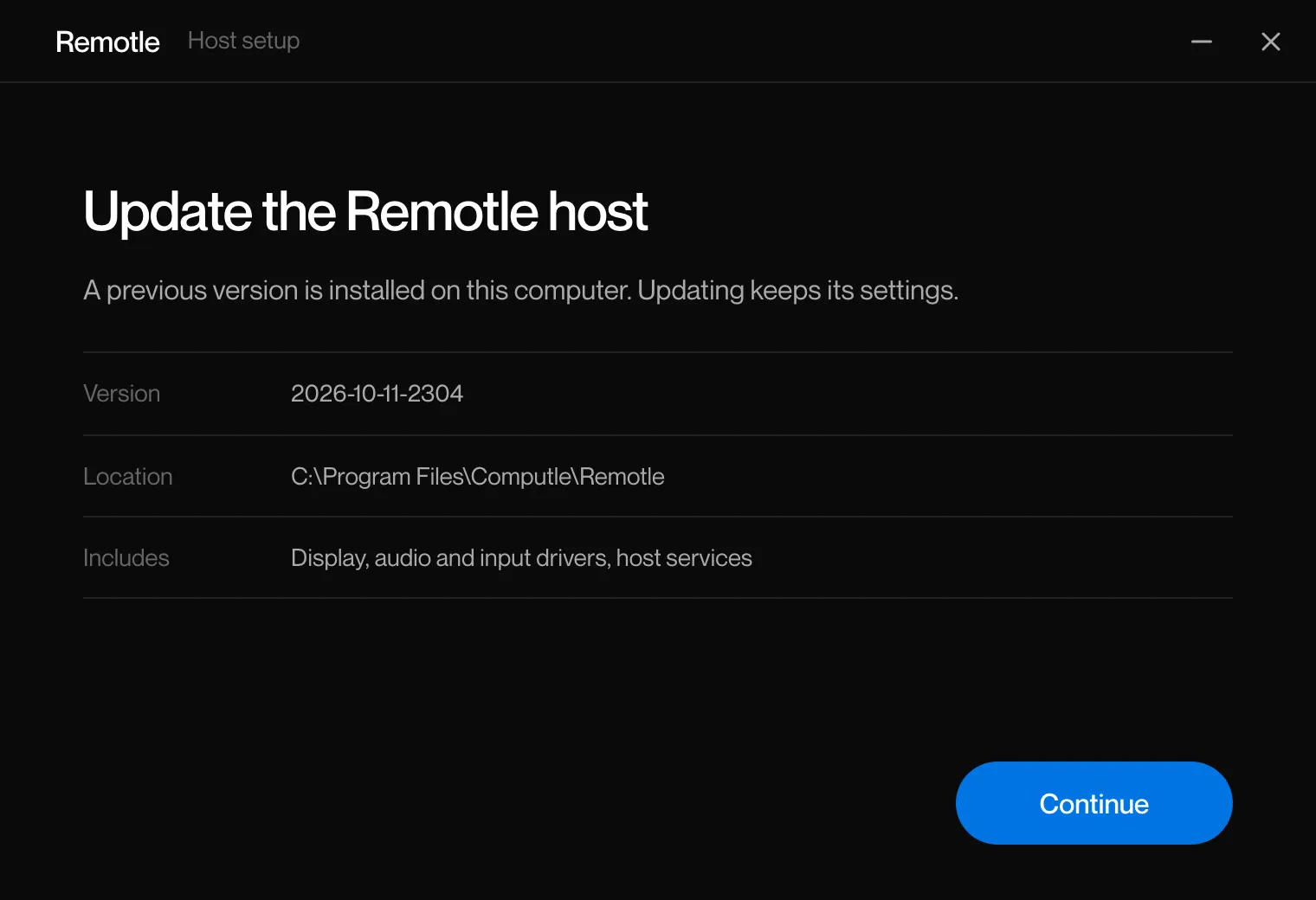
The first page is headed “Update the Remotle host” and says “A previous version is installed on this computer. Updating keeps its settings.”
-
Click Continue, accept the licence agreement and click Install.
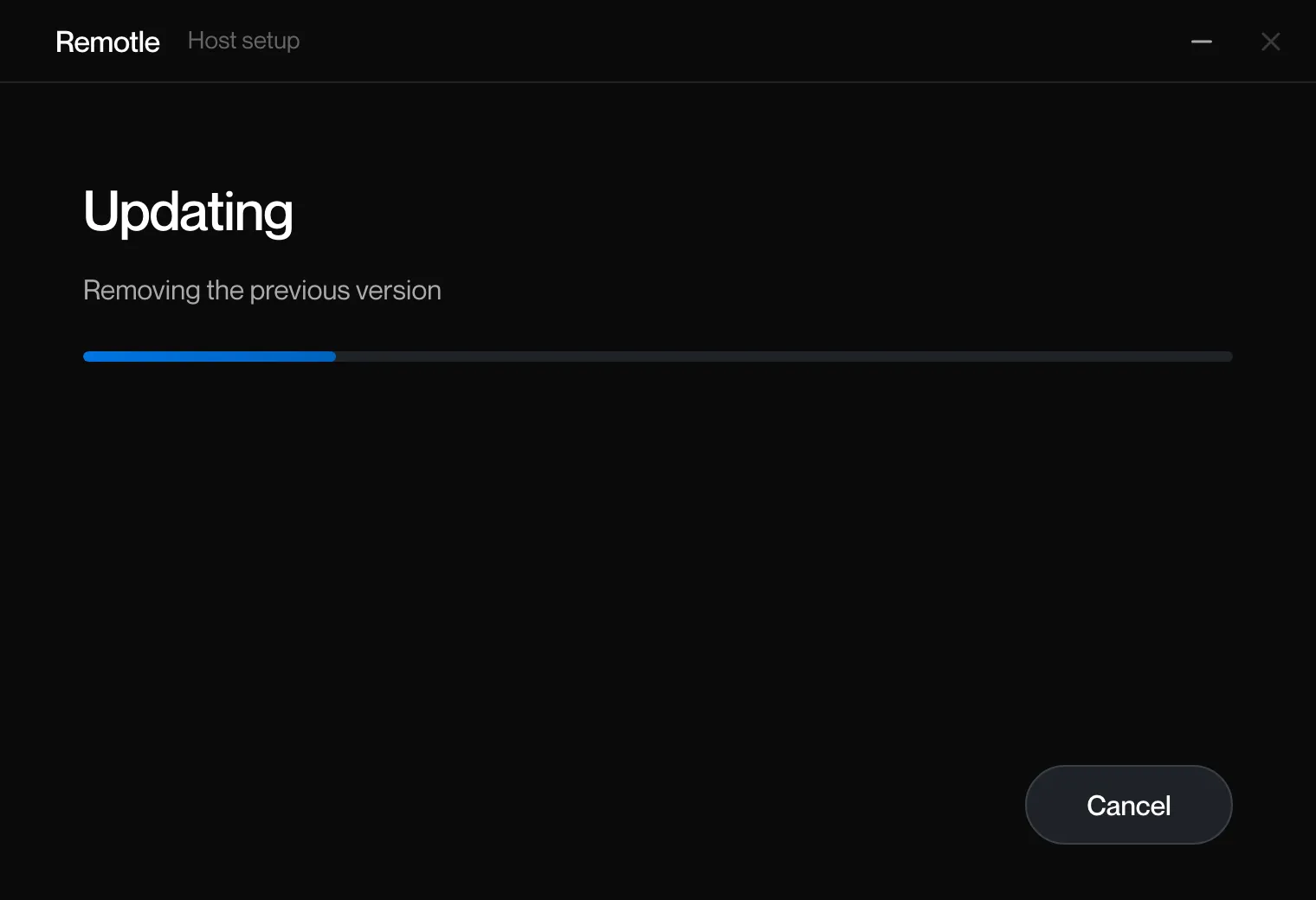
The progress page is headed “Updating”. The first step is Removing the previous version.
-
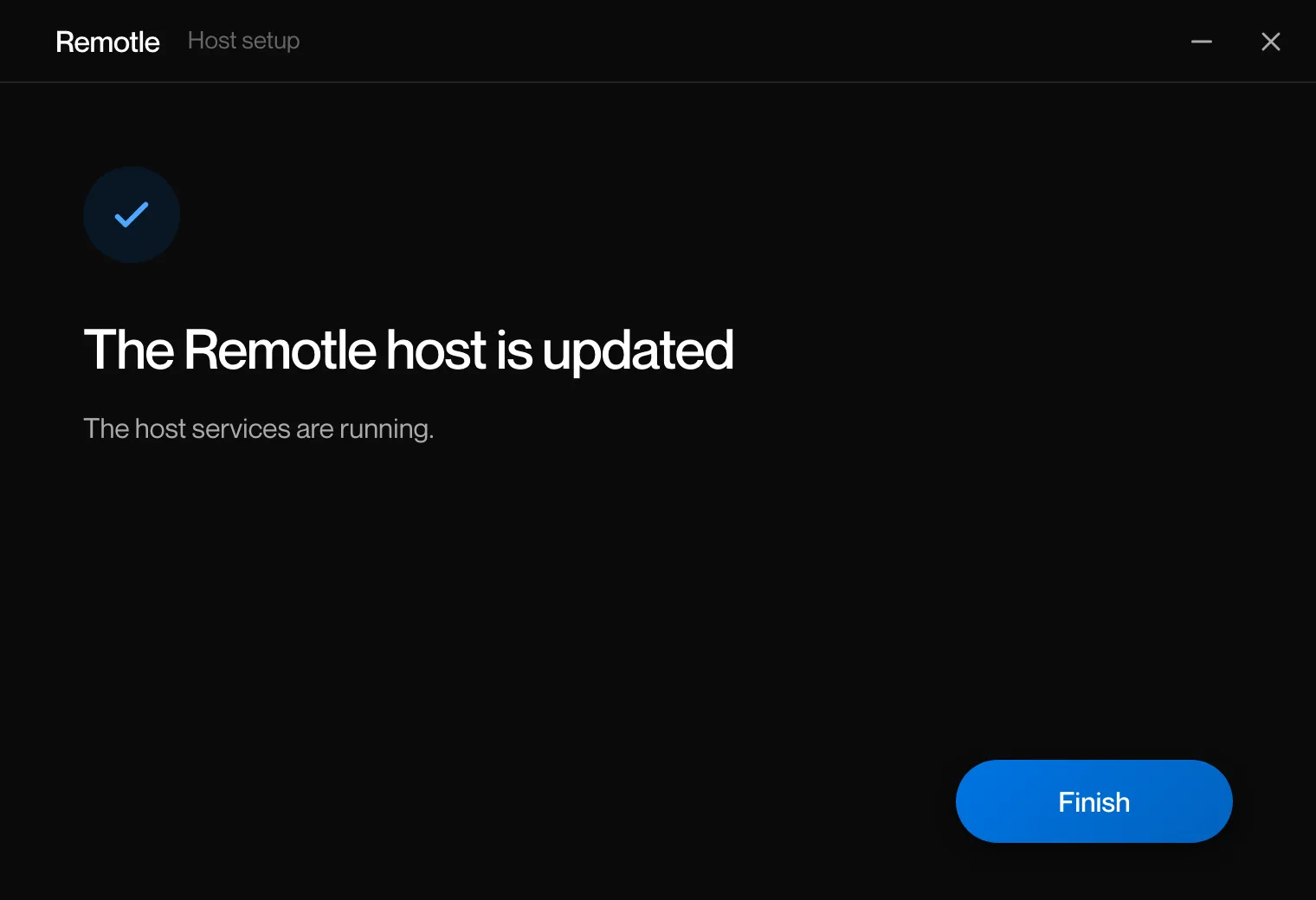
Click Finish.
The last page says “The Remotle host is updated” and “The host services are running.”
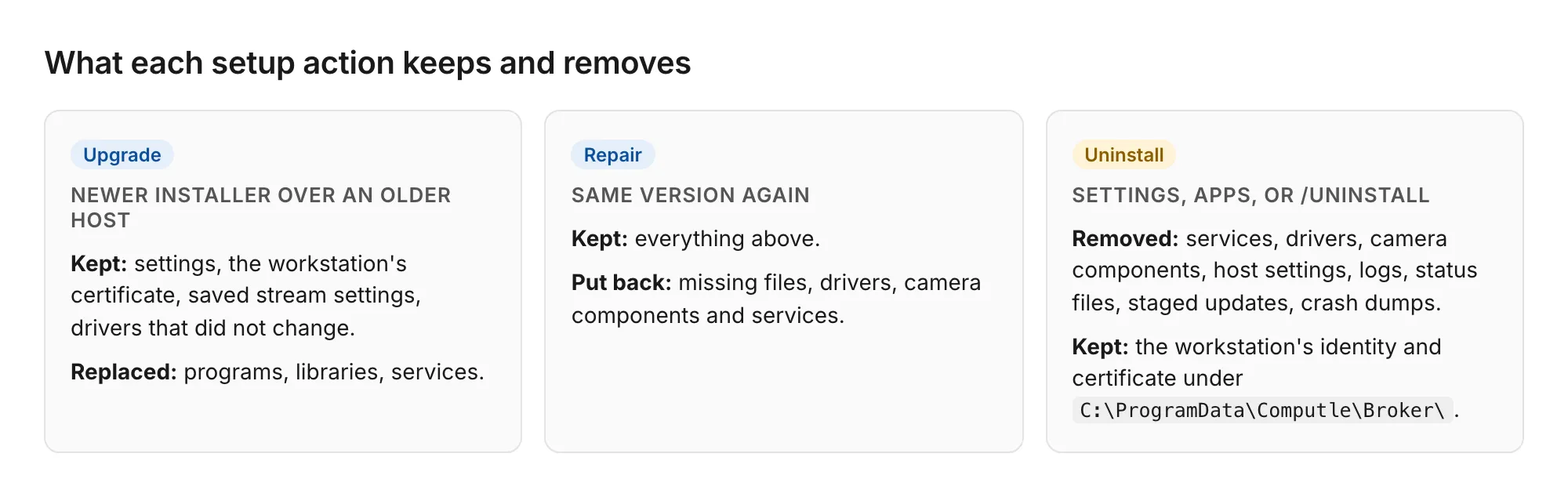
The upgrade keeps the host’s settings, certificate and data. Drivers and data folders survive it.
Hosts also update themselves. See Host Updates.
Installing an older version
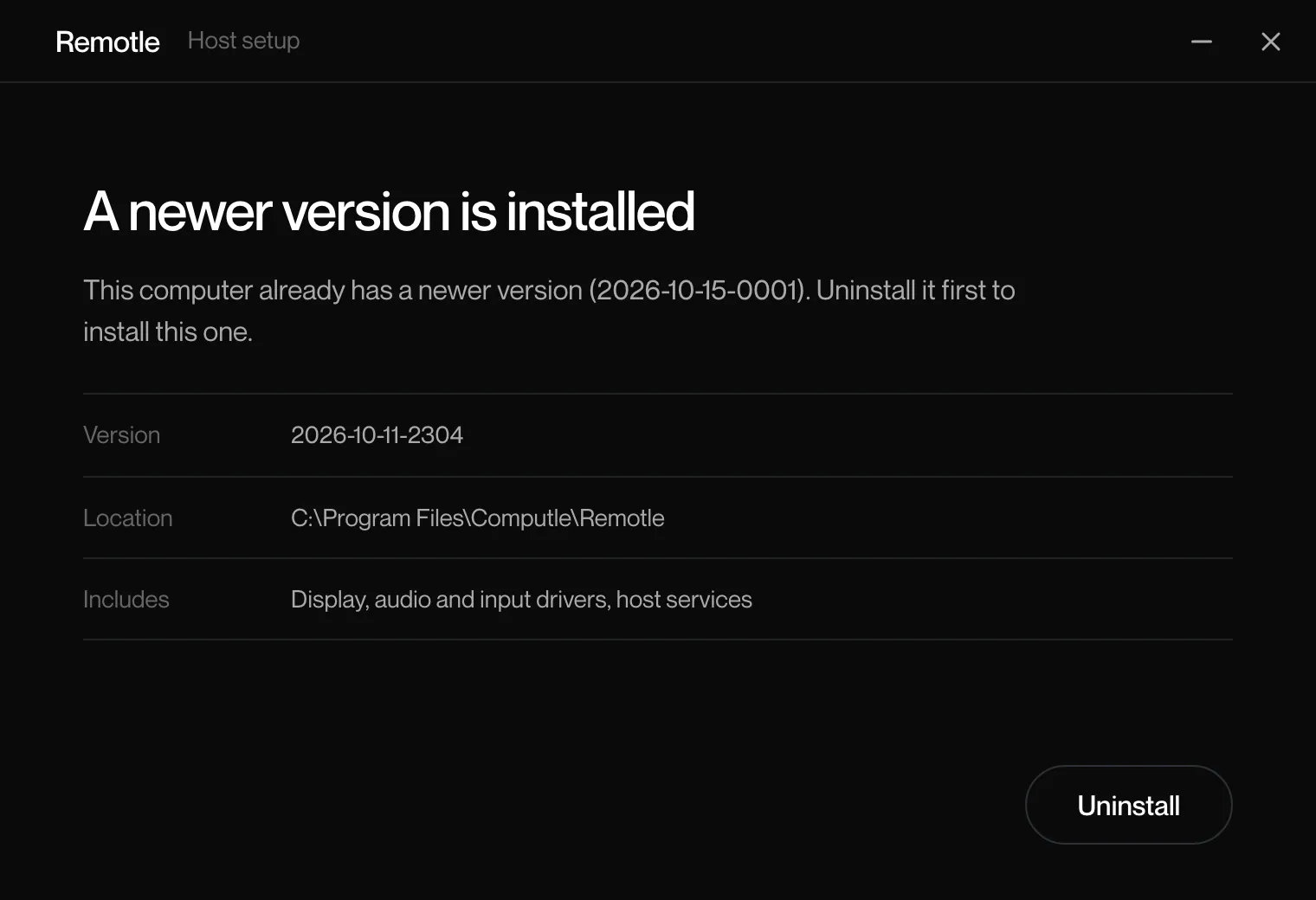
Section titled “Installing an older version”The setup program refuses to install over a newer version. Its first page is headed “A newer version is installed” and names the installed version. The only button is Uninstall. Running the MSI directly stops with “A newer Computle (Remotle) host is already installed.”
Repair
Section titled “Repair”-
Run the installer for the installed version.
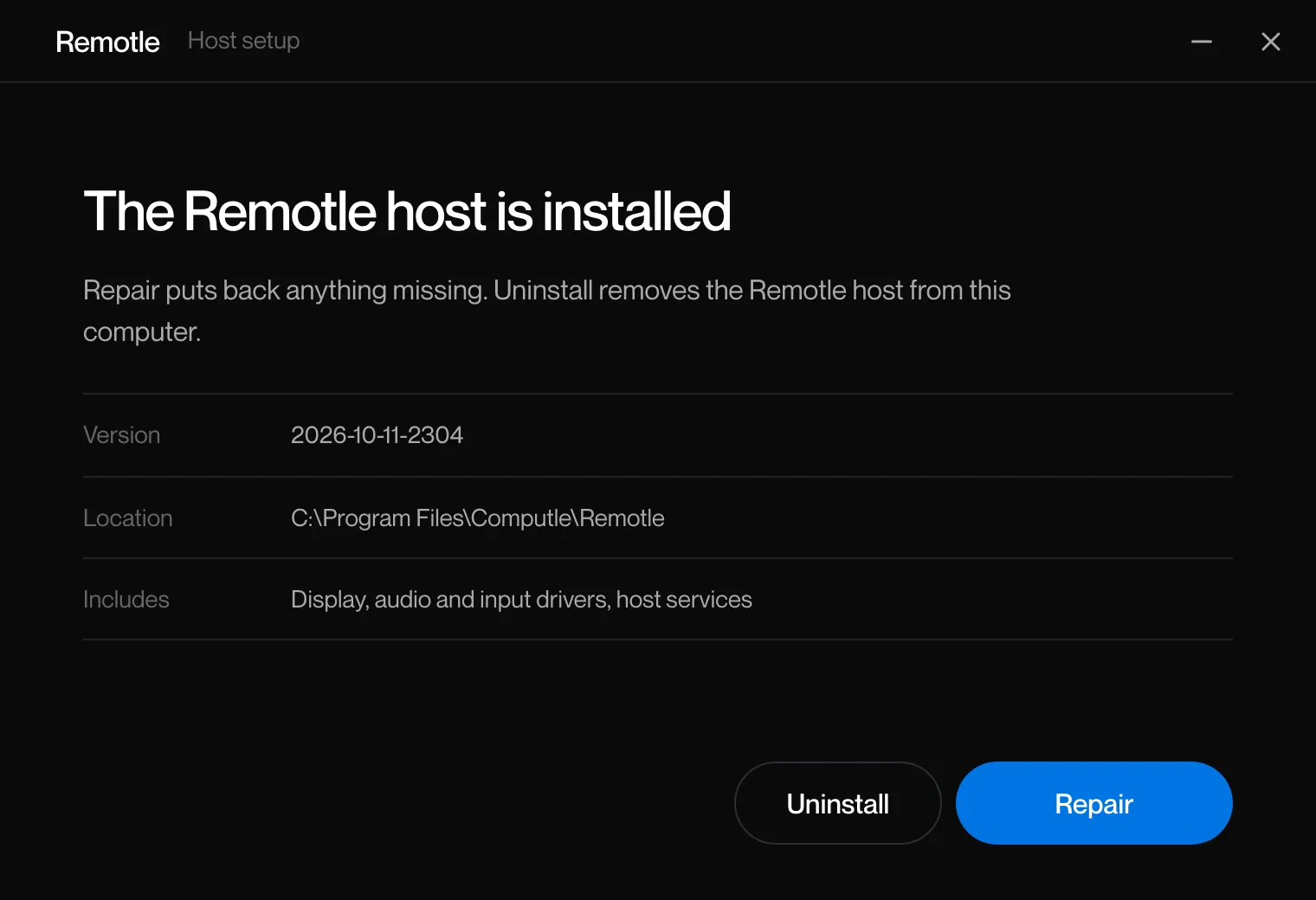
The first page is headed “The Remotle host is installed” and says “Repair puts back anything missing. Uninstall removes the Remotle host from this computer.”
-
Click Repair.
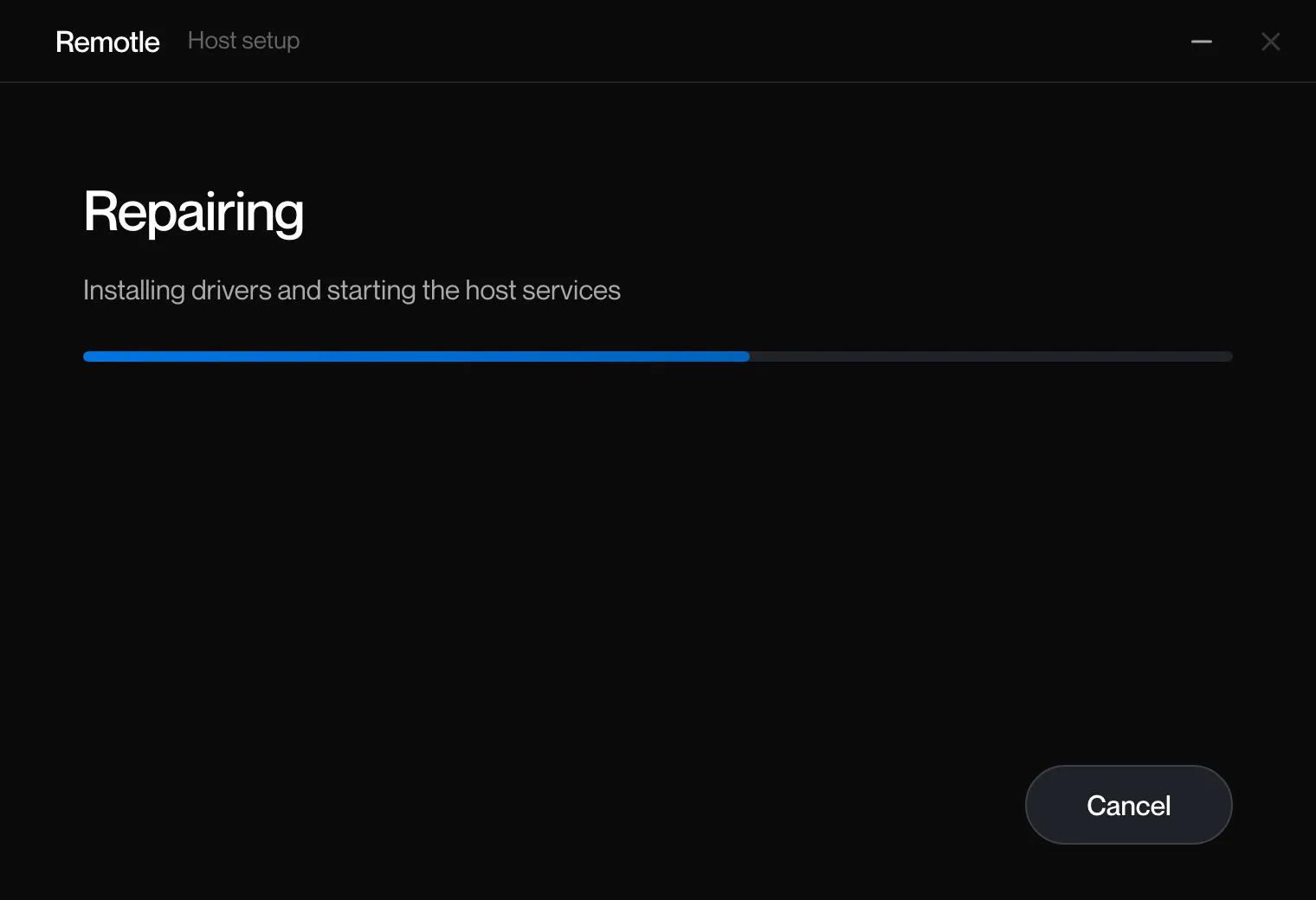
The progress page is headed “Repairing”. Missing files, drivers, camera components and services are put back. Settings are kept.
-
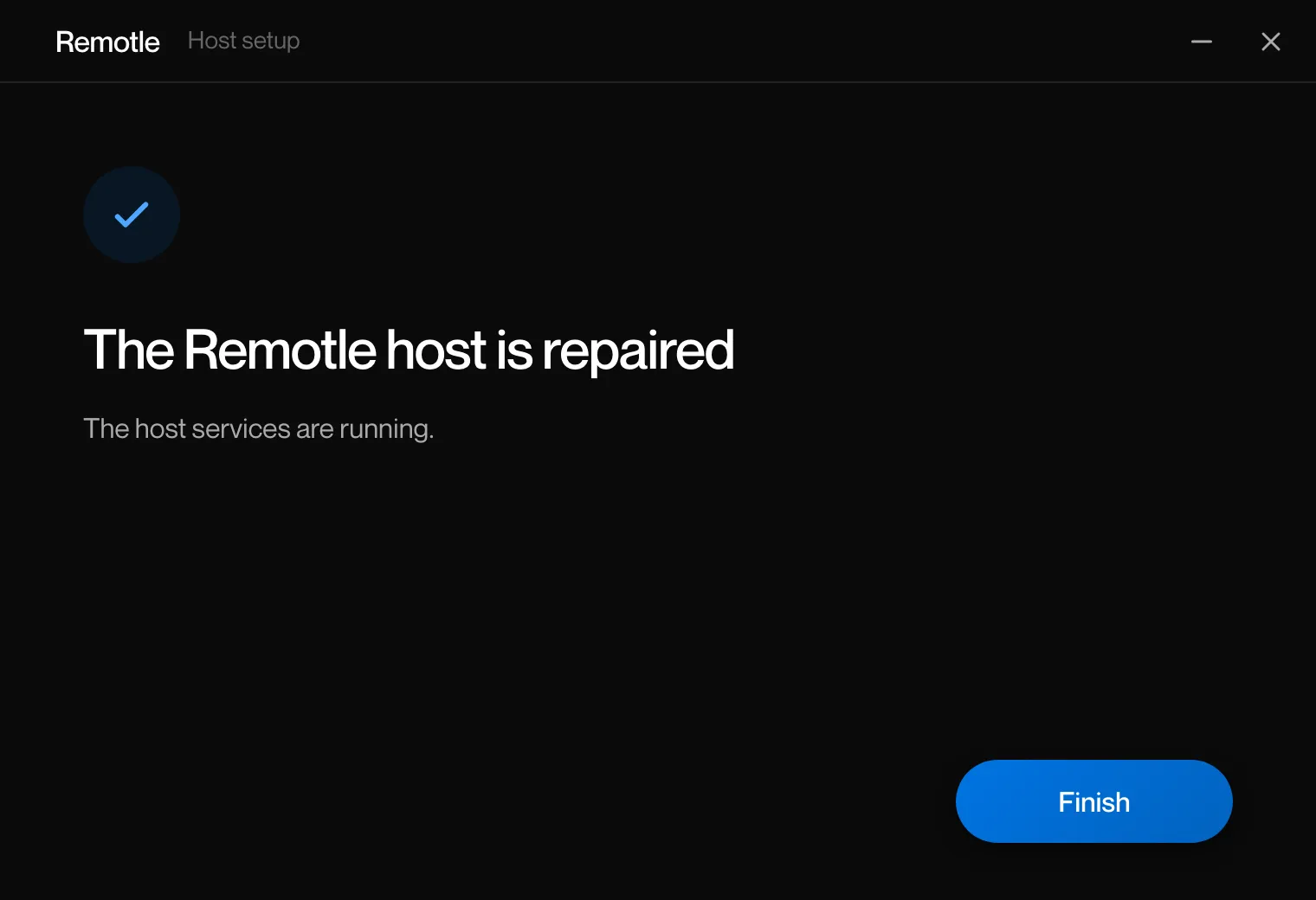
Click Finish.
Running the setup program with /quiet on the installed version repairs it without a window.
Uninstall
Section titled “Uninstall”-
Open Settings, Apps, Installed apps, find Computle (Remotle) Host and choose Uninstall.
Or run the installer and click Uninstall on its first page, or run the setup program with
/uninstall. -
Wait while the host is removed.
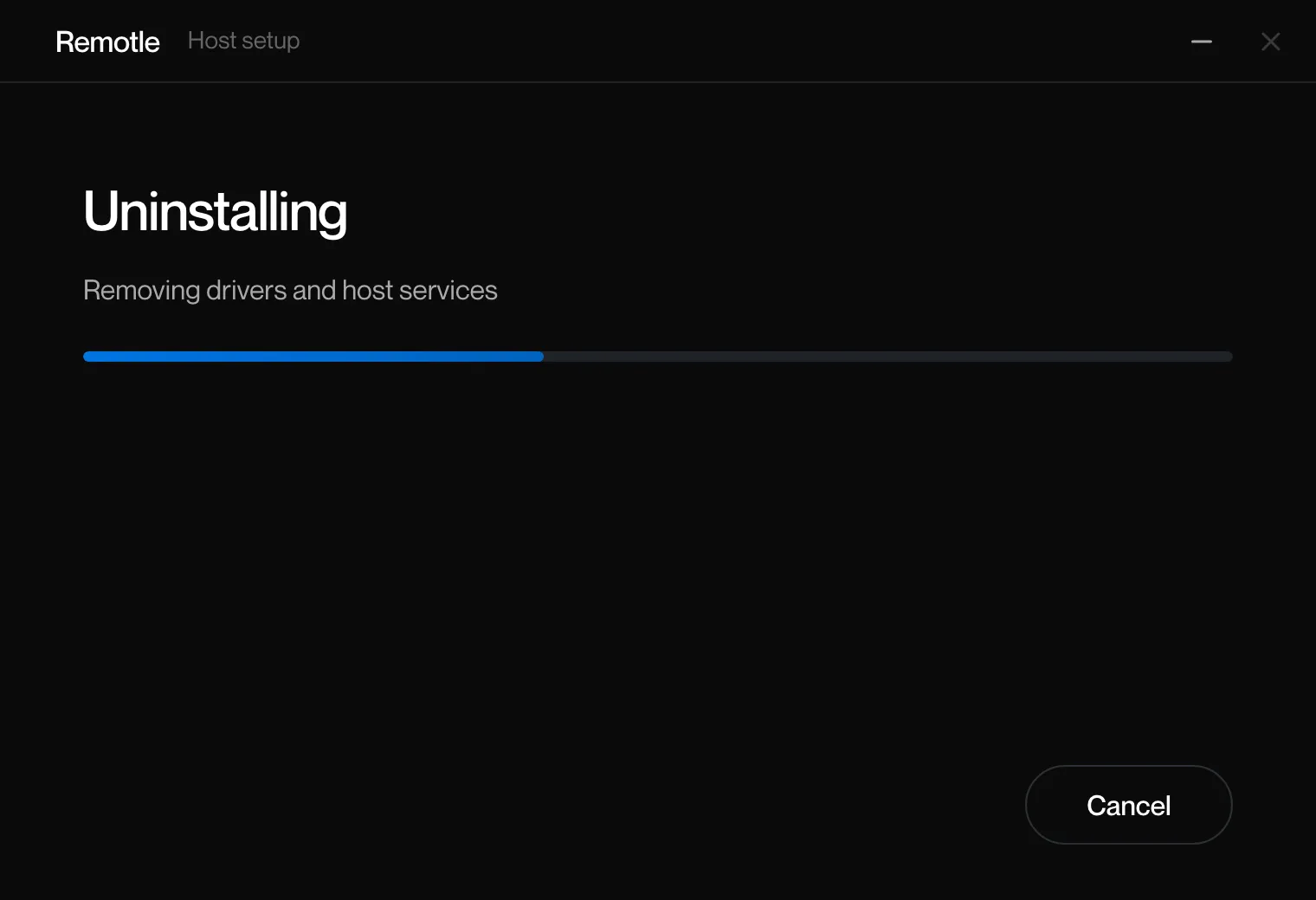
The progress page is headed “Uninstalling”. The steps are Stopping services, Removing drivers and host services, Removing files, Removing settings, Finishing.
-
Click Finish.
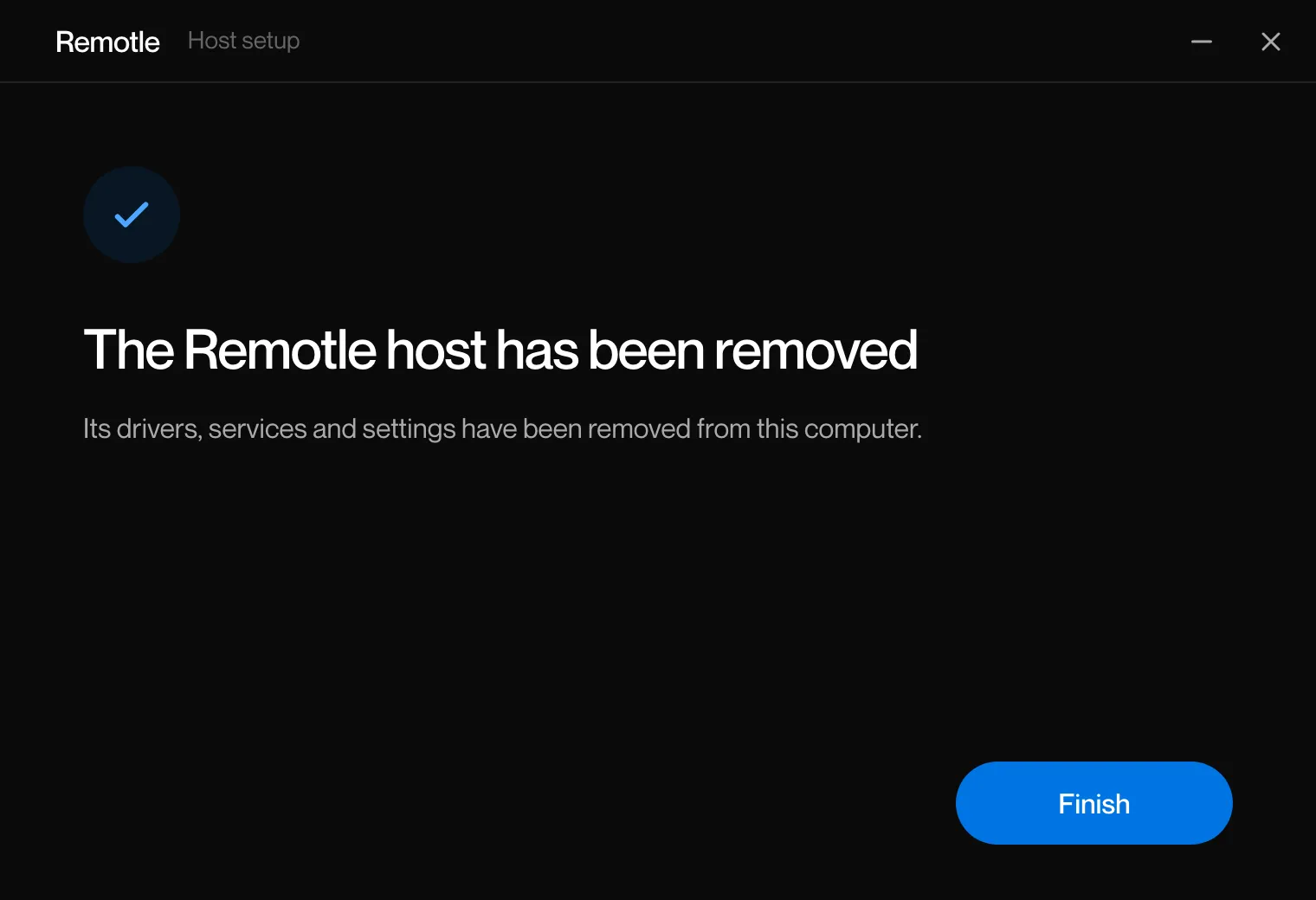
The last page says “The Remotle host has been removed” and “Its drivers, services and settings have been removed from this computer.”
| Removed | Kept |
|---|---|
| The services, drivers and camera components | The workstation’s identity under HKLM\SOFTWARE\Computle\Identity and HKLM\SOFTWARE\Computle\Provision, which belongs to enrolment |
HKLM\SOFTWARE\Computle\Remotle, the host settings | C:\ProgramData\Computle\Broker\, the workstation’s certificate |
C:\ProgramData\Computle\Remotle\ (logs, status, staged updates) and C:\ProgramData\Computle\CrashDumps\ |
Related
Section titled “Related”Questions
Section titled “Questions”Do I need to uninstall before upgrading?
Section titled “Do I need to uninstall before upgrading?”No. Run the newer installer. It removes the previous version itself and keeps the settings.
Will a reinstall need the host to be enrolled again?
Section titled “Will a reinstall need the host to be enrolled again?”No. Uninstall keeps the workstation’s identity and certificate, so a later install registers with the connection service as the same workstation.