Updates
Update settings
This page is for the administrator who wants to change when a workstation installs updates, or move it between Stable and Beta.
Settings
Section titled “Settings”Settings are values under HKLM\SOFTWARE\Computle\Remotle\Update. A value that is absent takes its default, so a workstation that has never been configured updates overnight.
| Value | Type | Default | Meaning |
|---|---|---|---|
Channel | REG_SZ | prod | prod (Stable) or beta. Any other value is treated as prod. |
PollMinutes | REG_DWORD | 30 | How often the host checks for an update, in minutes |
WindowStart | REG_SZ | 02:00 | Start of the update window, local time, HH:MM |
WindowEnd | REG_SZ | 05:00 | End of the update window, local time, HH:MM. An end before the start runs past midnight. |
WindowEnabled | REG_DWORD | 1 | 0 installs updates as soon as they are verified, at any hour, outside sessions |
Move the window
Section titled “Move the window”-
Open an administrator command prompt.
-
Set the start and end.
To move the window to 22:00 to 01:00:
reg add HKLM\SOFTWARE\Computle\Remotle\Update /v WindowStart /t REG_SZ /d 22:00 /freg add HKLM\SOFTWARE\Computle\Remotle\Update /v WindowEnd /t REG_SZ /d 01:00 /f -
Check the values.
reg query HKLM\SOFTWARE\Computle\Remotle\UpdateValues that are absent take their defaults.
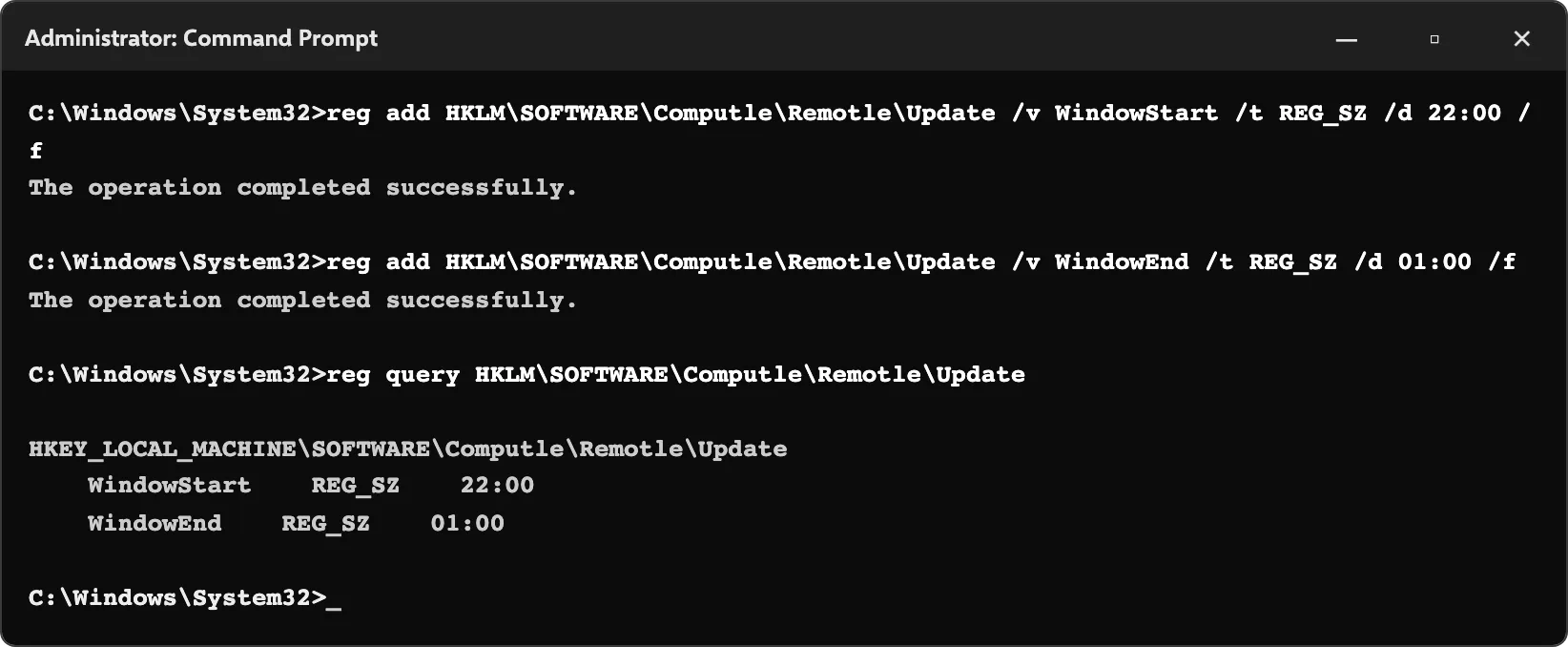
The updater reads the settings at each check, so no restart is needed.
Change the channel
Section titled “Change the channel”reg add HKLM\SOFTWARE\Computle\Remotle\Update /v Channel /t REG_SZ /d beta /f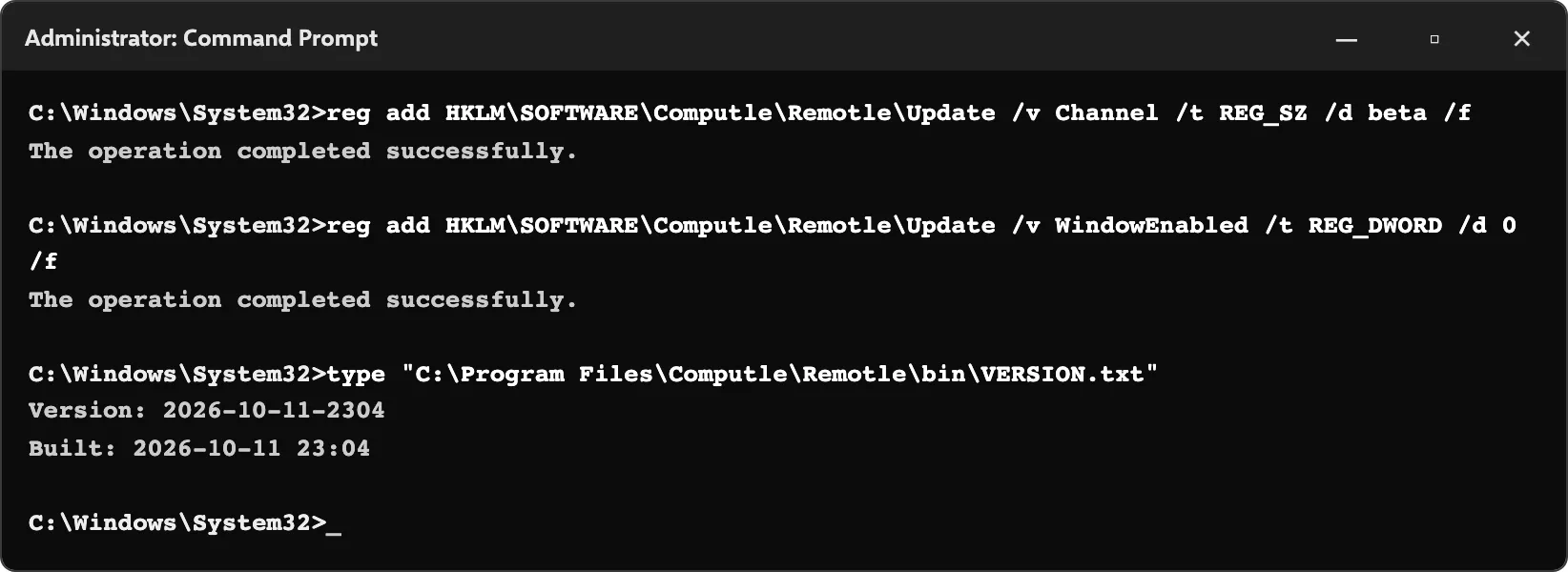
| Item | Location |
|---|---|
| Updater service | ComputleUpdater, Computle (Remotle) Updater |
| Staged downloads | C:\ProgramData\Computle\Remotle\Update\, SYSTEM and administrators only |
| Previous version, kept for rollback | C:\ProgramData\Computle\Remotle\Update\rollback\<version>\ |
| Installed version | C:\Program Files\Computle\Remotle\bin\VERSION.txt, and the header of the Host Status Window |
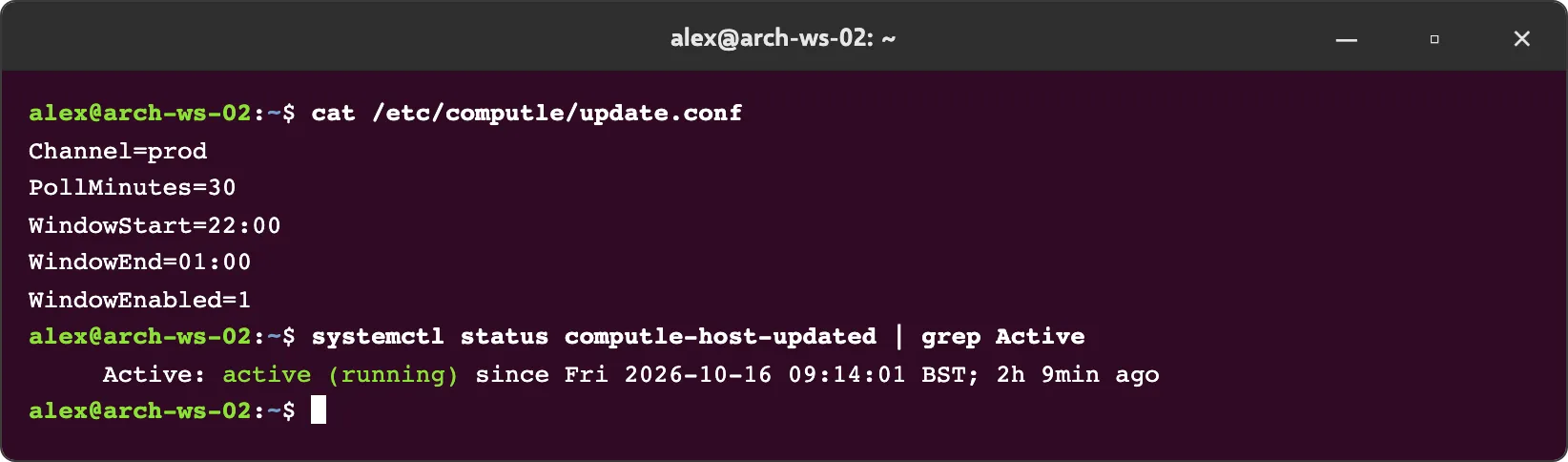
Settings are in /etc/computle/update.conf, one Name=value per line, with the same names and defaults as Windows:
Channel=prodPollMinutes=30WindowStart=02:00WindowEnd=05:00WindowEnabled=1Edit the file as root. The updater reads it at each check.
| Item | Location |
|---|---|
| Updater service | computle-host-updated |
| Health after an update | computle-hostd active and stable for 20 seconds, /var/lib/computle/broker.status fresh and registered, /var/lib/computle/license.status not invalid. Otherwise the previous package is reinstalled. |
| Session gate | The host holds a lock on /run/computle/host/session.active while a session runs; the install waits for it |
| Installed version | /usr/lib/computle-host/VERSION |
The computle-enrolment package is installed with the host package and updated with it. The updater does not update it.
Update channel
Section titled “Update channel”| Channel | Contents |
|---|---|
Stable (prod) | The current release. Recommended for every workstation people depend on. |
Beta (beta) | New features before they reach Stable. For test workstations. |
The host and the client use the same channel names. A workstation and the devices that connect to it do not have to be on the same channel.
Related
Section titled “Related”Questions
Section titled “Questions”Can I force an update now?
Section titled “Can I force an update now?”Set WindowEnabled to 0. The next check, within 30 minutes, installs any verified update as long as no session is running. Set it back to 1 afterwards. To install a specific version at once, run its installer; see Upgrade, repair and uninstall.
Can I stop a workstation updating?
Section titled “Can I stop a workstation updating?”No setting turns updates off. A workstation without internet access cannot check and stays on its version.
Can I set these from the portal?
Section titled “Can I set these from the portal?”No. The update settings live on the workstation. Group Policy Preferences or Intune can set the registry values on many workstations at once.