Download and Install
Install on a Mac
This page is for end users installing Remotle on their own Mac. To deploy Remotle to many Macs, see Deploying the Client.
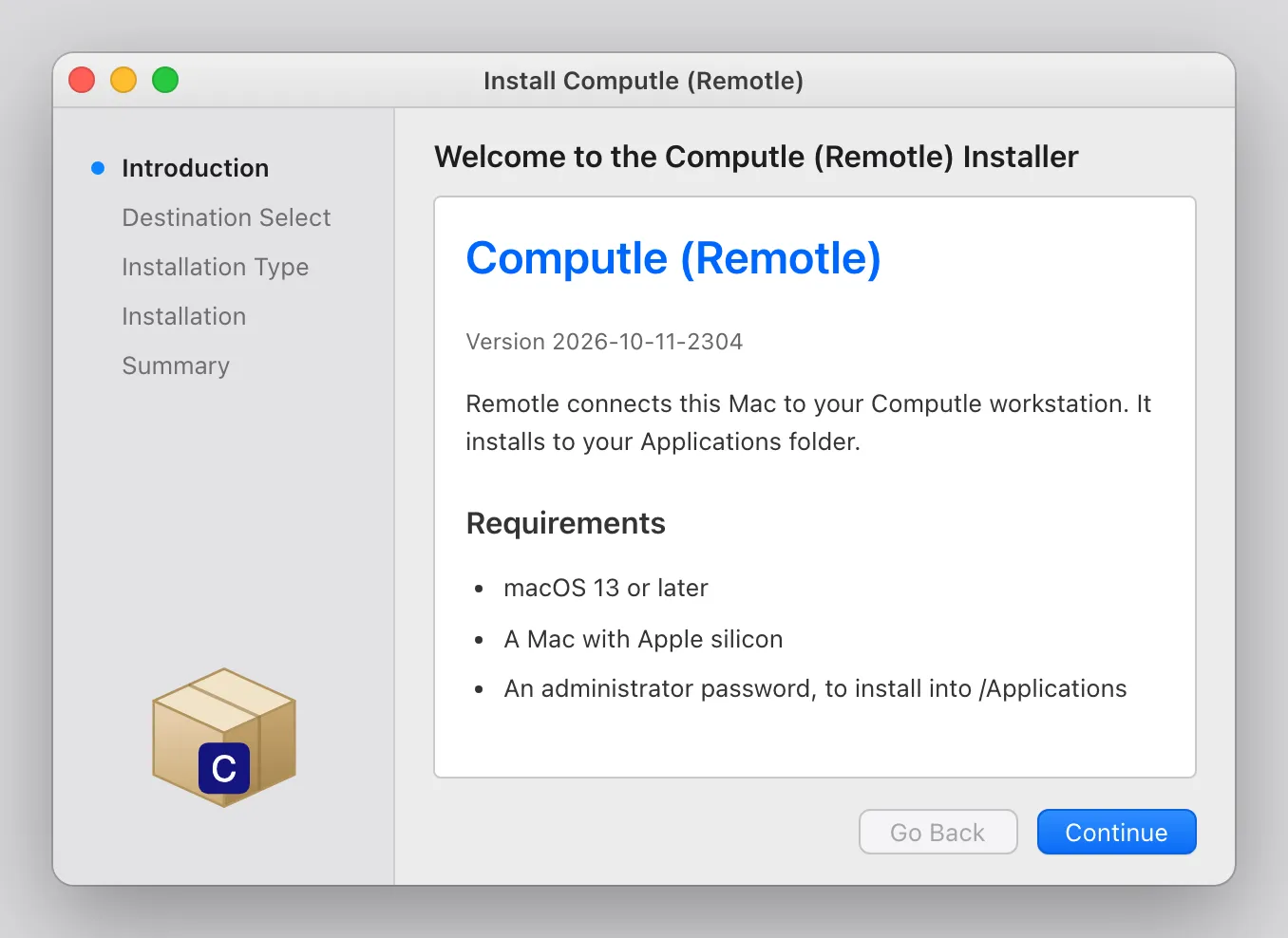
Mac installers are notarised by Apple. Remotle runs on a Mac with Apple silicon and macOS 13 or later.
Install
Section titled “Install”Download ComputleRemotle.pkg.
-
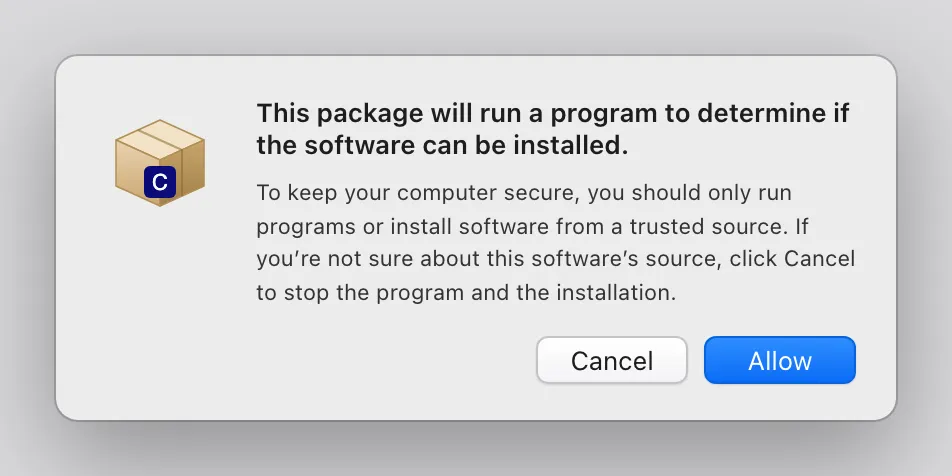
Open the downloaded file and click Allow.
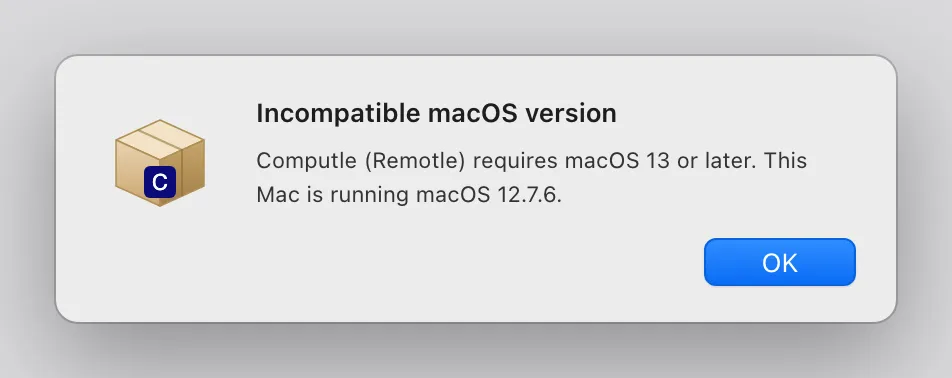
The installer first checks that this Mac has Apple silicon and macOS 13 or later. macOS asks before the check runs.
On an Intel Mac or an older macOS the installer stops here and names the version it found.
-
Read the Introduction and click Continue.
-
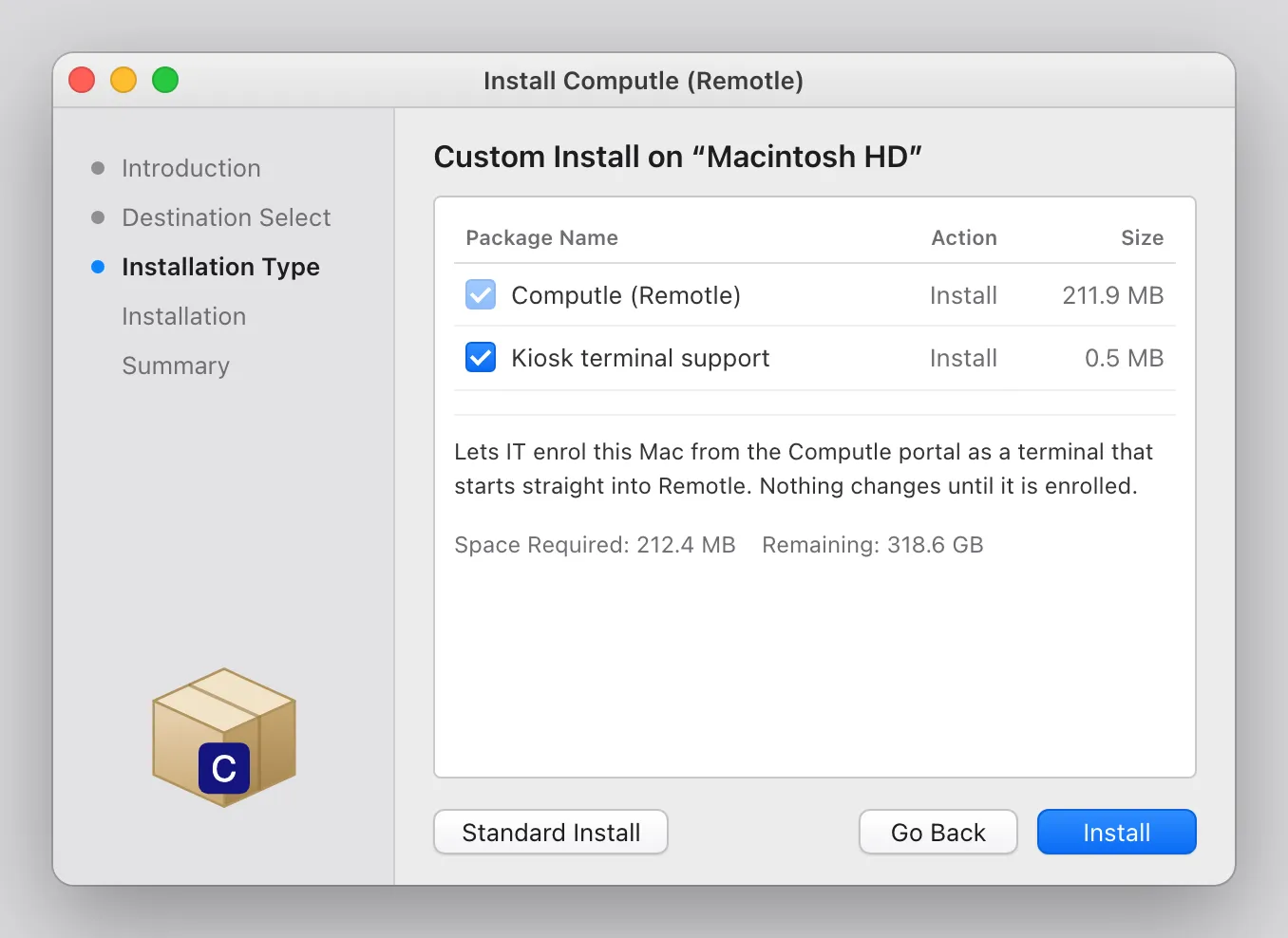
On Installation Type, click Install.
The standard install puts Computle (Remotle) in Applications with kiosk terminal support included.
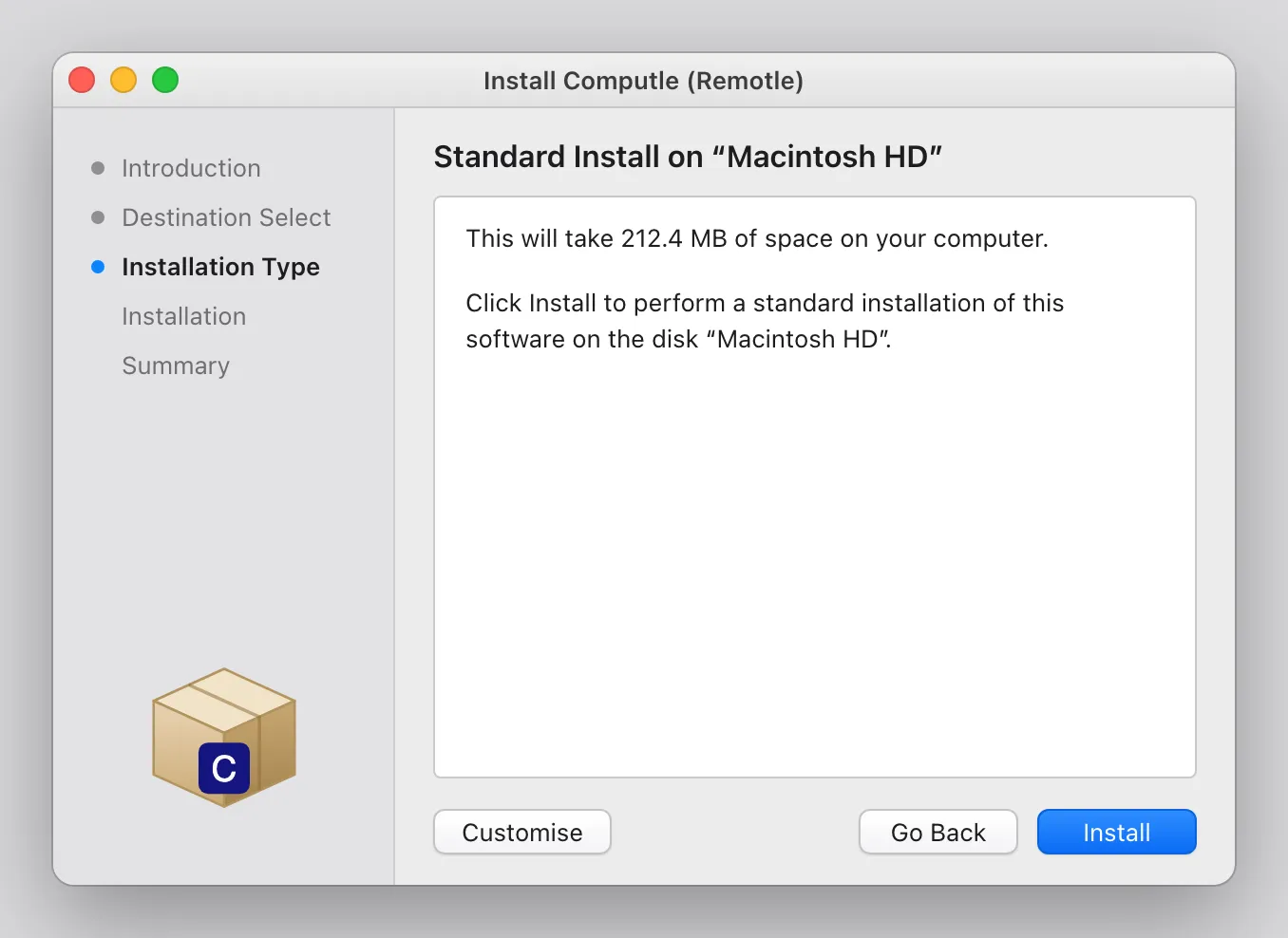
To leave out kiosk terminal support, click Customise and untick Kiosk terminal support. It lets your IT team enrol this Mac from the Computle portal as a terminal that starts straight into Remotle. Nothing changes until it is enrolled. Untick it if this Mac will only ever be your own.
-
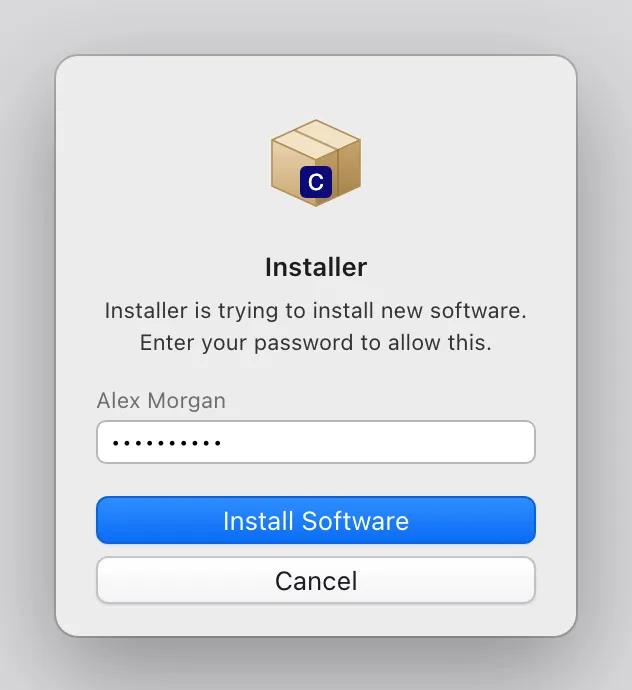
Enter your password and click Install Software.
The installer needs an administrator password to install into Applications.
-
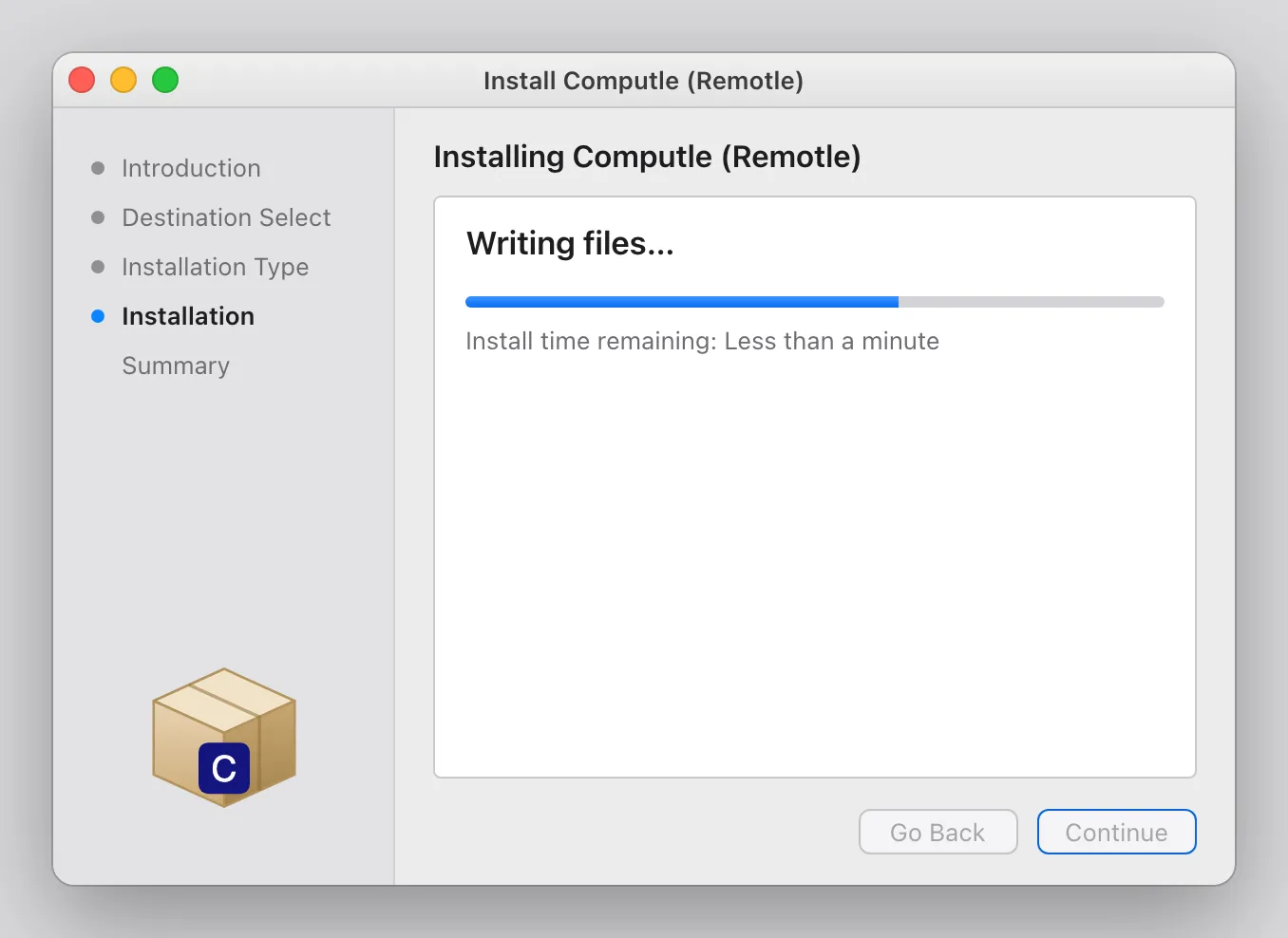
Wait while the installer writes the files.
-
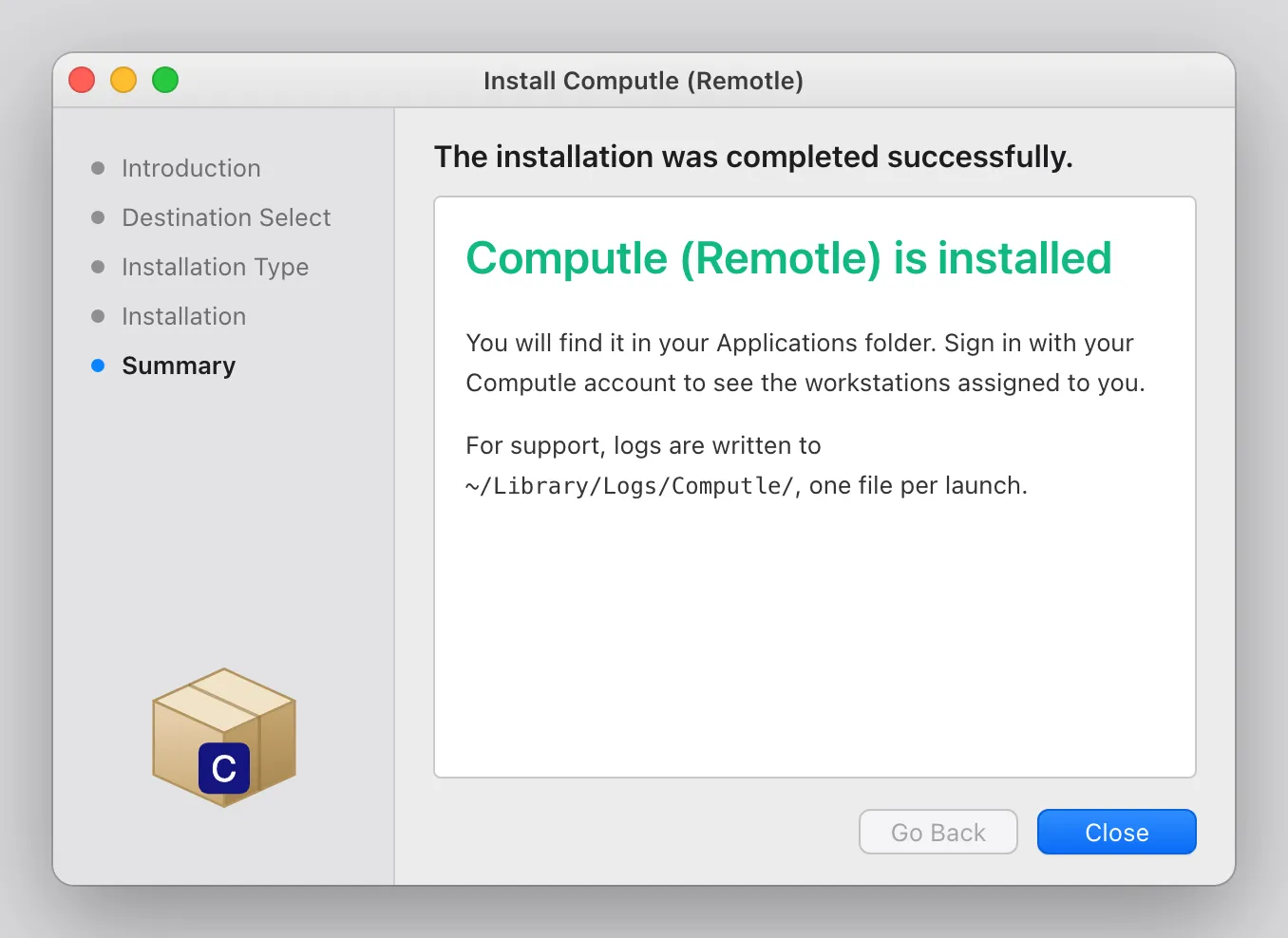
Read the Summary and click Close.
-
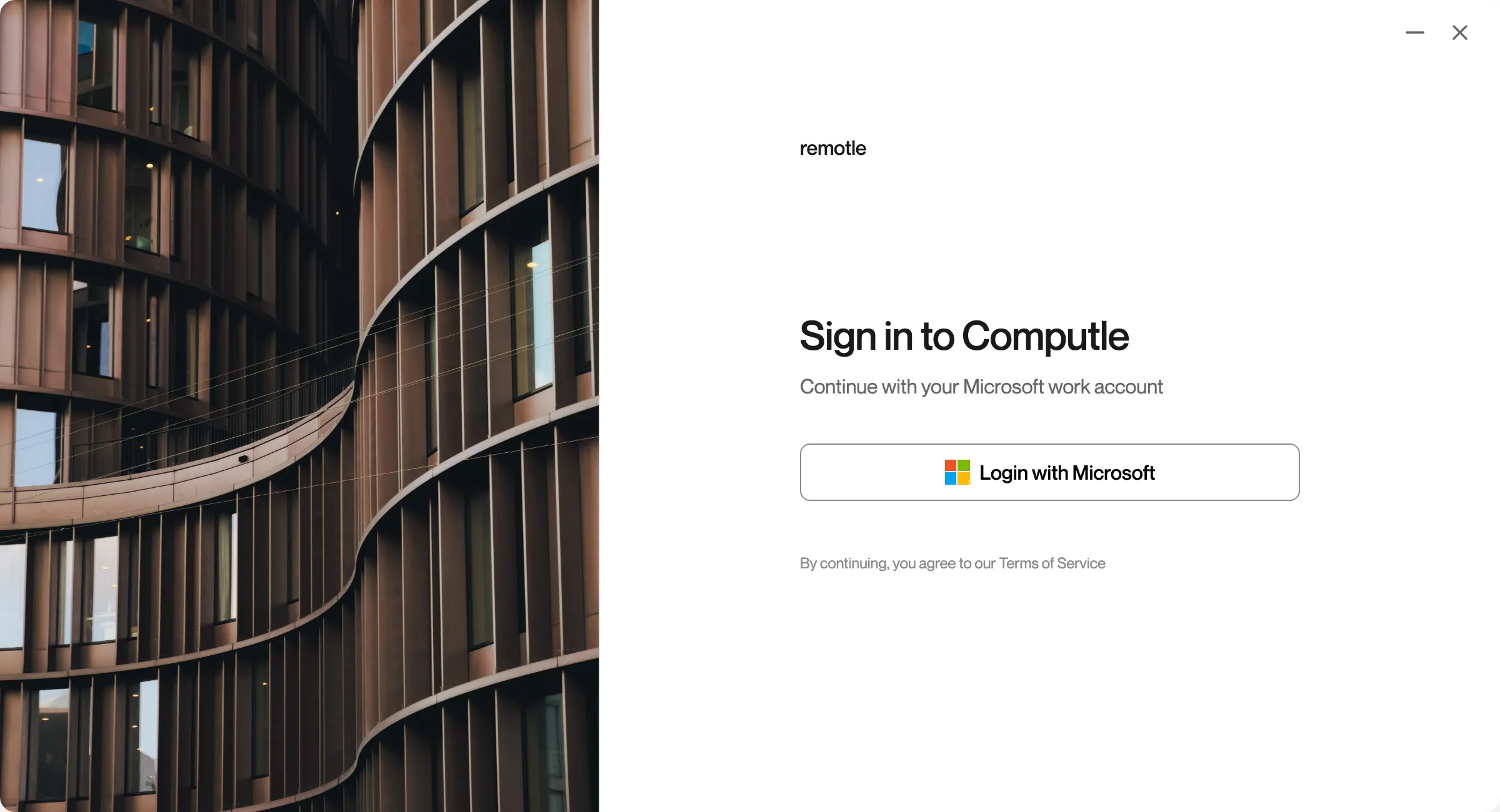
Open Computle (Remotle) from Applications and sign in.
The first screen is the sign-in screen. Sign in with your Computle account to see the workstations assigned to you. See Sign In.
What the Mac installer puts on your Mac
Section titled “What the Mac installer puts on your Mac”| Item | Detail |
|---|---|
| App | /Applications/Computle (Remotle).app |
| Logs | ~/Library/Logs/Computle/, one file per launch |
| Kiosk terminal support | A helper that does nothing until your administrator enrols the Mac |
The first time you use your camera, microphone or a system shortcut such as Command+Tab, macOS asks for permission. See Mac Permissions.
To remove Remotle, see Uninstall.
Questions
Section titled “Questions”Why does the installer ask to run a program before it starts?
Section titled “Why does the installer ask to run a program before it starts?”The package checks that this Mac has Apple silicon and macOS 13 or later before anything is installed. Click Allow to run the check.
Can I install without kiosk terminal support?
Section titled “Can I install without kiosk terminal support?”Yes. On Installation Type, click Customise and untick Kiosk terminal support before you click Install.