Download and Install
Install on iPad and iPhone
This page is for end users installing Remotle on their own iPad or iPhone. The app is called Computle on the App Store.
Install
Section titled “Install”-
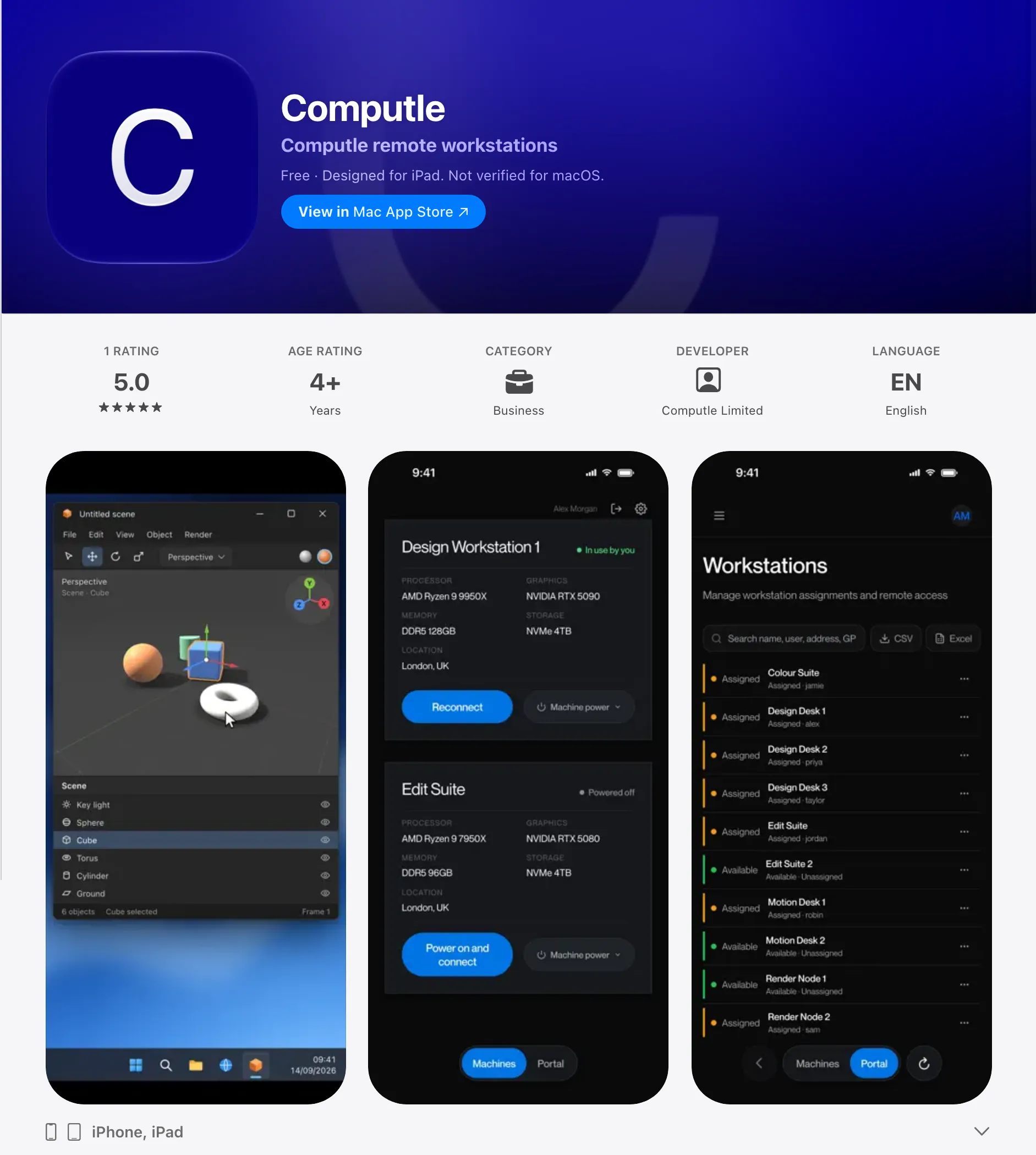
Open the App Store and search for Computle.
The app is published by Computle Limited and needs iPadOS or iOS 17 or later. You can also open it from this link: Computle on the App Store.
-
Tap Get, then Install.
The App Store may ask you to confirm with Face ID, Touch ID or your Apple Account password.
-
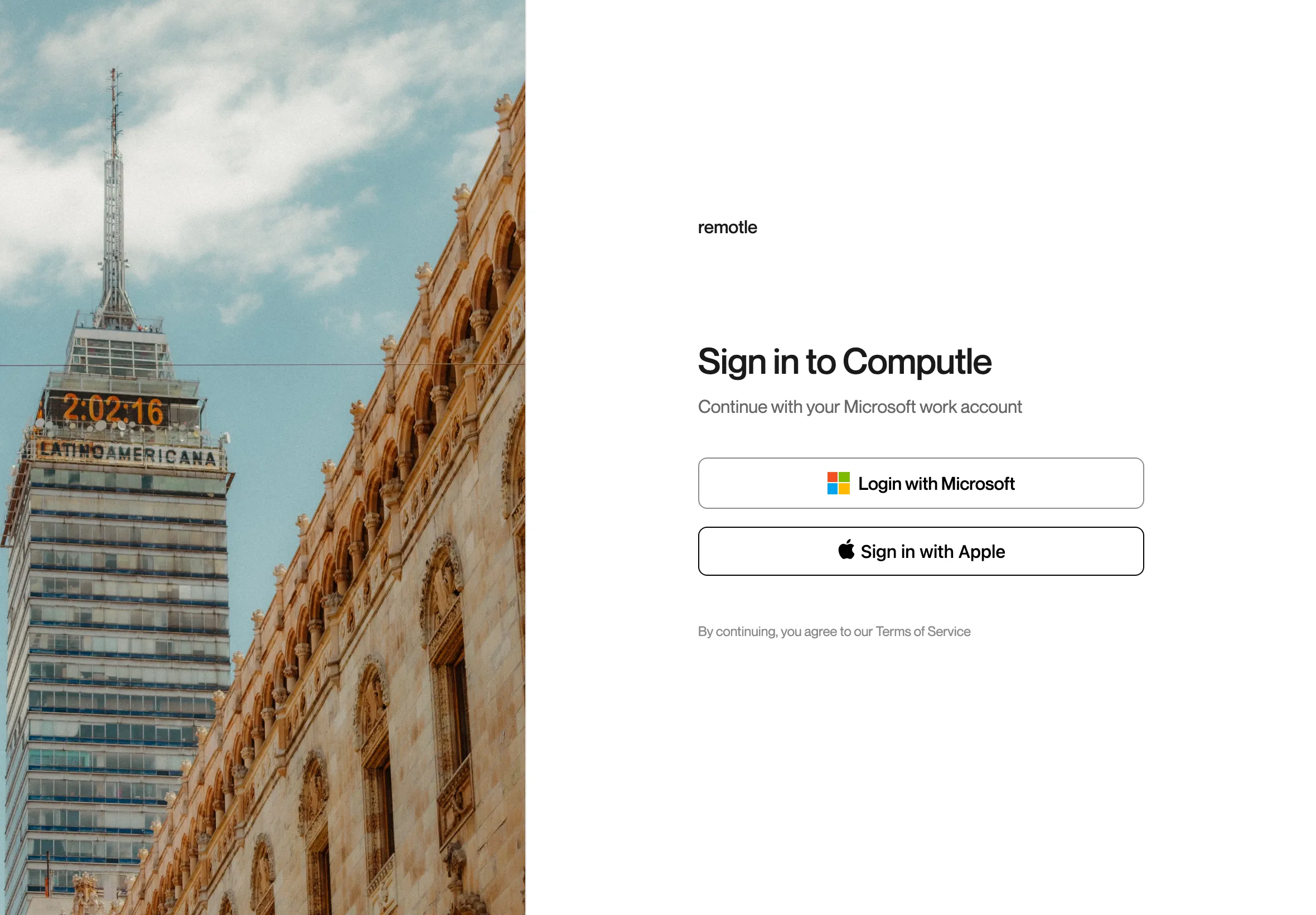
Open Computle and sign in.
Sign in with your Microsoft Entra ID work account or with Apple. The Microsoft and Apple sign-in pages open over the app. Complete them there to carry on.
-
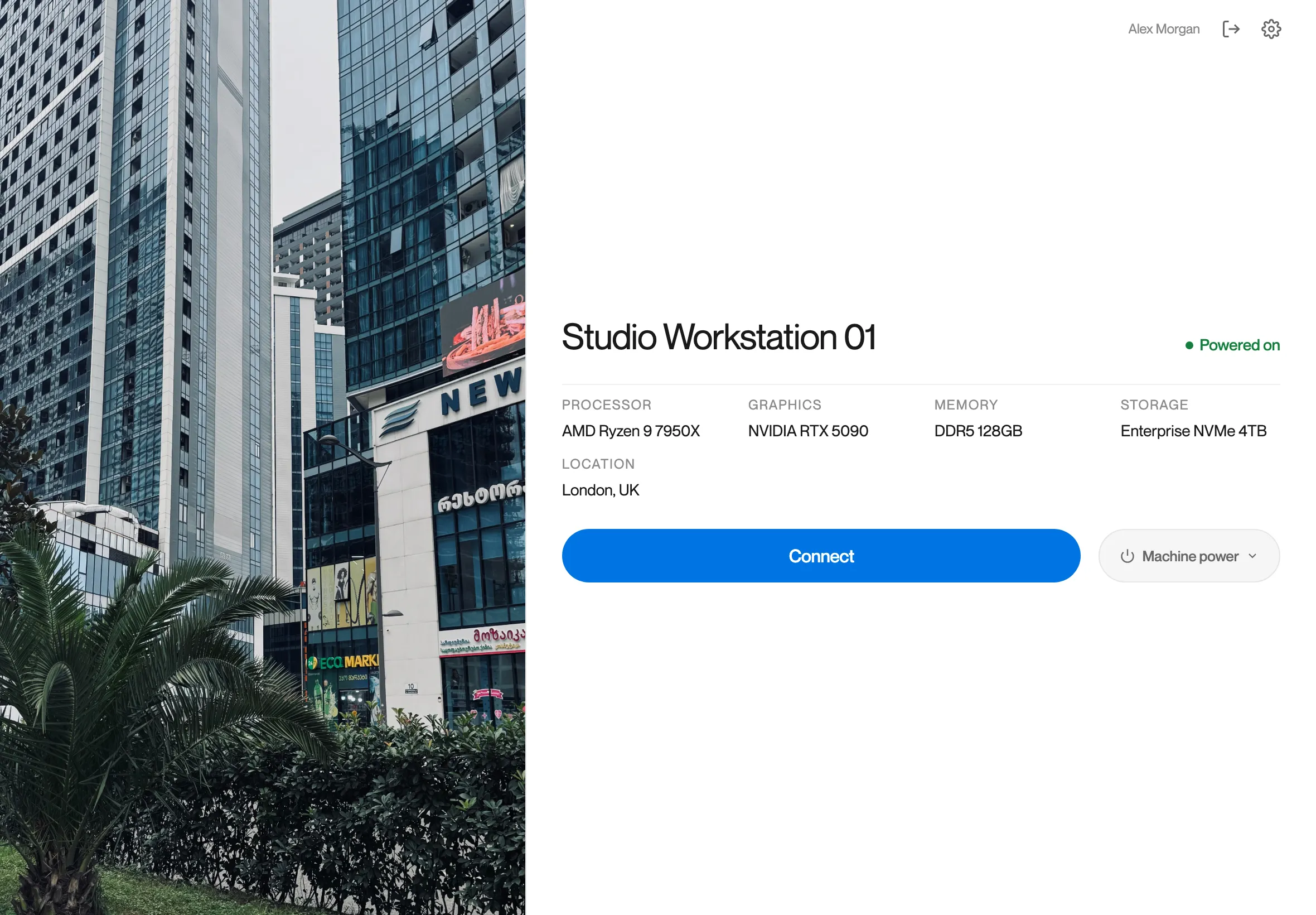
Tap Connect on your workstation.
Your assigned workstations are listed. See Connecting.
Updates arrive through the App Store. See iPad and iPhone for the touch controls.
Questions
Section titled “Questions”Why is the app called Computle rather than Remotle?
Section titled “Why is the app called Computle rather than Remotle?”The App Store listing uses the company name. It is the same Remotle client as on Windows, Mac and Linux, and signs in with the same account.
Can I use the app on a Mac with Apple silicon?
Section titled “Can I use the app on a Mac with Apple silicon?”Install the Mac app instead. See Install on a Mac.