Installing the Host
What the installer does
This page is for the administrator who wants to know what the Windows installer changes before running it. For the Linux packages, see Installing on Linux.
What the installer does
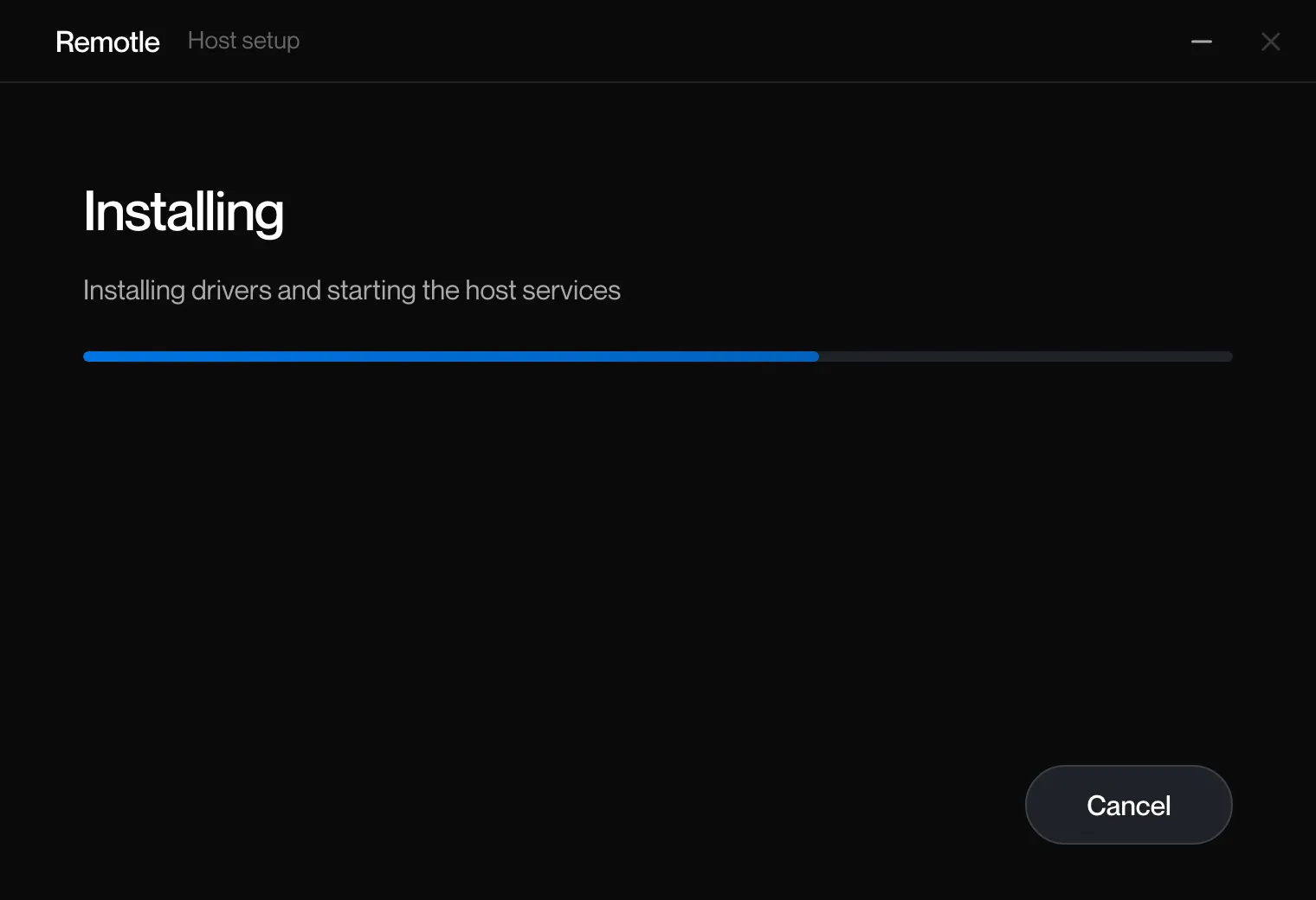
Section titled “What the installer does”The setup window shows these as Stopping services, Copying files, Applying settings, Adding shortcuts, Installing drivers and starting the host services, and Finishing.
| Item | Value |
|---|---|
| Scope | Per machine |
| Program folder | C:\Program Files\Computle\Remotle\, with bin (programs), lib (libraries), drivers and licenses |
| Data folder | C:\ProgramData\Computle\ |
| Start menu | Computle, Computle (Remotle) Host, which opens the Host Status Window |
| Services | Eight services, listed on The Remotle Host. All start automatically. |
| Drivers | Computle Virtual Display Adapter, Computle Virtual HID Mouse, Computle Virtual Audio, Computle USB VHCI. All Microsoft attestation-signed. |
| Settings written | Codec = h265 under HKLM\SOFTWARE\Computle\Remotle, and the install folder under HKLM\SOFTWARE\Computle\Remotle\Host. See Host Settings. |
| Crash dumps | Windows Error Reporting is set to keep the newest five minidumps of each host program in C:\ProgramData\Computle\CrashDumps\. See Host Logs. |
| Firewall | No rule is added. Inbound rules named “Computle Stream” or opening port 1996, left by an earlier version, are removed. The host listens on no port and uses no UPnP. |
| Installed apps | Computle (Remotle) Host, publisher Computle |
The installer runs its driver and service steps through a PowerShell script, host-setup.ps1, as SYSTEM. The script, the devcon tool and Computle’s trust roots are carried inside the installer, unpacked to a temporary folder only while the step runs. Its output is in the setup log. Antivirus and EDR lists what an endpoint product may report during this step.
An upgrade also clears files an earlier layout left in bin, so an upgraded workstation ends with the same folders as a fresh install.
Related
Section titled “Related”- Installing the Host
- Installing on Windows
- Upgrade, repair and uninstall
- Antivirus and EDR
- Host Settings
Questions
Section titled “Questions”Does the installer open any ports?
Section titled “Does the installer open any ports?”No. It adds no firewall rule. It removes inbound rules left by an earlier version of the software. The host makes outbound connections only.
Does the installer need internet access?
Section titled “Does the installer need internet access?”No. Everything is in the package. The host needs internet access once it runs, to register and to check for updates.