Installing the Host
Installing on Linux
This page is for the person who installs the Remotle host on a Linux workstation. You need root access to the workstation. Check Host Requirements for the supported distributions.
Packages
Section titled “Packages”Computle supplies two packages for each build. Install both together.
| Package | Contents |
|---|---|
computle-enrolment | The host’s identity with Computle. Versioned by date, for example 2026.9.29. |
computle-host | The host. Versioned by release, for example 2026-10-11-2304 (2026.10.11.2304 in the RPM file name). |
| Distribution | Files |
|---|---|
| Ubuntu, Debian | computle-enrolment_<version>_amd64.deb, computle-host_<release>_amd64.deb |
| Rocky Linux, RHEL, AlmaLinux | computle-enrolment-<version>-1.el8.x86_64.rpm, computle-host-<release>-1.el8.x86_64.rpm |
| SUSE Linux Enterprise | computle-enrolment-<version>-1.suse15.x86_64.rpm, computle-host-<release>-1.suse15.x86_64.rpm |
The el8 packages install on Rocky, RHEL and Alma 8, 9 and 10. aarch64 packages exist for 64-bit Arm.
Install
Section titled “Install”-
Add the kernel module packages the host needs.
Distribution USB devices ( vhci-hcd)Camera ( v4l2loopback)Ubuntu linux-modules-extra-$(uname -r). Cloud and minimal images do not include it.v4l2loopback-dkms(universe)Debian In the standard kernel v4l2loopback-dkmsRocky, RHEL, Alma 8 and 9 kmod-usbipfrom ELRepokmod-v4l2loopbackfrom ELRepoRocky, RHEL, Alma 10 kmod-usbipfrom ELRepokmod-v4l2loopbackfrom RPM Fusion (free)SUSE Linux Enterprise kernel-default-extrav4l2loopback-kmp-defaultThe host works without them; USB devices and the camera do not.
-
Install the packages.
sudo apt-get install -y ./computle-enrolment_*.deb ./computle-host_*.debFor a silent install, set
DEBIAN_FRONTEND=noninteractive.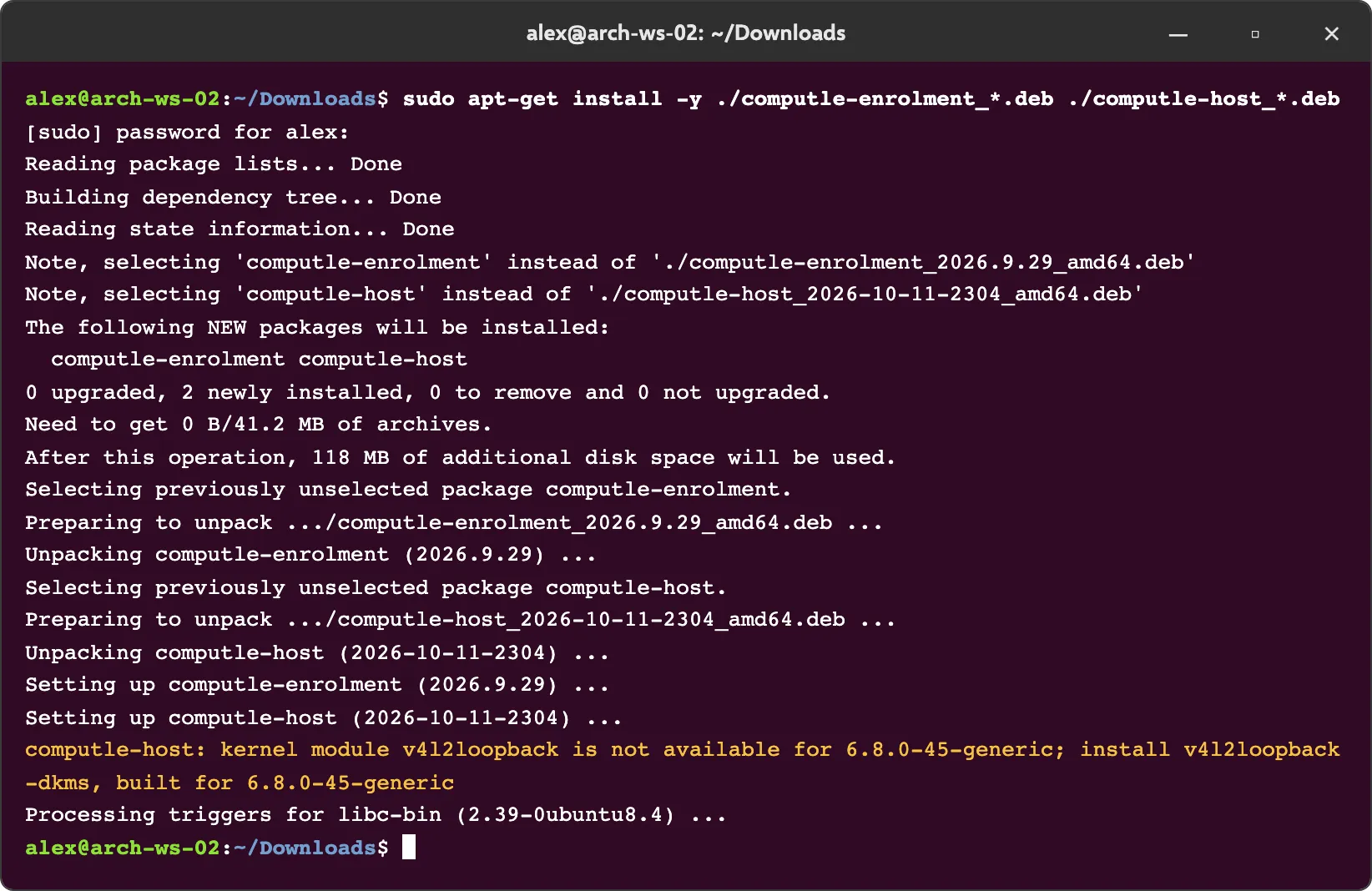 sudo dnf -y install ./computle-enrolment-*.el8.*.rpm ./computle-host-*.el8.*.rpm
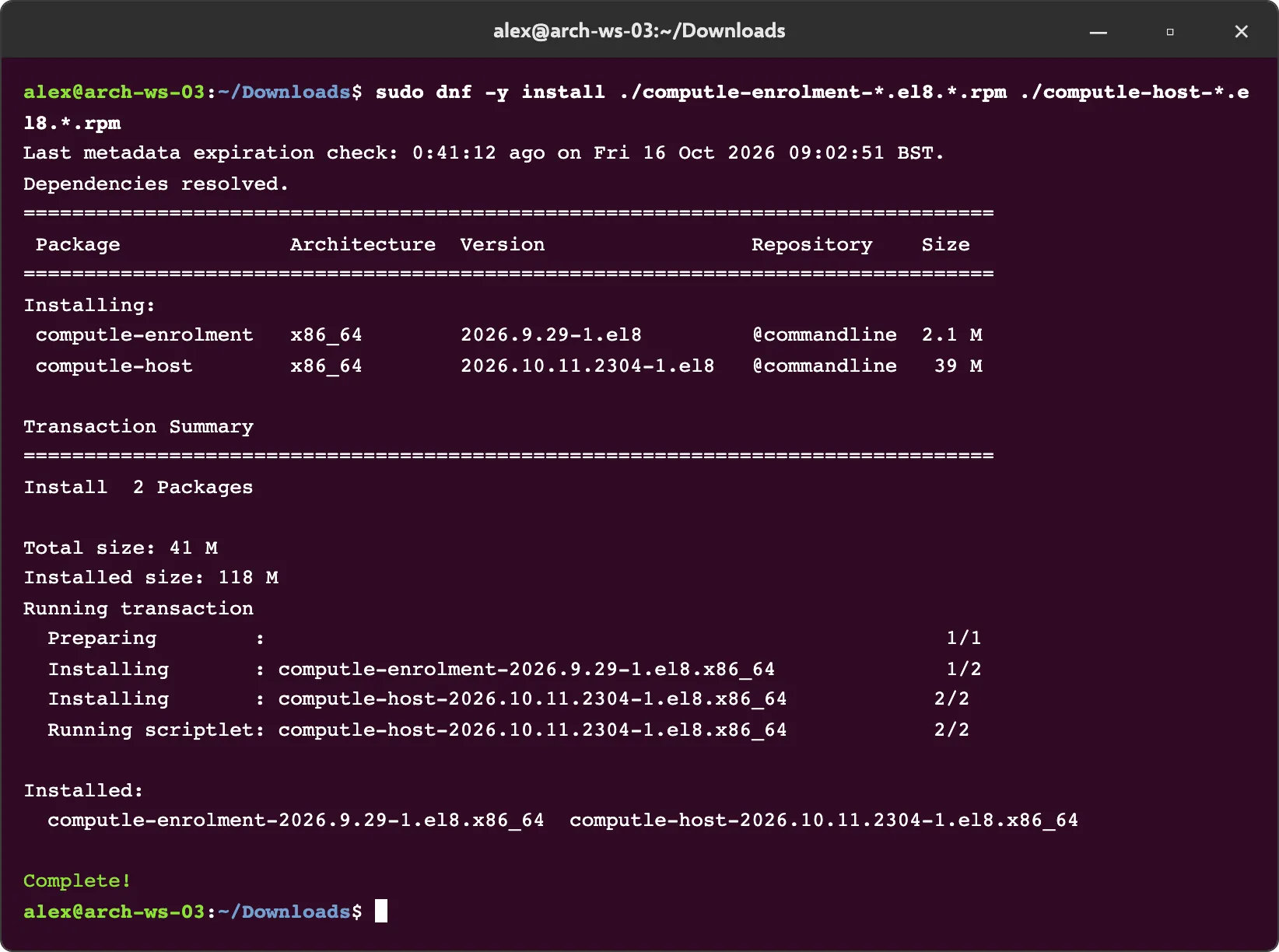 sudo zypper -n install --allow-unsigned-rpm ./computle-enrolment-*.suse15.*.rpm ./computle-host-*.suse15.*.rpm
The package reports any kernel module it cannot load, in the form “computle-host: kernel module
<module>is not available for<kernel>; install<package>”. Install the named package and the module loads at the next boot. -
Sign out and sign in again.
The session agent starts with the next GNOME session, the login screen included. A GNOME Shell extension for the pointer is enabled at the same time.
-
Check the host.
systemctl status computle-hostdcat /usr/lib/computle-host/VERSIONcomputle-hostdreads active (running) and the version file names the release you installed.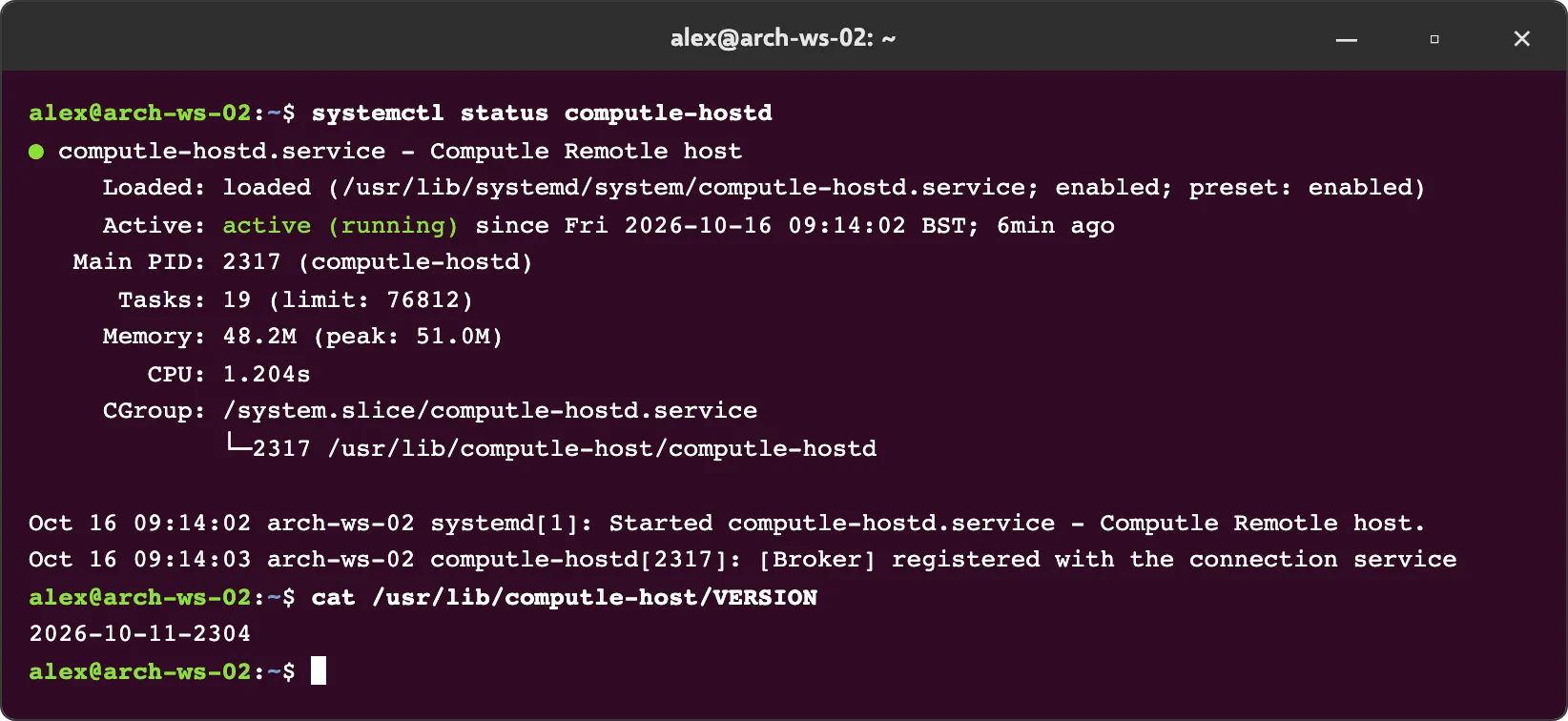
-
Enrol the host.
What the package does
Section titled “What the package does”| Step | Detail |
|---|---|
| Service account | Creates the computle-host user and computle group. The install fails if they cannot be created. |
| Folders | /etc/computle (root, group computle), /var/lib/computle and /var/log/computle (owned by computle-host, mode 0750) |
| Kernel modules | Loads vhci-hcd, v4l2loopback and uinput and adds udev rules for them |
| SELinux | Labels the host binaries bin_t |
| Polkit | Allows computle-host one action, setting the system clock, so the host can set the time from the connecting device |
| GNOME Shell extension | Enables [email protected] for every user and the login screen, through a locked dconf setting |
| PAM | Installs pam_computle_logon.so and /etc/pam.d/computle-logon, used only where an administrator has set up silent logon |
| Units | Enables every system unit and, for all users, every user unit, then starts them |
| Item | Value |
|---|---|
| Program folder | /usr/lib/computle-host/, and /usr/bin/computle-session |
| Configuration | /etc/computle/ |
| Data | /var/lib/computle/ |
| Version | /usr/lib/computle-host/VERSION |
Upgrade
Section titled “Upgrade”Install the newer packages with the same command. The maintainer script restarts the host services, in each signed-in user’s session as well. Settings in /etc/computle/ are kept.
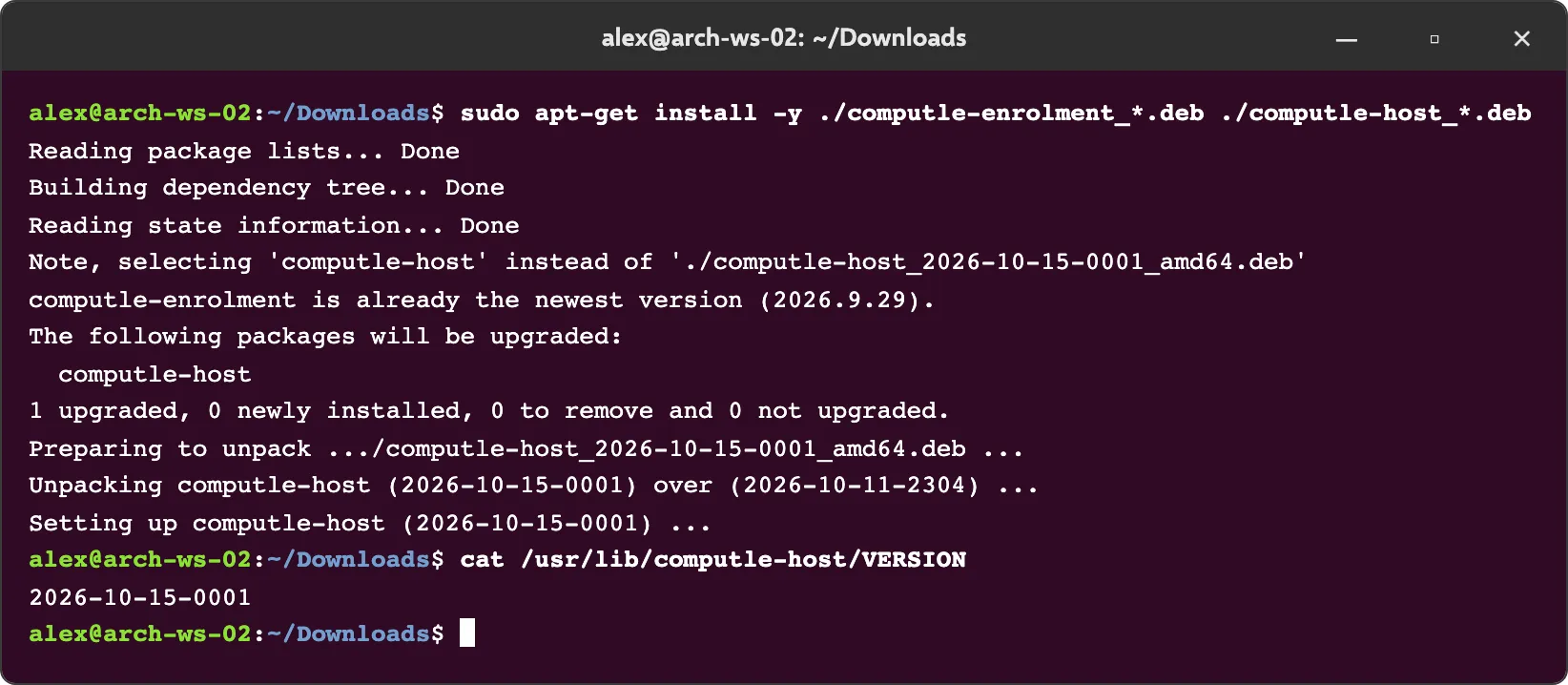
Hosts also update themselves. See Host Updates.
Uninstall
Section titled “Uninstall”Remove computle-host with your package manager. Removing stops and disables every unit and removes the GNOME Shell extension setting.
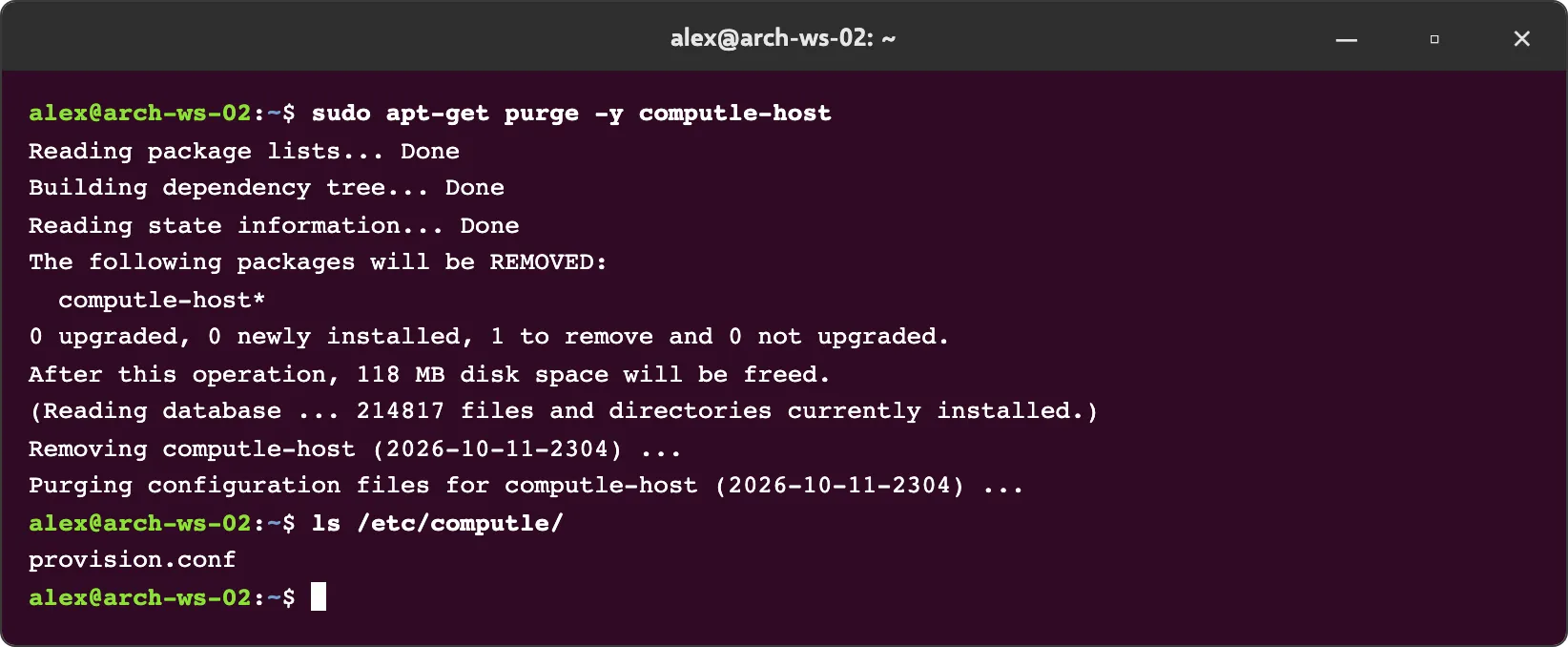
On Ubuntu and Debian, purging the package (apt-get purge computle-host) also removes /var/lib/computle, /var/log/computle, the updater’s state and /etc/computle/update.conf. /etc/computle/provision.conf belongs to enrolment and stays.
Related
Section titled “Related”Questions
Section titled “Questions”The install printed a line about a kernel module. Did it fail?
Section titled “The install printed a line about a kernel module. Did it fail?”No. The package installed and the host runs. The line names a module the kernel does not have, and the package that provides it. Without vhci-hcd USB devices do not work; without v4l2loopback the camera does not. Install the named package.
Where is the status window?
Section titled “Where is the status window?”There is none on Linux. The same facts are in two status files and the service manager; see Opening the Host Status Window.