Sign In and Connect
The Machine List
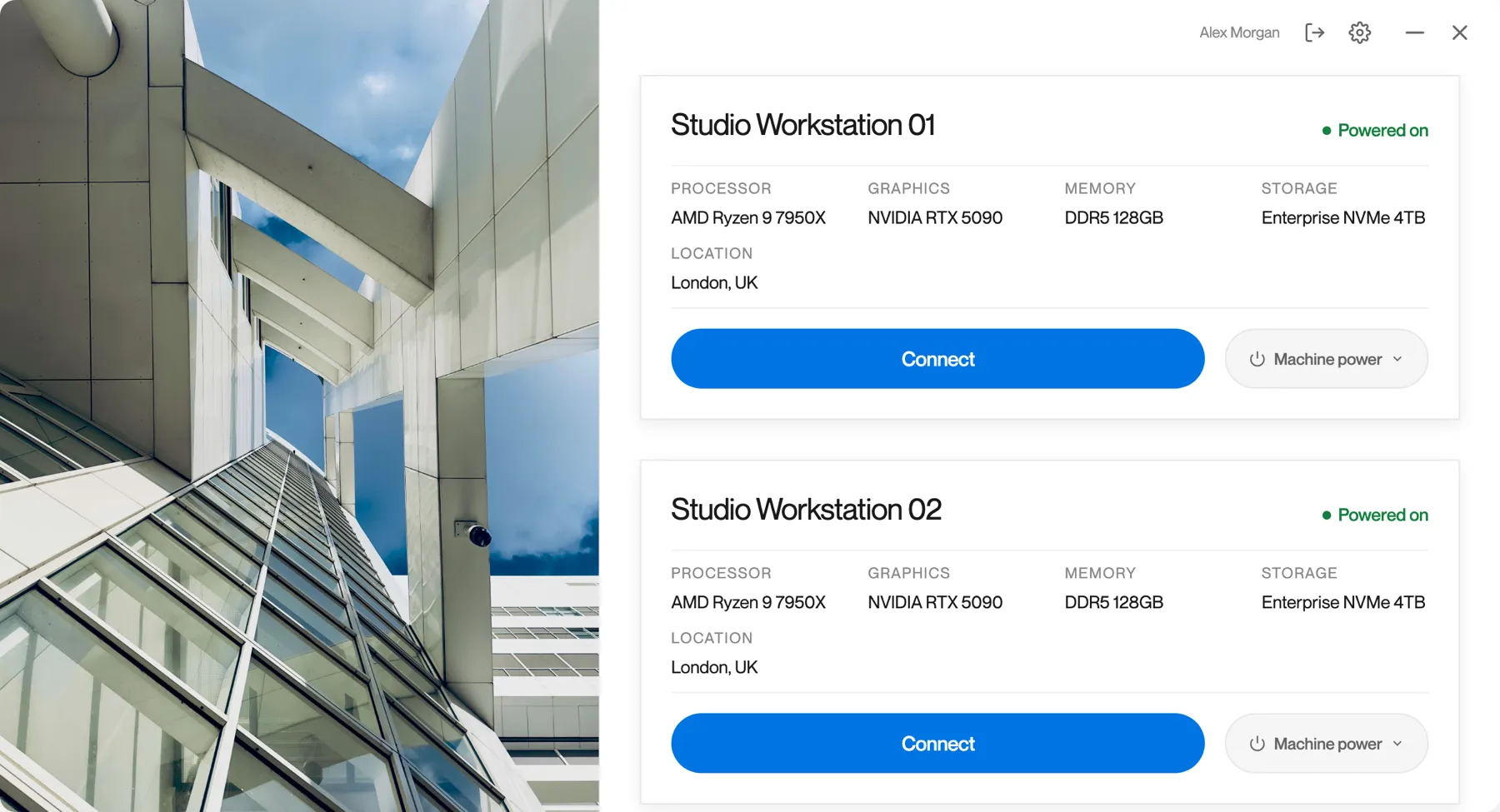
After you sign in, Remotle lists the workstations assigned to you under Your machines.
Your machines
Section titled “Your machines”-
Read the top bar.
Your name is at the top, with the Sign out icon and the Settings cog. Settings holds Logs, Diagnostics, Preferences and About. See Check your version.

-
Find your workstation card.
Each workstation assigned to you is a card showing its name, status and hardware, with a Connect button and a Machine power menu.
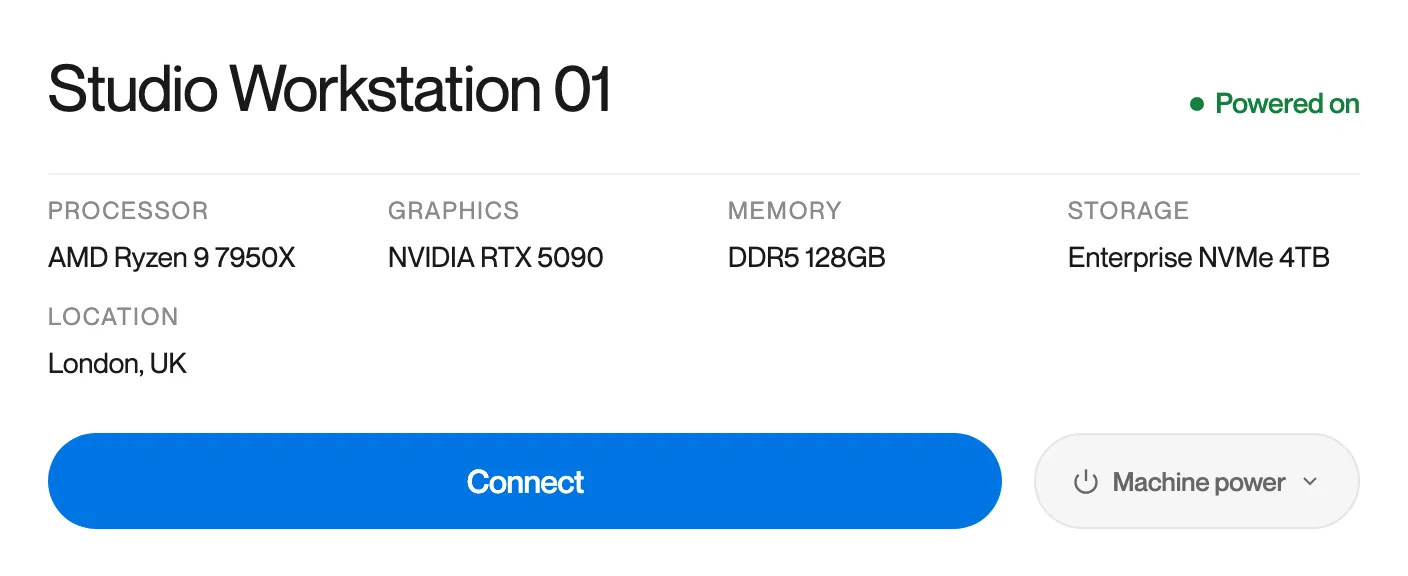
On the card Meaning Name The name your administrator gave the workstation Status See Workstation status Processor, Graphics, Memory, Storage The workstation’s hardware, so you can tell your machines apart Location Where the workstation is Connect Connects you. See Connecting. Machine power Restart or power on the workstation without connecting. See Machine power. -
With more than one workstation, scroll the list.
The cards are listed one below the other. The list updates by itself when your administrator assigns or removes a workstation.
Workstation status
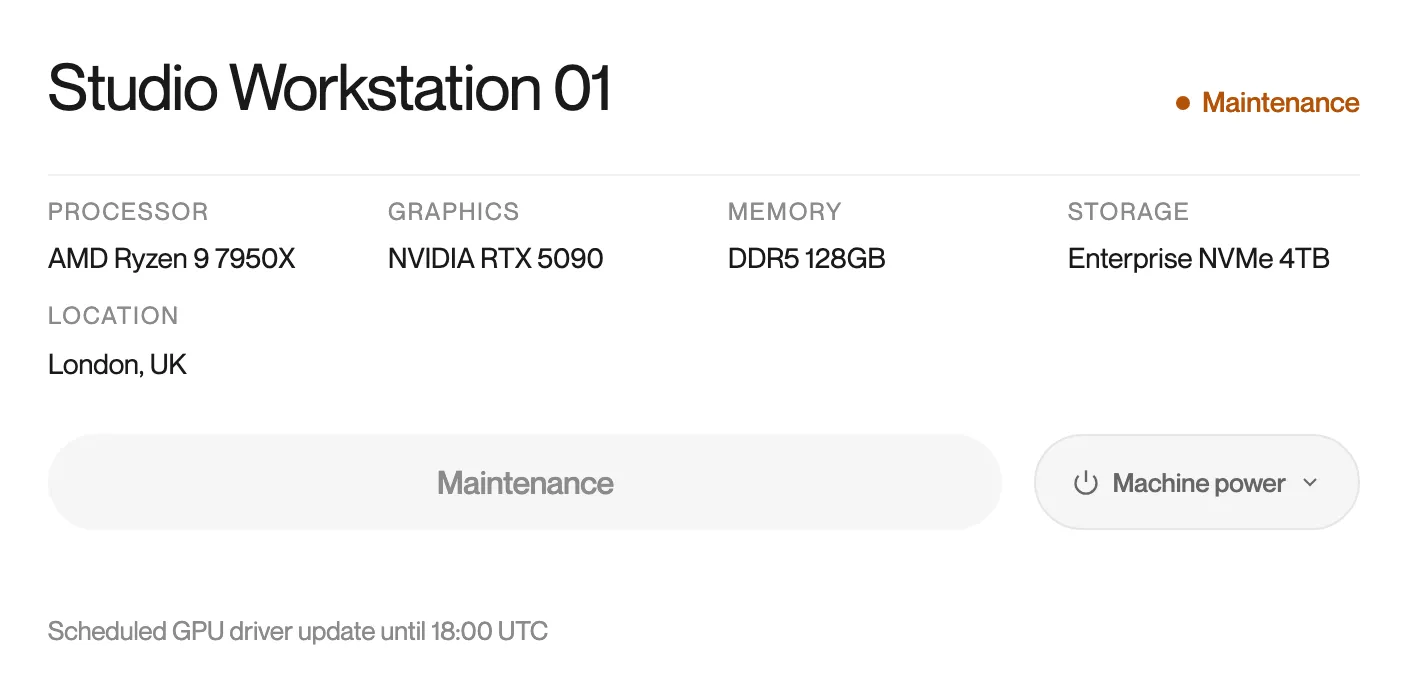
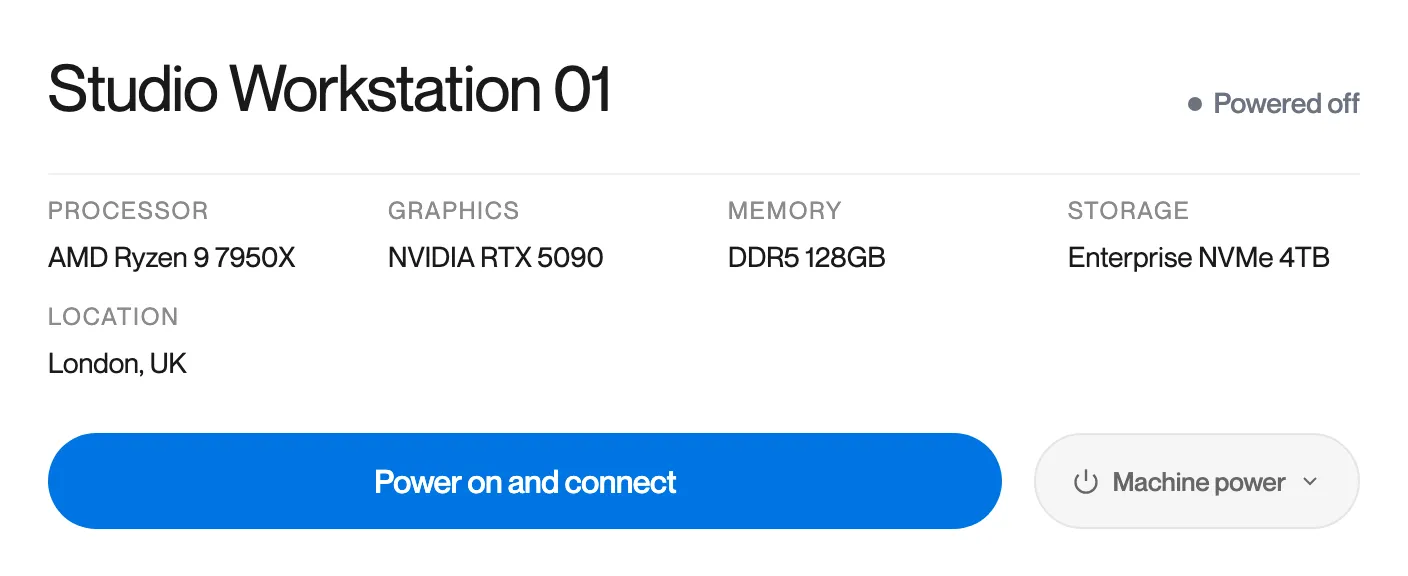
Section titled “Workstation status”| Status | Meaning | Button |
|---|---|---|
| Powered on | Ready to connect. | Connect |
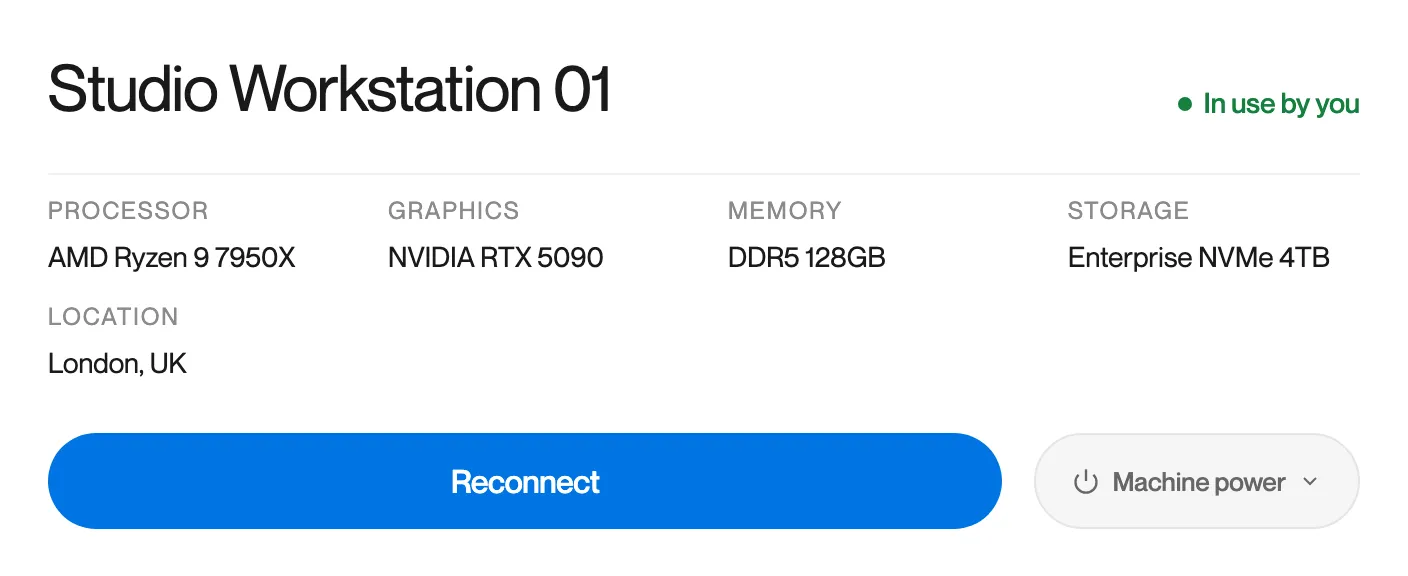
| In use by you | You have a session open on this workstation from another device, or from this one. | Reconnect |
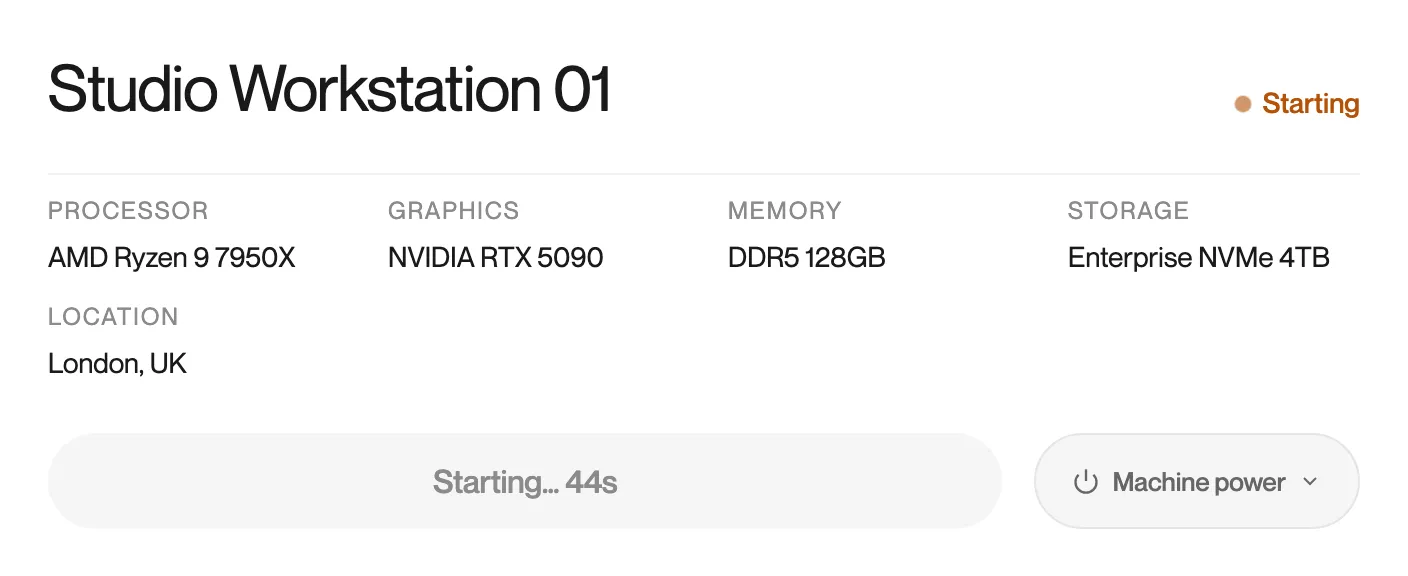
| Starting | The workstation is starting. The button counts the seconds since it began. | Starting… |
| Maintenance | The workstation is under maintenance and cannot be connected to. The reason, if your administrator gave one, is shown under the card. | None |
| Powered off | The workstation is switched off. Power on and connect starts it and connects you once it is up. | Power on and connect |
| Connecting | Remotle is connecting to this workstation. | Cancel |
Machine power
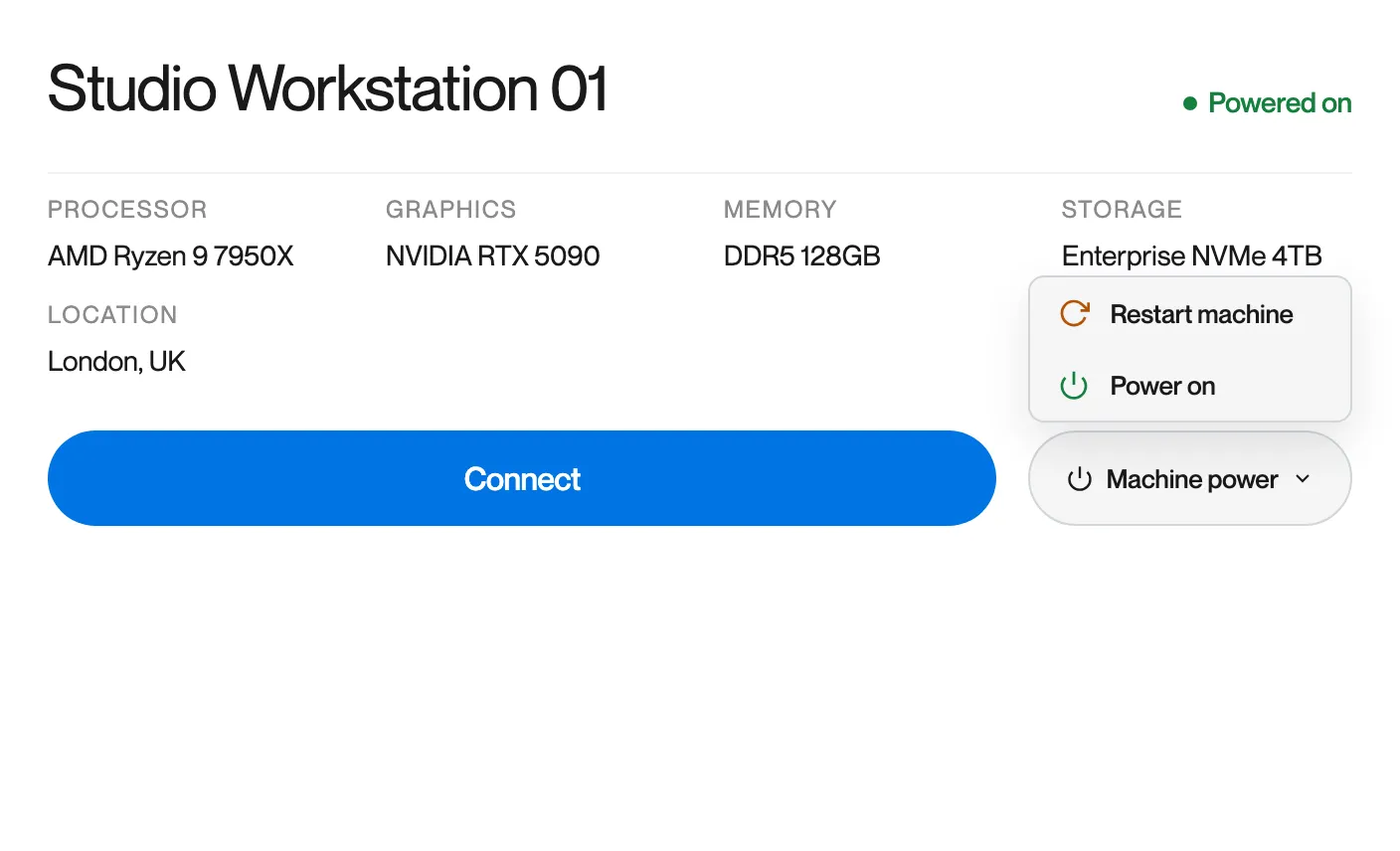
Section titled “Machine power”Click Machine power on a card to restart or power on the workstation without connecting. Remotle asks you to confirm, then sends the command and shows the result.
| Action | Confirmation | Use it when |
|---|---|---|
| Restart machine | Restart machine? Any unsaved work will be lost. The machine will take a few minutes to restart. | The workstation is on but not responding as it should. |
| Power on | Power on machine? The machine will take a few minutes to start up and become available. | You want the workstation started before you connect. |
No workstation yet
Section titled “No workstation yet”If no workstation is assigned to you, Remotle greets you by name and asks you to contact your administrator. The screen checks again by itself. Click Check again to check now. The reference at the bottom is your support code; quote it if you contact support.
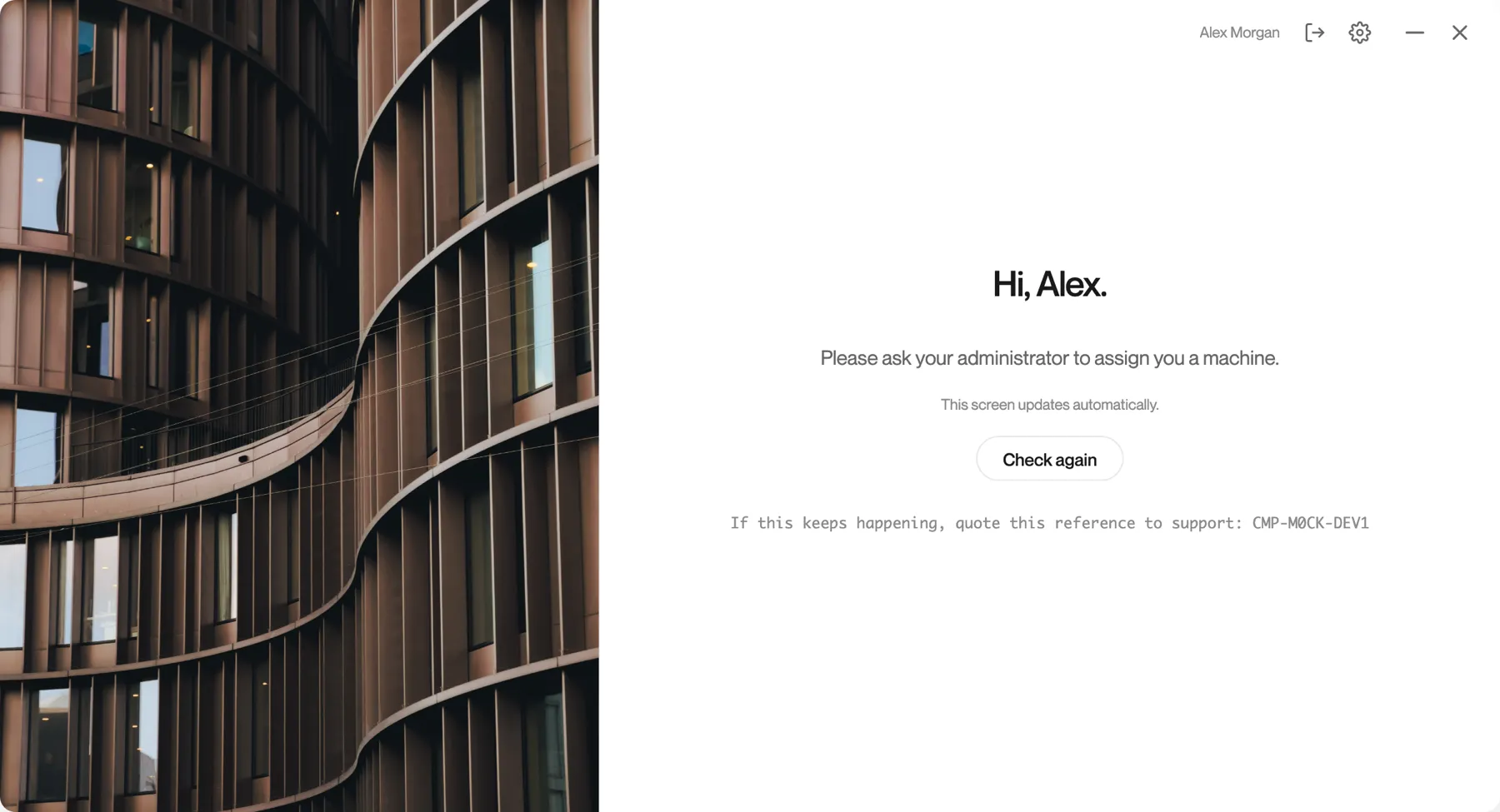
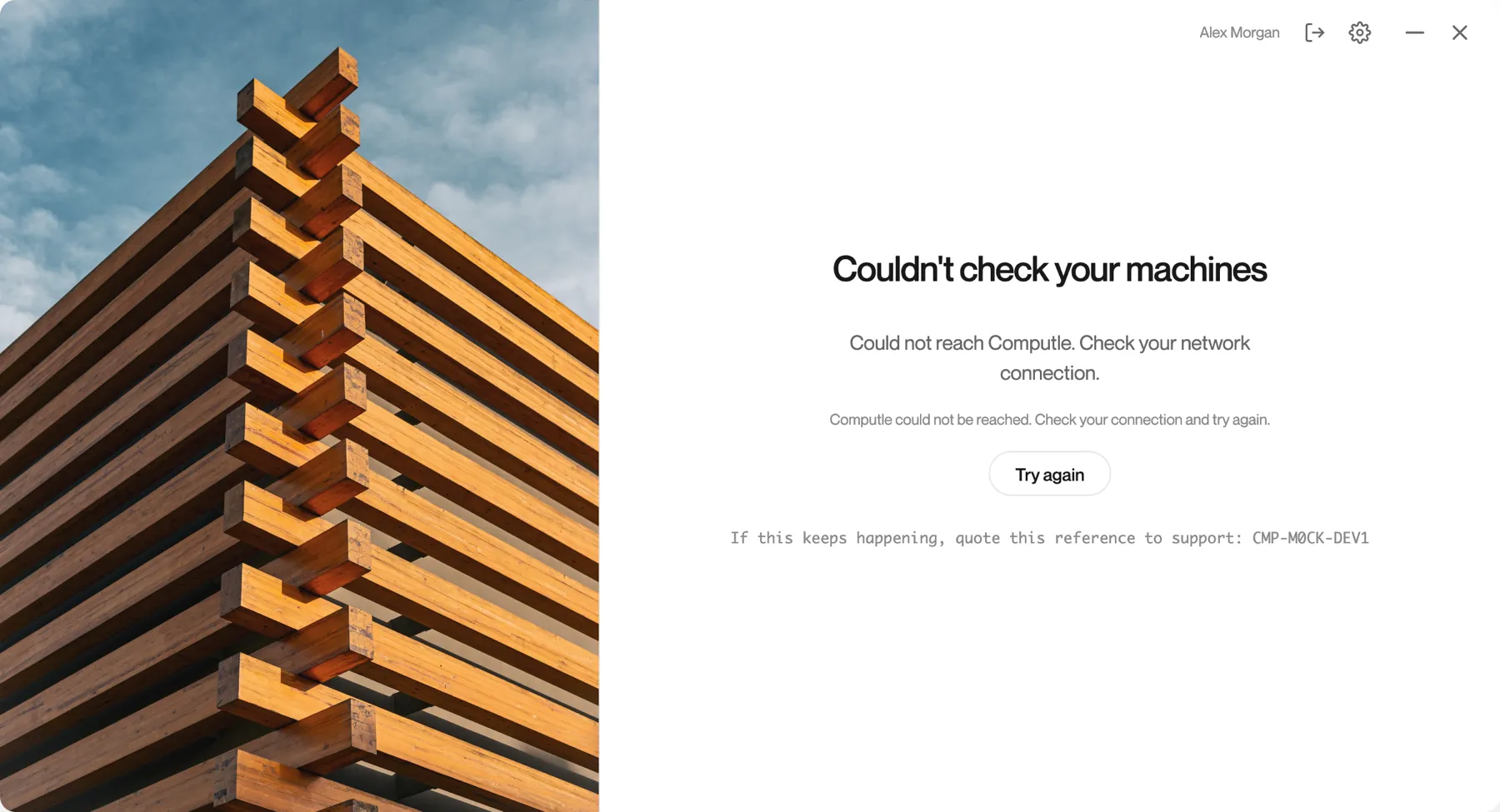
If Remotle could not reach Computle to find out, it says so instead, and never tells you that you have no machine when it does not know.
Network notices
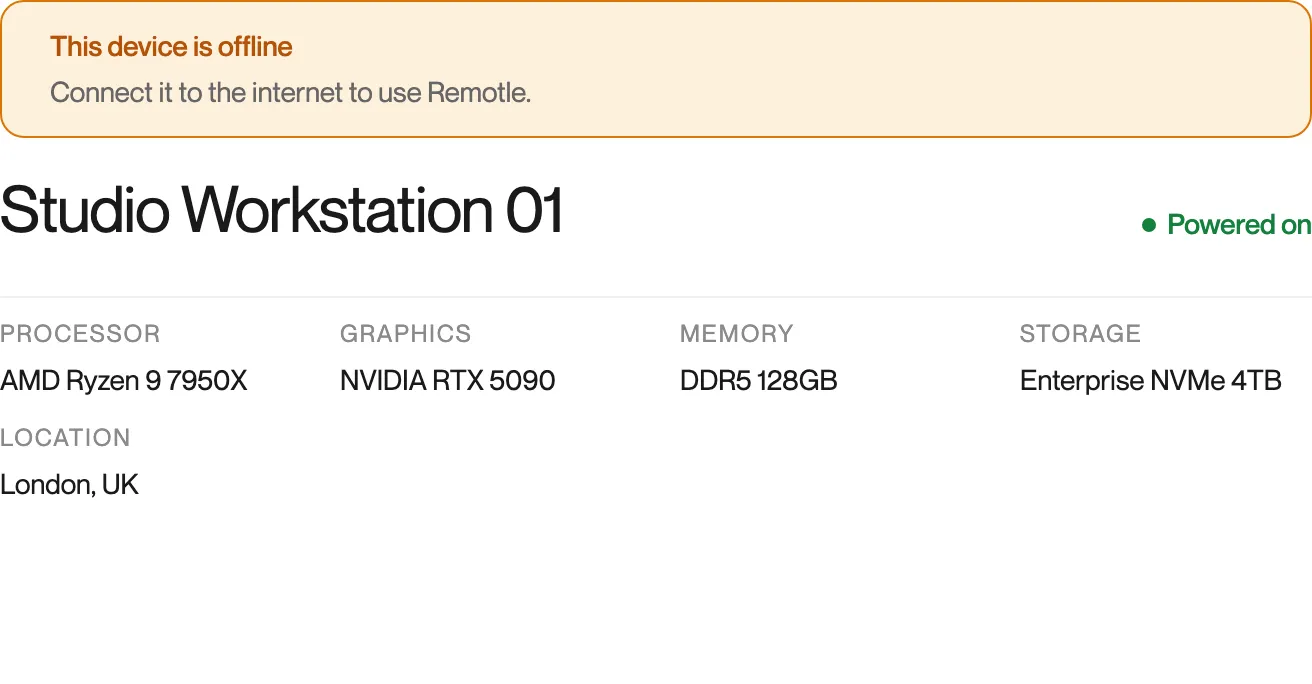
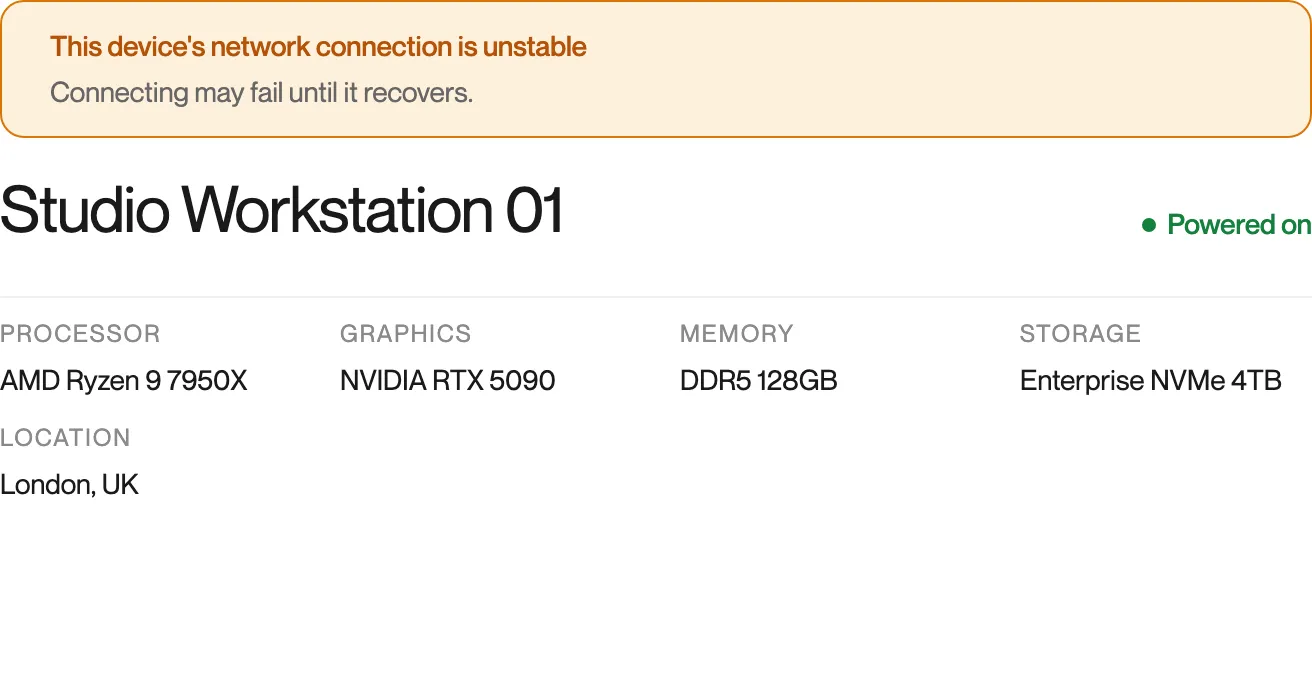
Section titled “Network notices”Remotle checks this device’s network before you connect. A notice appears above your machines when there is a problem.
Questions
Section titled “Questions”Why does my workstation say In use by you?
Section titled “Why does my workstation say In use by you?”You have a session open on it, perhaps from another device or an earlier session on this one. Click Reconnect to return to it. If you connect from a second device, Remotle asks whether to move the session or share it. See Moving Between Devices and Sharing a Session.
I can see my workstation but not connect to it. Why?
Section titled “I can see my workstation but not connect to it. Why?”Read the status on the card. Maintenance means your administrator has taken it out of service for now. Starting means wait for it to finish. Powered off means click Power on and connect. If the status is Powered on and the connection still fails, the message that appears says what to do next.