Sign In and Connect
Sign Out
Sign out when you want a different account to use this device. Remotle otherwise remembers your sign-in and opens on your machines.
Sign out
Section titled “Sign out”-
Click the Sign out icon at the top of Your machines.
It sits beside your name, to the left of the Settings cog.

-
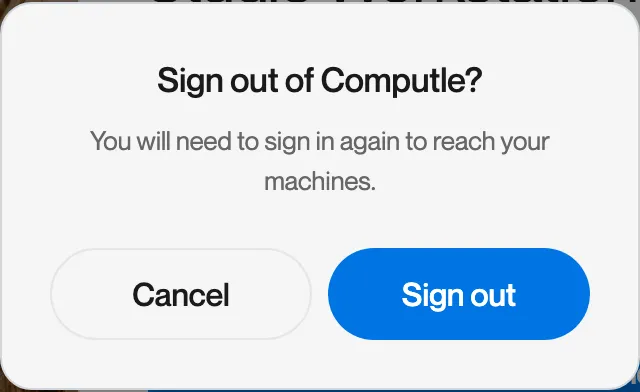
Click Sign out to confirm.
You will need to sign in again to reach your machines. Cancel keeps you signed in.
-
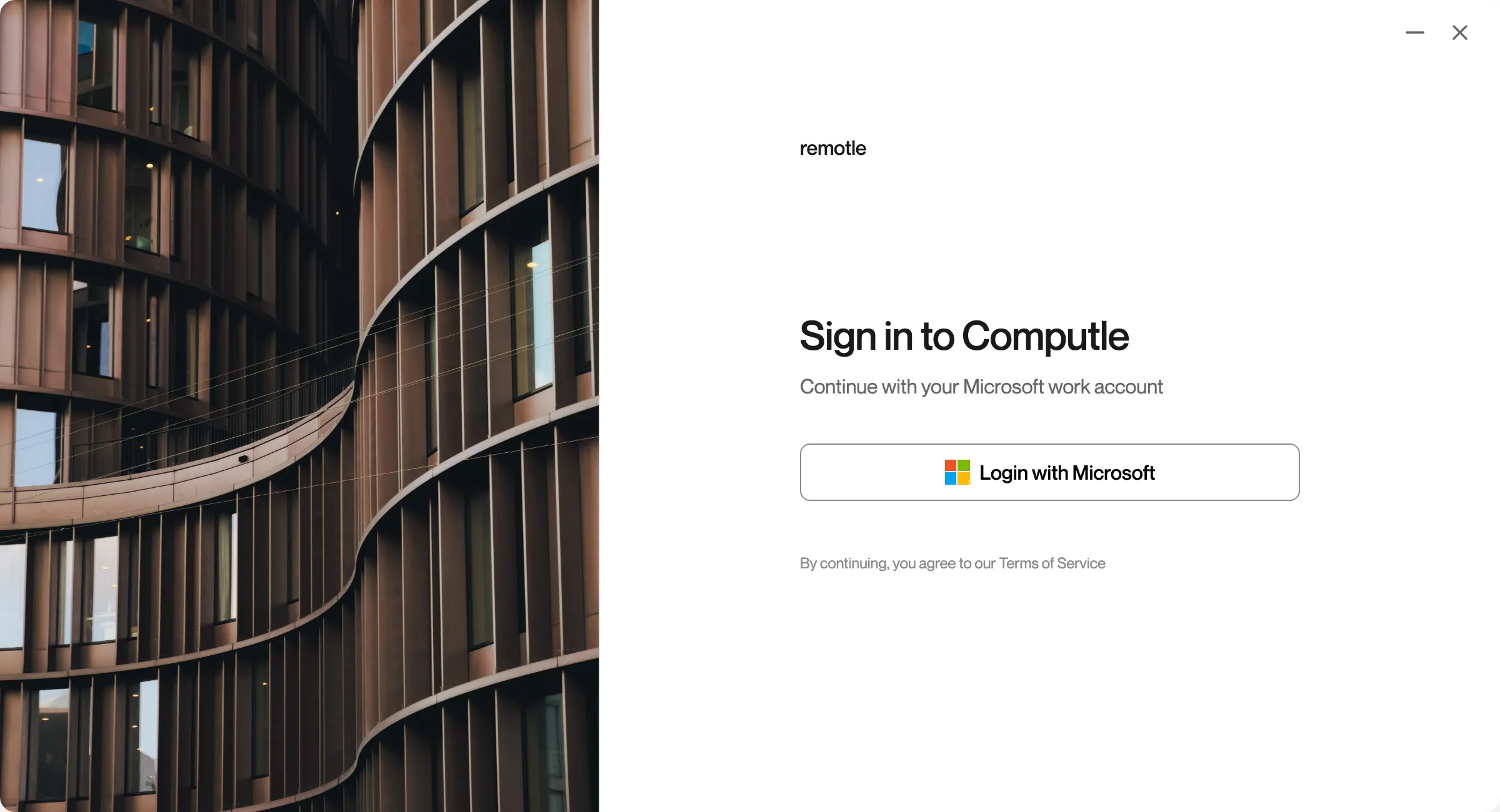
The sign-in screen returns.
Signing out of Remotle does not sign you out of Microsoft in your browser or on your phone. A session that is still open on your workstation stays open; it shows as In use by you when you sign in again.
Questions
Section titled “Questions”Do I have to sign out at the end of the day?
Section titled “Do I have to sign out at the end of the day?”No. Closing Remotle is enough. Sign out only when someone else will use Remotle on this device.