Welcome to Remotle Docs
Remotle connects you to your workstation from Windows, Mac, Linux, iPad and iPhone. Have Computle workstations managed in the Computle Portal? Go to Computle Docs.
Where to start
Section titled “Where to start” I use RemotleCheck your device, install the app, sign in and connect, then learn the session menu.
 I administer RemotleSet up workstations, assign them to users, set device features, turn on Single Sign-On and deploy the app.
 I look after IT and securityThe addresses and ports to allow, how sessions are secured, and what data is held.
Sections
Section titled “Sections”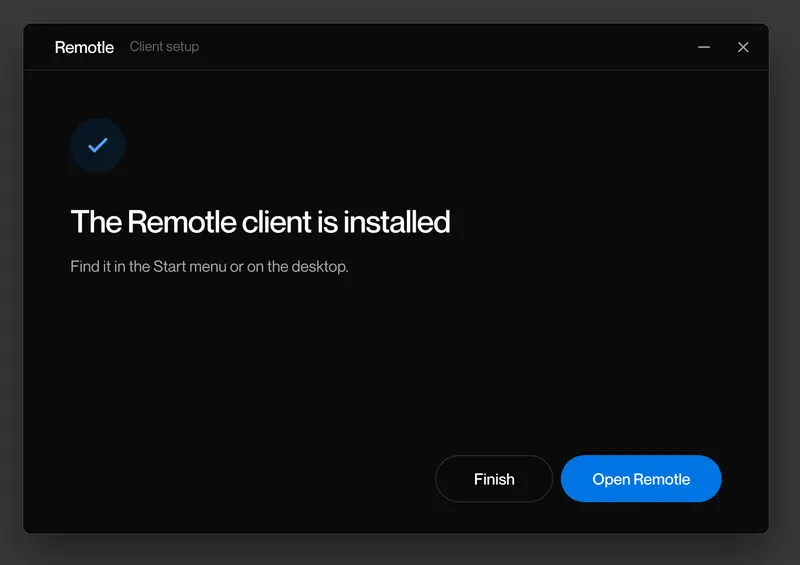 Getting StartedSystem requirements, download and install, sign in and connect.
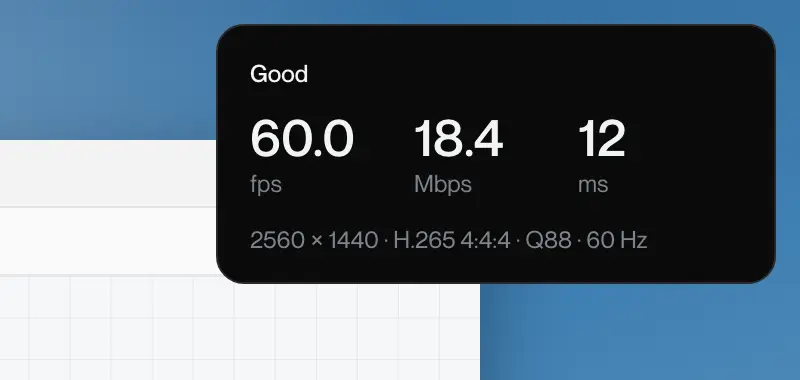 Using RemotleThe session menu, screens, keyboard, copy and paste, USB, camera, pens and updates.
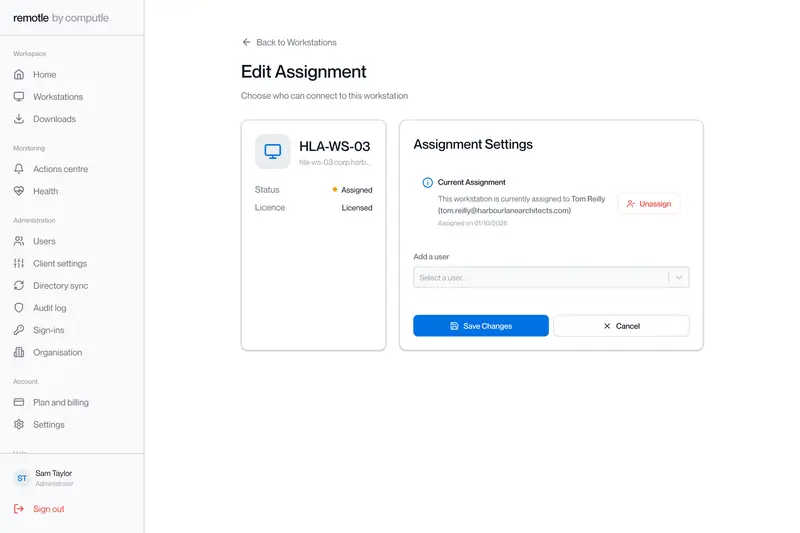 AdministrationWorkstations, assignments, users, device features, kiosks, Single Sign-On and deploying the app.
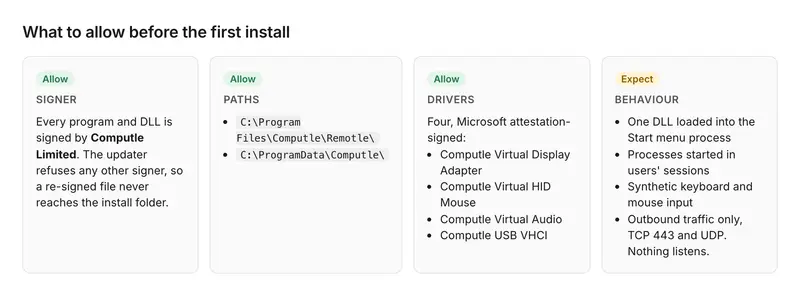 HostInstalling, updating and configuring the Remotle host, and the antivirus allow-list.
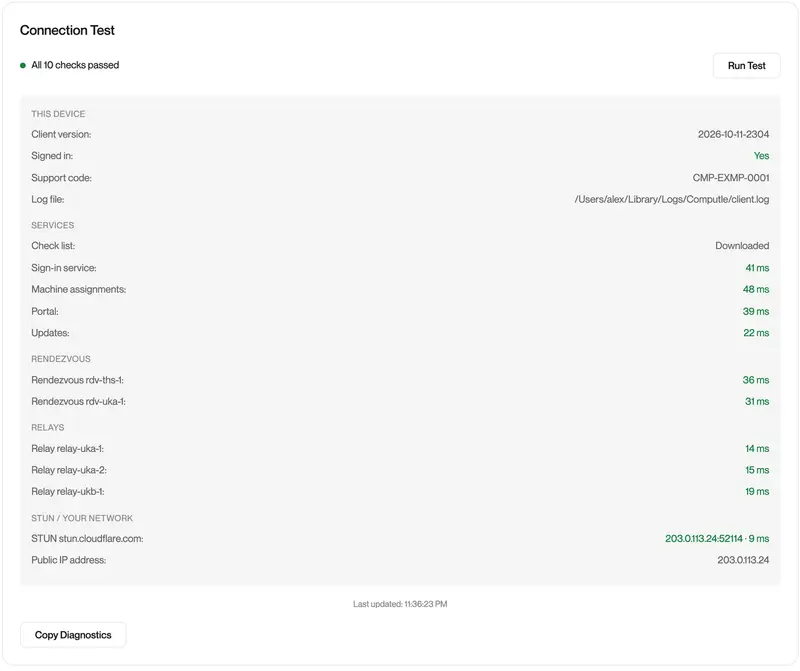 Network and SecurityAddresses and ports, encryption and verification, and privacy.
 TroubleshootingEvery message the app can show, Diagnostics, and reporting a problem.
Also: Release Notes · Glossary